

Notify the compliance team in Discord when an applicant is put on hold
When Sumsub puts an applicant on hold, FlowMattic posts a message to the Discord channel you choose, so your compliance team sees held verification cases where they already talk.
 Sumsub
 Discord
2 steps Setup ~5 min Used on 1.0k sites Free to import
What this workflow does
An applicant on hold in Sumsub is waiting on someone. If your compliance team has to keep the Sumsub dashboard open to notice, held cases can sit longer than they should. This workflow brings each one into a Discord channel your team already reads.
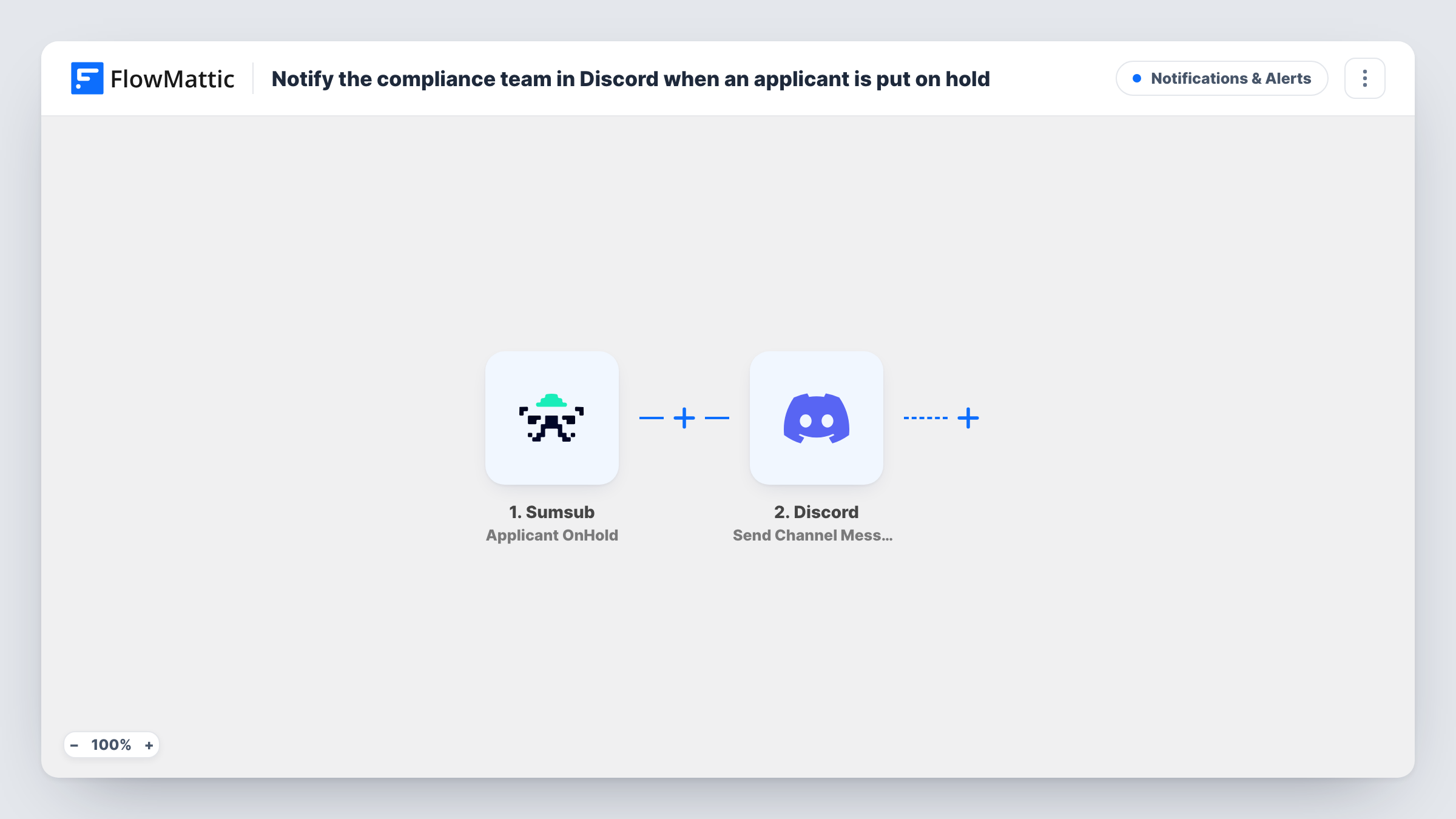
The Sumsub trigger fires when an applicant is put on hold, and passes along the data Sumsub sends about that applicant. FlowMattic then runs Send Channel Message in Discord, which posts to the channel you pick. You write the message and drop in applicant details from the trigger, such as an ID your team can search for in Sumsub.
Every on-hold event produces one message. The workflow does not change the applicant in Sumsub or decide anything about the case; the review still happens in Sumsub. Each run shows in Task History, where you can check which data arrived from Sumsub and what was posted.
Shared compliance channel for a fintech team
Analysts watch a #kyc-holds channel and pick up each held applicant from there, instead of refreshing the Sumsub dashboard.
Out-of-hours visibility
The team member on call follows the Discord channel on their phone, so a hold placed in the evening is seen without logging into Sumsub.
Handing cases to a second reviewer
A senior reviewer follows the channel and sees every applicant put on hold, which makes it easy to agree who takes each case.
How this workflow runs
What happens at each step once the workflow is on, and what you need before you import it.
 Sumsub Applicant OnHold
Fires when an applicant is put on hold in Sumsub. The data Sumsub sends about that applicant is passed on so you can use it in the Discord message.
- Discord Send Channel Message
Sends the hold alert into a Discord channel of your choice. Connect Discord on import, write the text, and insert applicant details from the Sumsub trigger so the team knows which case to open.
What you need
- FlowMatticCore
- Sumsub AccountAccount
- Discord AccountAccount
After importing, map your own data. To keep the template universal, not every step is pre-filled. Open each step in the builder and connect your accounts and fields (channels, lists, sheets, recipients) before you switch the workflow on.
Make it yours
Changes worth making after you import it.
- Post to a private Discord channel that only your compliance staff can read, since the message carries applicant data.
- Keep personal details out of the message text and include only an identifier your team can look up in Sumsub.
- Add a Delay before the Discord step if you prefer a short pause before the alert, or a Filter if only some held applicants should be posted.
Questions about this workflow
Which Sumsub event starts this workflow?
The Applicant OnHold event, which fires when an applicant is put on hold. Other applicant status changes do not start it.
Can the Discord alert include the applicant's details from Sumsub?
Yes. Anything the Sumsub trigger delivers can be mapped into the message. Run a test hold to see which fields arrive, then pick what the post should show.
Does the workflow change anything in Sumsub?
No. It only reads the on-hold event and posts to Discord. The applicant stays on hold until someone acts on it in Sumsub.
Can I post held applicants to Slack instead of Discord?
Yes. Swap the Discord step for a Slack message step in FlowMattic and map the same Sumsub data into it.
More Notifications & Alerts workflows
Other ready-to-import templates from the same category.






Import this workflow into your WordPress site
Download the JSON, import it from the Workflows screen and connect your accounts. Every run stays on your server, with no per-task fees.
30-day money-back guarantee Unlimited workflows and runs Self-hosted