

Notify the rep on Telegram when a Chili Piper meeting is canceled
When a prospect or user cancels a Chili Piper meeting, this workflow sends a Telegram message with the meeting details to the chat you set, so the rep hears about the free slot without opening Chili Piper.
 Chili Piper
 Telegram
2 steps Setup ~5 min Used on 2.8k sites Free to import
What this workflow does
A canceled sales call is easy to miss. The calendar entry disappears, and the rep may only notice when the time comes and nobody joins. A quick message about the cancellation gives them the chance to rebook the lead or use the hour for something else.
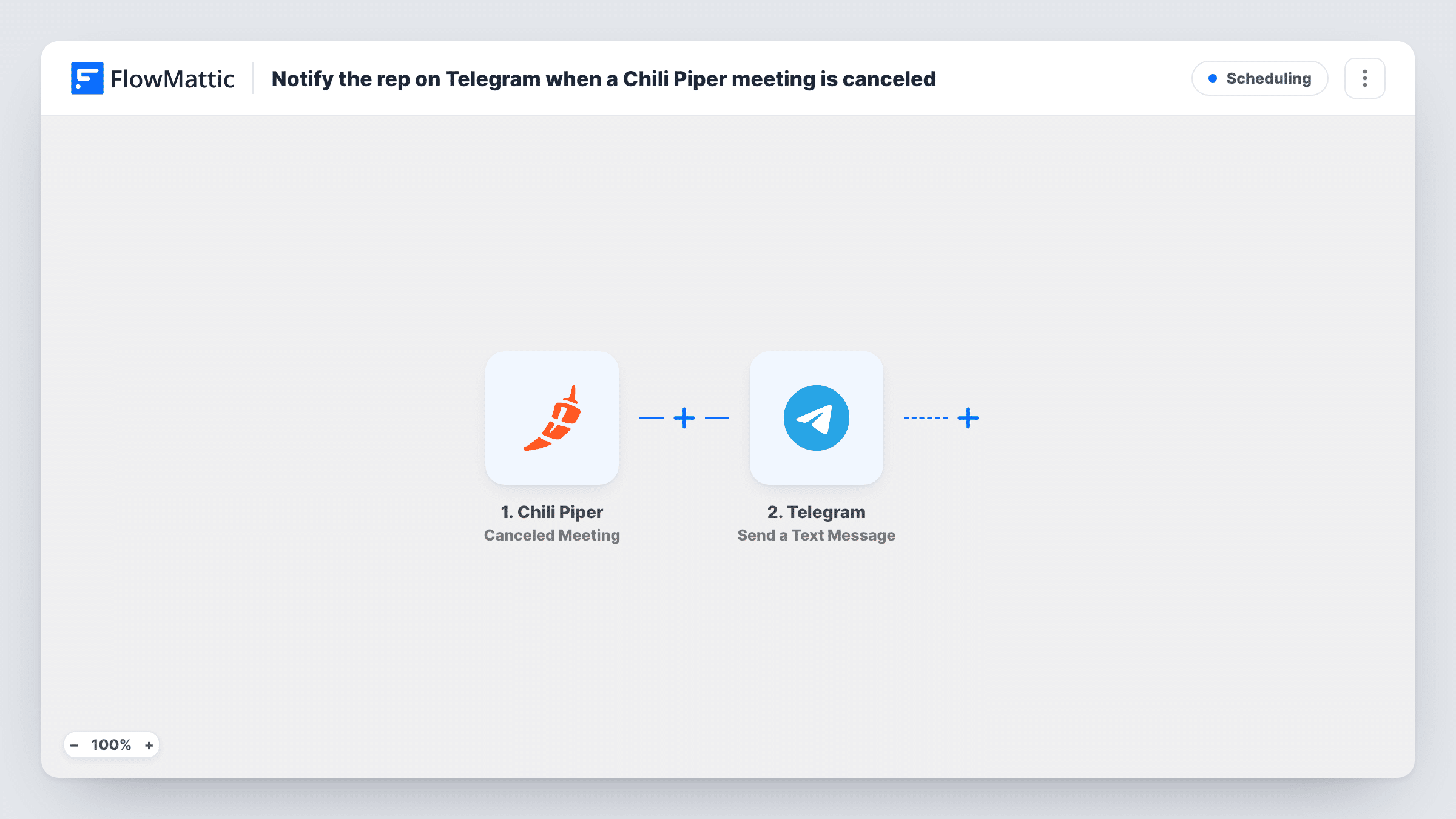
The Chili Piper trigger runs when a meeting is canceled, whether the prospect or a user cancels it and from whatever source. FlowMattic passes the meeting data to Telegram, where your bot sends a text message to the chat you set. You write the message and drop in the meeting details you want to show.
As imported, every cancellation goes to one Telegram chat. If you have one rep, point it at their chat with the bot. With several reps, use a team group or add a Router that sends each rep's meetings to their own chat, as the tips explain.
Solo founder taking demo calls
You book your own demos through Chili Piper and get a Telegram ping on your phone when a prospect cancels, so you can send a rebooking link the same day.
Sales team group chat
Cancellations post to the team's Telegram group, where the manager sees which demos fell through and who might pick up an open slot.
Reps who work from mobile
Field reps who rarely sit at a desk learn about a canceled meeting in Telegram instead of finding out from their calendar later.
How this workflow runs
What happens at each step once the workflow is on, and what you need before you import it.
 Chili Piper Canceled Meeting
Runs when a Chili Piper meeting is canceled by the prospect or a user, from any source. The meeting data is passed on for use in the message.
- Telegram Send a Text Message
Your Telegram bot sends a text message about the canceled meeting to the chat set in this step. Write the text and insert the Chili Piper meeting details; a test cancellation shows which details are available.
What you need
- FlowMatticCore
- Chili Piper AccountAccount
- Telegram AccountAccount
After importing, map your own data. To keep the template universal, not every step is pre-filled. Open each step in the builder and connect your accounts and fields (channels, lists, sheets, recipients) before you switch the workflow on.
Make it yours
Changes worth making after you import it.
- To reach each rep in their own chat, add a Router with one route per rep, each checking a value in the meeting data that identifies that rep (a test run shows what Chili Piper sends), and give each route its own Telegram step with that rep's chat.
- Each rep must start a chat with your Telegram bot before it can message them, so ask them to send it a message first.
- Add a Google Sheets step after Telegram to log each canceled meeting, so you can review cancellations by week or by rep later.
Questions about this workflow
Does the rep need Telegram installed?
Yes. The message is delivered in Telegram, so whoever should get it needs a Telegram account in the chat your bot posts to.
Which Chili Piper cancellations start the workflow?
Any canceled meeting, whether the prospect or one of your users cancels it, from any source Chili Piper tracks.
Can the Telegram message go to a different rep for each meeting?
Not as imported, since the step posts to one chat. Add a Router with a route per rep, or post to a group chat that all reps share.
Does the workflow rebook the Chili Piper meeting?
No. It only sends the notification. Rebooking is up to the rep, who can reach out to the prospect with the details in the message.
More Scheduling workflows
Other ready-to-import templates from the same category.







Import this workflow into your WordPress site
Download the JSON, import it from the Workflows screen and connect your accounts. Every run stays on your server, with no per-task fees.
30-day money-back guarantee Unlimited workflows and runs Self-hosted