

Open a Freshdesk ticket for each new Sentry.io error
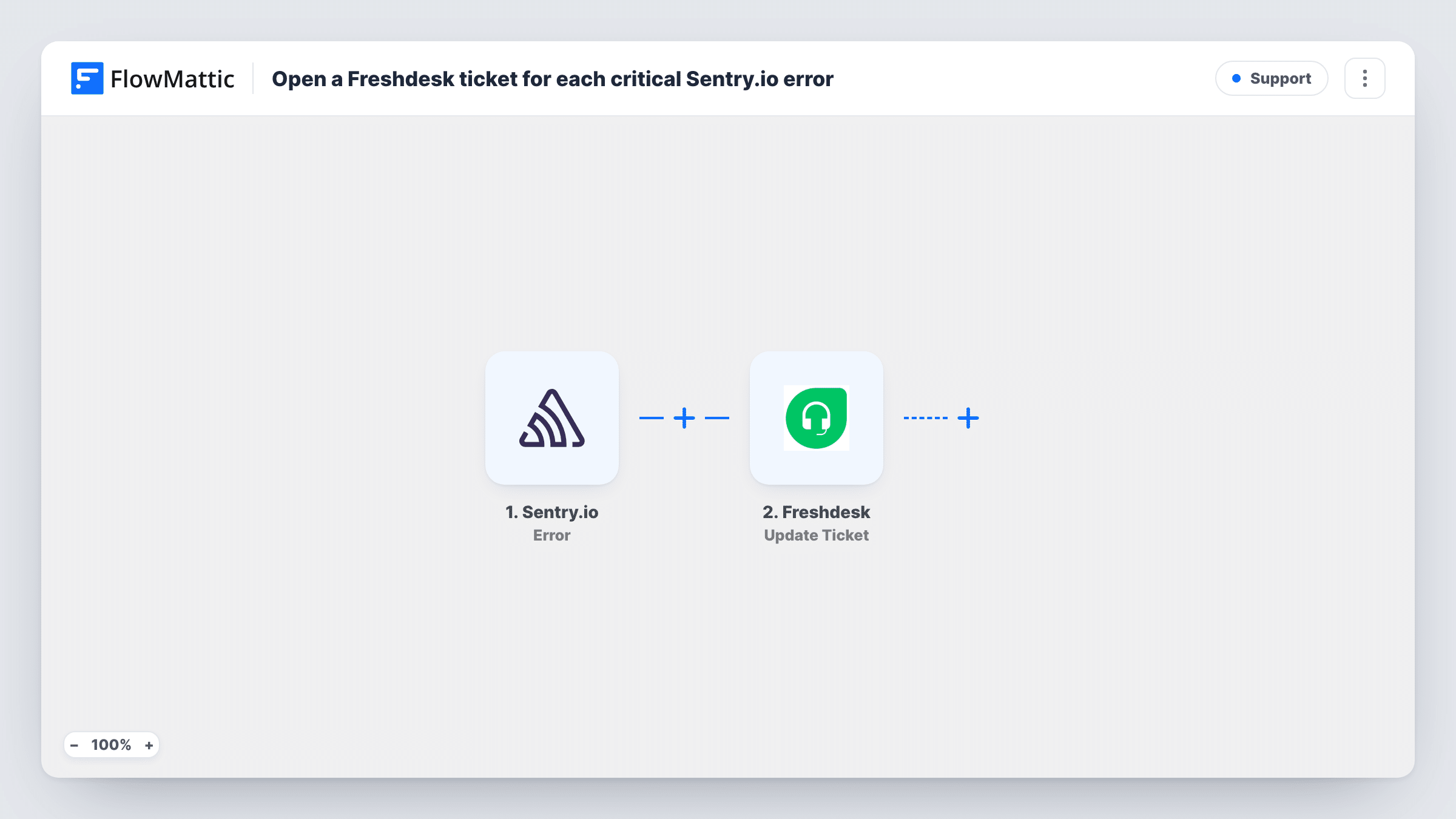
Each new error Sentry.io reports starts a POST request through API by FlowMattic that you set up to open a Freshdesk ticket, so every error gets tracked in your helpdesk.
 Sentry.io
 API by FlowMattic
2 steps Setup ~5 min Used on 2.4k sites Free to import
What this workflow does
When support and engineering share Freshdesk, an error that only lives in Sentry.io is easy for the support side to miss. This workflow sends each new Sentry error to Freshdesk as a ticket, so customer-facing staff can see it, link customer reports to it and follow it to a fix.
The Sentry.io Error trigger fires when an error is created. It has no severity setting in the template and no Filter follows it, so every new error starts a run. A test error shows which details arrive, such as the title, level and project.
FlowMattic's Freshdesk integration offers triggers but no ticket action, so the ticket is opened with a POST request from API by FlowMattic. The step ships unmapped: after import you enter the Freshdesk ticket endpoint for your helpdesk, add your Freshdesk API authentication, and build the request body with the Sentry fields you want in the ticket, following Freshdesk's API documentation for the fields it expects.
Freshdesk replies to each request, and Task History shows that response next to the Sentry data, so you can tell whether a ticket was created. Send a test error before relying on it.
Support sees production errors first-hand
A SaaS team gets a Freshdesk ticket for each new Sentry error, so agents answering customer complaints can see there's a known problem.
One queue for bugs and tickets
A small agency that runs client sites tracks errors in the same Freshdesk queue as client requests, instead of checking Sentry separately.
Error history attached to the fix
An app developer keeps notes, replies and status changes about each error on its Freshdesk ticket, giving a record of how it was resolved.
How this workflow runs
What happens at each step once the workflow is on, and what you need before you import it.
 Sentry.io Error
Fires each time Sentry.io reports a new error. The error's details, such as its title, level and project, are available to map into the Freshdesk request; a test run shows the full list.
- API by FlowMattic POST
Calls Freshdesk's API with a POST request, which you configure to open a ticket for the Sentry error. The step ships unmapped: after import, enter your Freshdesk ticket endpoint and API authentication, and build the body from the Sentry fields.
What you need
- FlowMatticCore
- Sentry.io AccountAccount
After importing, map your own data. To keep the template universal, not every step is pre-filled. Open each step in the builder and connect your accounts and fields (channels, lists, sheets, recipients) before you switch the workflow on.
Make it yours
Changes worth making after you import it.
- Put a Filter between the Sentry trigger and the API step that continues only when the error level is the one you want tickets for, such as error or fatal. Check your test event for the level field first.
- Map the Sentry link to the error into the ticket description, so agents can open the full stack trace in one click.
- Use a dedicated Freshdesk requester email or group for these tickets, so they're easy to separate from customer requests.
- Trigger a test error in a Sentry project and read Freshdesk's response in Task History before turning the workflow on.
Questions about this workflow
Is there no native Freshdesk action for opening tickets from Sentry errors?
No. FlowMattic connects to Freshdesk through triggers like New Ticket and Update Ticket only. The POST request in API by FlowMattic calls Freshdesk's own API instead.
Will every Sentry error open a Freshdesk ticket?
Yes, as imported. Nothing checks the level or project, so add a Filter between the Sentry trigger and the POST step, or narrow what Sentry sends, if you want fewer tickets.
What do I need from Freshdesk to set up the POST request?
Your helpdesk's ticket API endpoint and a Freshdesk API key or other authentication Freshdesk accepts. The template doesn't include them, so take them from your Freshdesk account and its API documentation.
Does the same Sentry error open a new Freshdesk ticket each time it happens?
The trigger fires when an error is created in Sentry. Send a few test events and check Task History to see how often it fires for your project before you go live.
More Support workflows
Other ready-to-import templates from the same category.





Import this workflow into your WordPress site
Download the JSON, import it from the Workflows screen and connect your accounts. Every run stays on your server, with no per-task fees.
30-day money-back guarantee Unlimited workflows and runs Self-hosted