

Post a Discord alert when a new comment is added to a Linear issue
When someone comments on a Linear issue, this workflow posts a message to a Discord channel you choose, so issue discussions reach people who follow the project from Discord.
 Linear
 Discord
2 steps Setup ~5 min Used on 647 sites Free to import
What this workflow does
Discussion on an issue often decides what gets built, yet people who live in Discord, such as community moderators, contractors or a support crew, don't watch Linear. This workflow brings each new Linear comment into a Discord channel so they see the conversation as it happens.
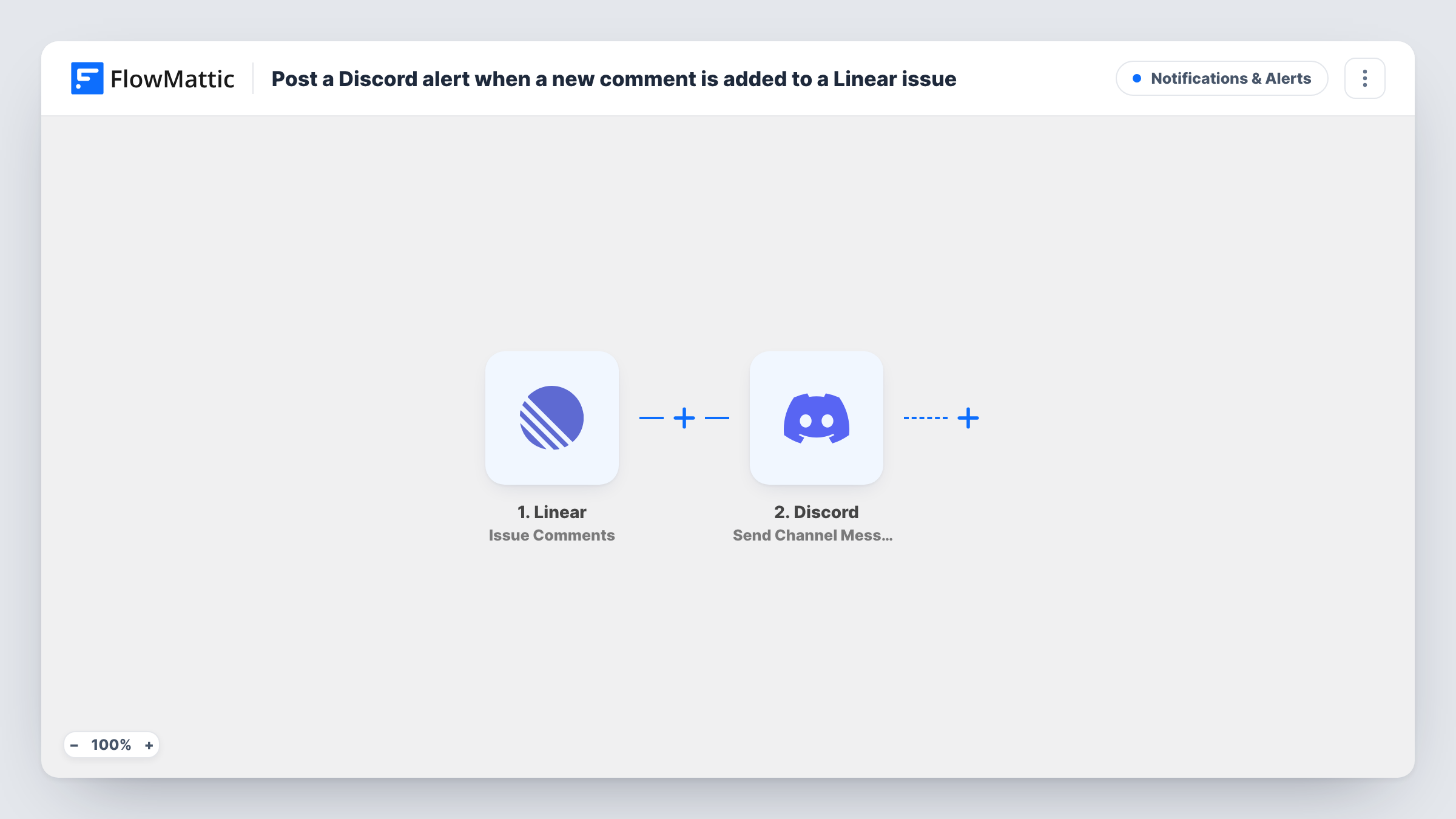
The Linear trigger fires when a comment is created on an issue. FlowMattic receives the comment data, such as its text and the issue it belongs to, and passes it to Discord. The Send Channel Message action then posts a message built from those values to the channel you select.
The template has no Filter, so every new comment on every issue the trigger receives is posted. On a busy workspace that can be a lot of messages. Comments posted in Discord stay in Discord: replies there don't go back to Linear.
Open-source project with a Discord community
Maintainers discuss issues in Linear, and each comment is echoed to a Discord channel where contributors can follow along without a Linear seat.
Agency keeping a client in the loop
A client-facing Discord channel receives comments from the issues on their project, so the client sees progress notes as the team writes them.
Support crew watching bug reports
Support staff who answer users in Discord see developers' comments on bug issues and can pass updates on to the people who reported them.
How this workflow runs
What happens at each step once the workflow is on, and what you need before you import it.
 Linear Issue Comments
Runs when a comment is created on a Linear issue. The comment and issue data are passed to the Discord step for mapping.
- Discord Send Channel Message
Sends one Discord message per comment to the channel picked in this step. Build the message from the comment text, the issue title and a link to the issue, if the payload includes one.
What you need
- FlowMatticCore
- Linear AccountAccount
- Discord AccountAccount
After importing, map your own data. To keep the template universal, not every step is pre-filled. Open each step in the builder and connect your accounts and fields (channels, lists, sheets, recipients) before you switch the workflow on.
Make it yours
Changes worth making after you import it.
- Add a Filter after the trigger that continues only for one team or project, if the comment data carries it, so the channel only hears about the work it cares about.
- Start the Discord message with the issue identifier and title, then the comment, so readers can tell which issue a comment belongs to.
- Post a test comment on a Linear issue after import so FlowMattic captures a real payload before you map the Discord message.
Questions about this workflow
Are edited or deleted Linear comments posted to Discord?
The trigger is for comments being created. Treat edits and deletions as not covered, and check Task History after you edit a test comment to be sure.
Can people reply to a Linear comment from Discord?
No. The workflow only posts from Linear to Discord. Replies in the Discord channel stay there and don't reach the Linear issue.
Will every Linear comment be posted to Discord?
As imported, yes, for every comment the trigger receives. Add a Filter on the team, project or author to cut it down.
More Notifications & Alerts workflows
Other ready-to-import templates from the same category.




Import this workflow into your WordPress site
Download the JSON, import it from the Workflows screen and connect your accounts. Every run stays on your server, with no per-task fees.
30-day money-back guarantee Unlimited workflows and runs Self-hosted