

Post a Discord notification for every new Flipsnack contact form
When a reader fills out the contact form inside one of your Flipsnack flipbooks, this workflow posts the details to a Discord channel, so your team sees the enquiry where they already chat.
 Flipsnack
 Discord
2 steps Setup ~5 min Used on 790 sites Free to import
What this workflow does
A contact form inside a flipbook catalog or brochure catches readers at the moment they are interested. Those enquiries are only useful if someone answers them quickly, and a separate inbox is easy to forget. This workflow puts each one in front of your team on Discord.
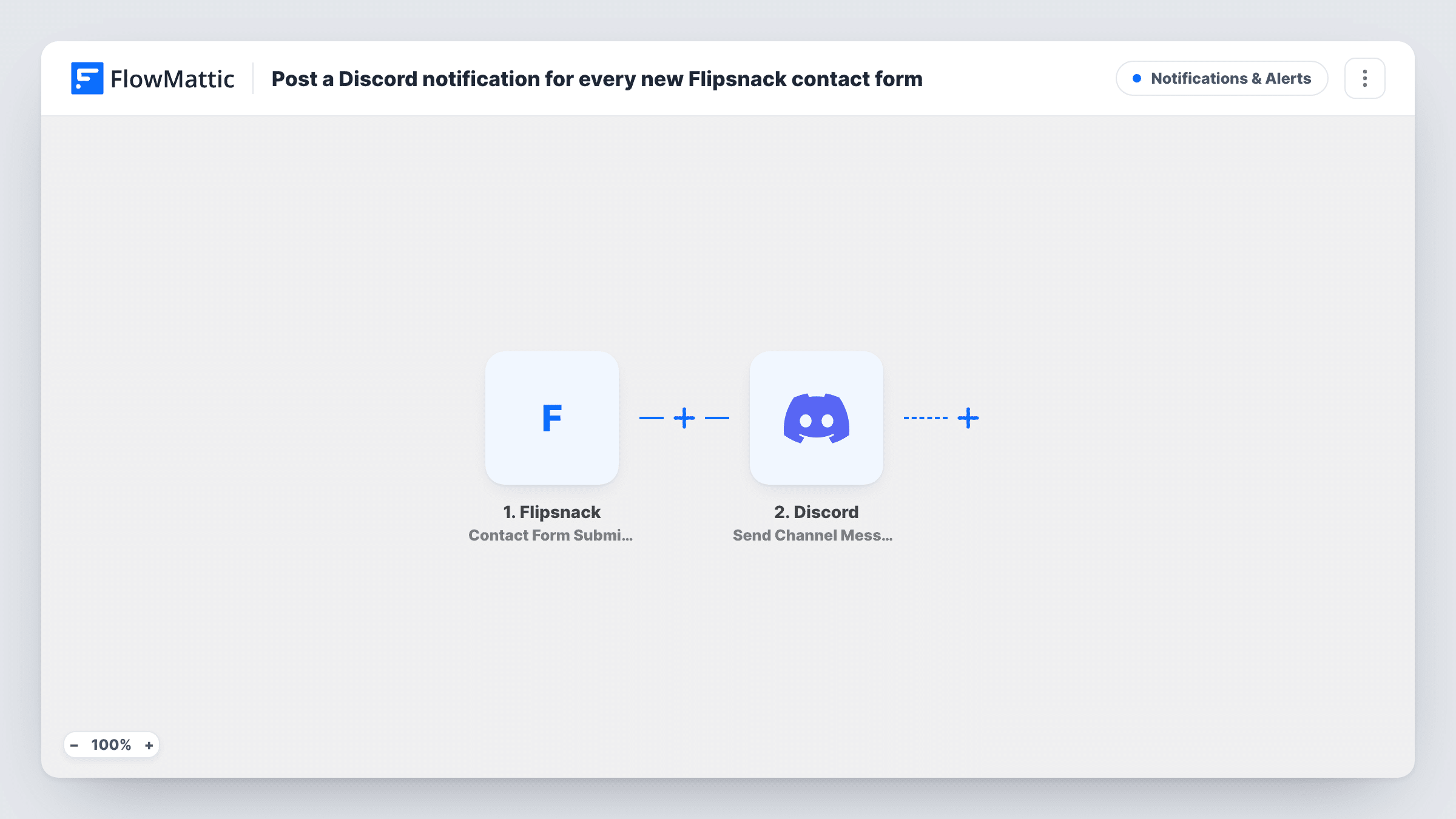
The Flipsnack trigger fires when someone fills out a contact form in a Flipsnack flipbook and passes the answers along. FlowMattic then posts a message to the Discord channel you choose. You write the message and map in the reader's name, email and message from the captured form data.
Every submission sends one message, so the channel becomes a running list of enquiries. Flipsnack order forms are a separate trigger and don't post here. You can see what was posted for each enquiry in Task History.
Product catalog enquiries
A wholesaler publishes its catalog as a Flipsnack flipbook. Buyer questions from the contact form appear in the sales team's Discord channel.
Real estate brochures
An agency shares property brochures as flipbooks. Viewing requests from the form reach the agents' Discord straight away.
Magazine reader feedback
A small publisher collects letters from readers through a flipbook form and discusses them with editors in a Discord channel.
How this workflow runs
What happens at each step once the workflow is on, and what you need before you import it.
 Flipsnack Contact Form Submitted
Runs when a reader fills out the contact form in one of your Flipsnack flipbooks. Their answers are passed on to use in the Discord message.
- Discord Send Channel Message
Shares the Flipsnack enquiry in the Discord channel you set. Build the message from the reader's name, email and message so the team can reply without opening Flipsnack.
What you need
- FlowMatticCore
- Flipsnack AccountAccount
- Discord AccountAccount
After importing, map your own data. To keep the template universal, not every step is pre-filled. Open each step in the builder and connect your accounts and fields (channels, lists, sheets, recipients) before you switch the workflow on.
Make it yours
Changes worth making after you import it.
- Submit a test through your flipbook's contact form after import so FlowMattic captures the field names before you write the message.
- Add a Google Sheets step after Discord to keep a sortable log of every Flipsnack enquiry.
- Build a second workflow on Flipsnack's Order Submitted trigger if you also want orders announced, posting to a different channel.
Questions about this workflow
Do Flipsnack order forms also post to Discord?
No. This workflow uses Contact Form Submitted. Orders have their own Order Submitted trigger, which you can use in another workflow.
Which Flipsnack form fields appear in the Discord message?
The ones you map. Run a test submission to see which fields Flipsnack sends, then add them to the message text.
Can the team reply to the reader from Discord?
No. Discord shows the enquiry, but replies go out by email or whatever contact method the reader gave.
More Notifications & Alerts workflows
Other ready-to-import templates from the same category.





Import this workflow into your WordPress site
Download the JSON, import it from the Workflows screen and connect your accounts. Every run stays on your server, with no per-task fees.
30-day money-back guarantee Unlimited workflows and runs Self-hosted