

Send a Slack alert when a new Calldrip lead comes in
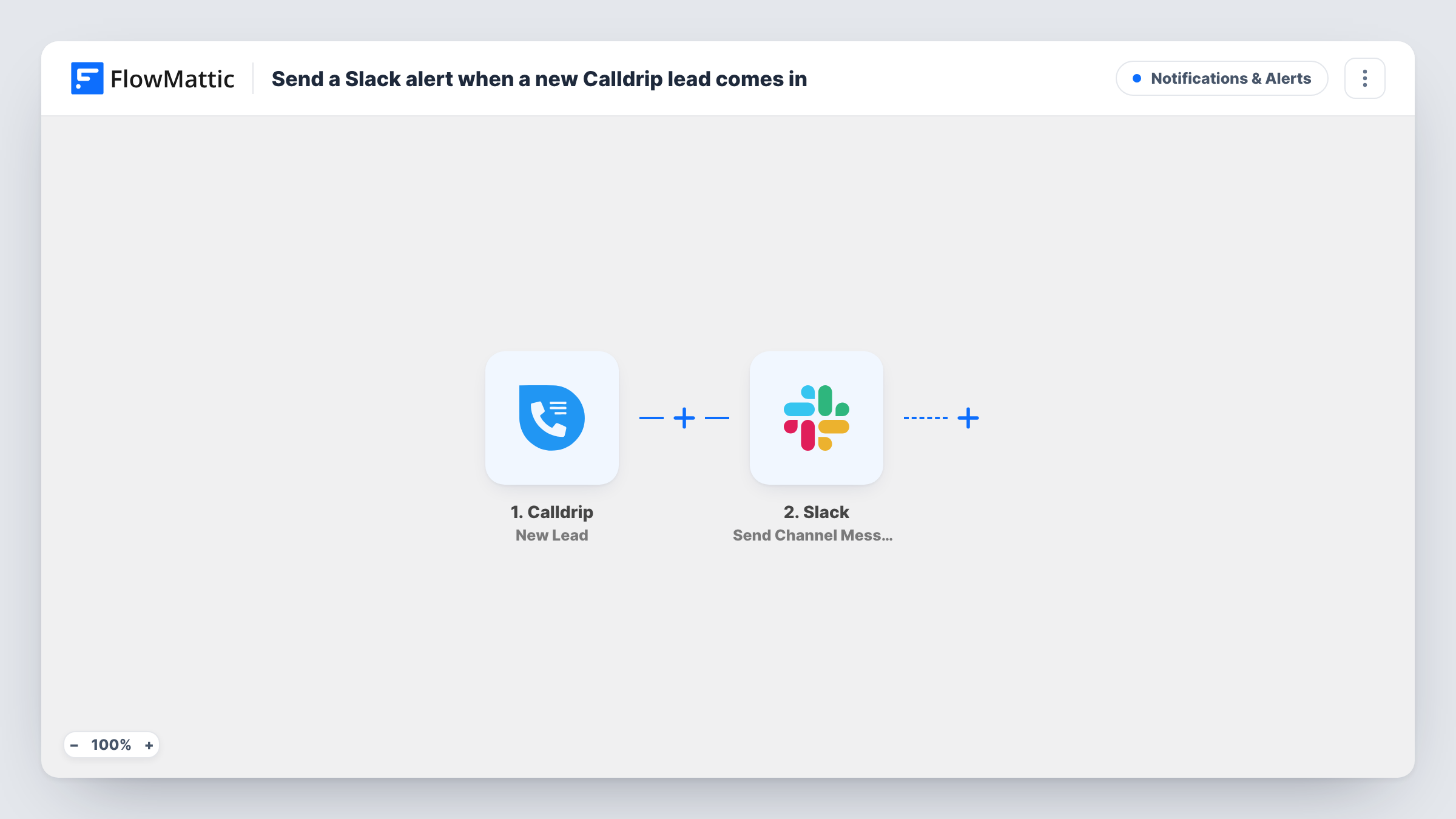
When Calldrip generates a new lead from a call, this workflow posts a message about it to the Slack channel you choose, so your sales team learns about each new caller without watching the Calldrip dashboard.
 Calldrip
 Slack
2 steps Setup ~5 min Used on 393 sites Free to import
What this workflow does
Leads that come in by phone lose value the longer nobody acts on them. Your team already spends the day in Slack, so a message there is the quickest place to tell them a new caller is waiting. This workflow puts each Calldrip lead into a channel as soon as FlowMattic receives it.
The Calldrip trigger, New Lead, fires when a new lead is generated from a call. The lead details Calldrip sends become values you can map. The Slack step uses Send Channel Message to post into the public channel you pick, with a message you write from those details, such as the caller's name and number if a test run shows them.
There is no Filter, so each new Calldrip lead produces one Slack post. The message only goes to Slack; nothing in the template changes or assigns the lead in Calldrip. Task History keeps a record of each run and Slack's reply.
Car dealership sales floor
Each call lead from a vehicle listing appears in the sales channel, and the first free salesperson replies in the thread to say they are calling back.
Home services company with dispatchers
Dispatchers watch a Slack channel where every new Calldrip lead shows up with the caller's details, ready to schedule a visit.
Marketing team checking ad call volume
A dedicated channel lists each call lead as it arrives, giving the team a running view of how many calls their campaigns produce each day.
How this workflow runs
What happens at each step once the workflow is on, and what you need before you import it.
 Calldrip New Lead
Fires when Calldrip generates a new lead from a call. The lead data Calldrip provides is passed on, so you can put any of it into the Slack message.
- Slack Send Channel Message
Sends the lead alert into one Slack channel of your choosing. Write the alert text, map in the Calldrip lead details you want the team to see, and connect your Slack workspace after import.
What you need
- FlowMatticCore
- Calldrip AccountAccount
- Slack AccountAccount
After importing, map your own data. To keep the template universal, not every step is pre-filled. Open each step in the builder and connect your accounts and fields (channels, lists, sheets, recipients) before you switch the workflow on.
Make it yours
Changes worth making after you import it.
- For Calldrip alerts that belong in a private channel, swap in Slack's Send Private Channel Message action; for one salesperson, use Send Direct Message.
- Add a Filter after the Calldrip trigger on a field your test run shows, such as the source or campaign, if only some leads belong in this channel.
- Put the caller's phone number on its own line in the Slack message so whoever picks up the lead can copy it straight into their dialer.
Questions about this workflow
Does every Calldrip lead trigger a Slack post?
Yes. With no Filter in the template, each new lead Calldrip generates from a call sends one message. Add a Filter if you want to narrow that down.
Can the Calldrip alerts go to a private Slack channel?
Not with Send Channel Message as shipped. Replace it with Slack's Send Private Channel Message action, which FlowMattic lists separately, and pick the private channel there.
Which Calldrip lead details can I show in Slack?
Whatever Calldrip includes with the New Lead event. Run a test after import to see the available fields, then map the ones your team needs into the message text.
Will this change the lead inside Calldrip?
No. The workflow only reads the new lead and posts to Slack. Assignment and follow-up still happen in Calldrip or wherever your team works the lead.
More Notifications & Alerts workflows
Other ready-to-import templates from the same category.



Import this workflow into your WordPress site
Download the JSON, import it from the Workflows screen and connect your accounts. Every run stays on your server, with no per-task fees.
30-day money-back guarantee Unlimited workflows and runs Self-hosted