

Post a Discord notification for every new Kommunicate unread message
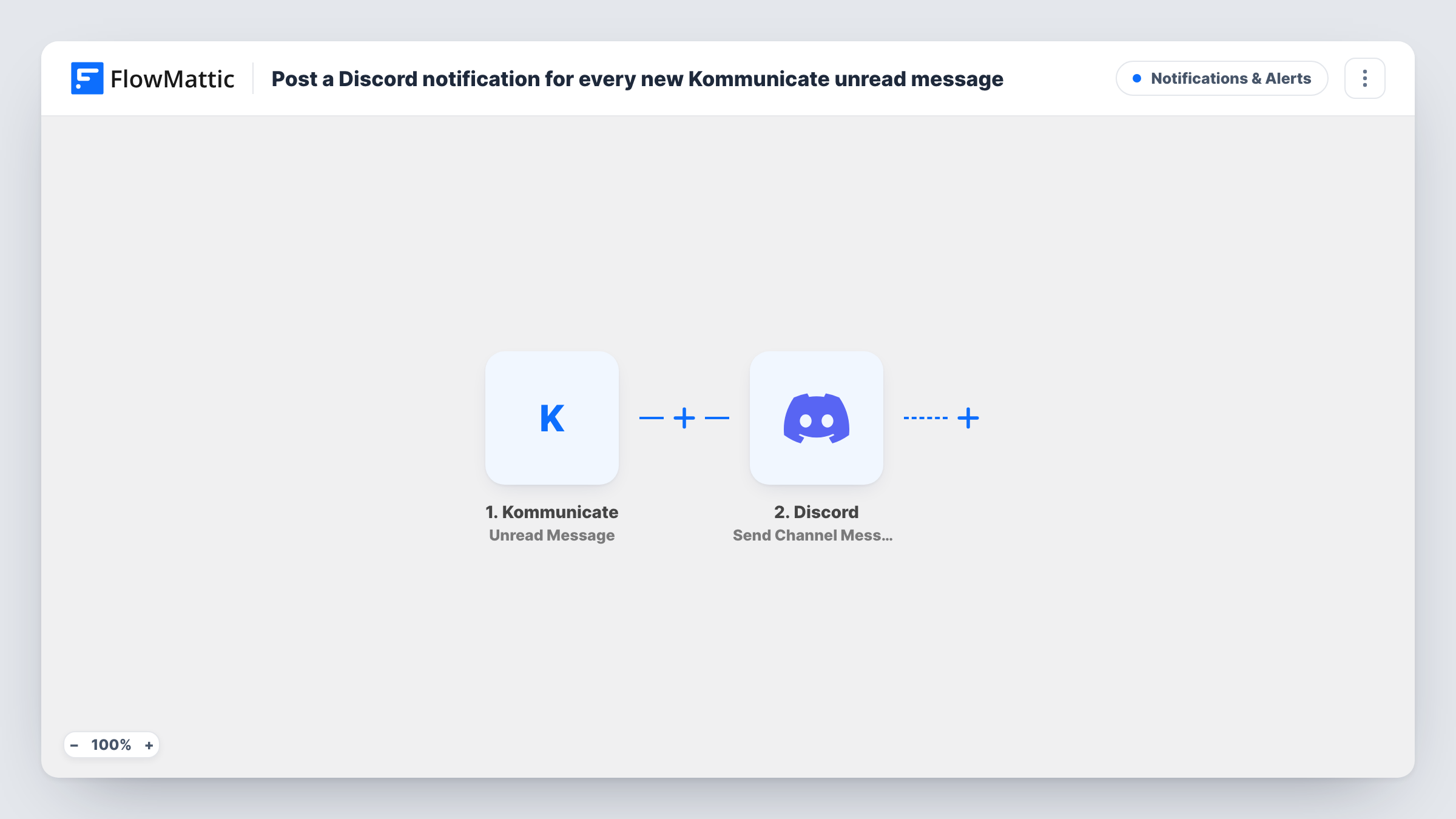
When an incoming Kommunicate message stays unread for a specified time, this workflow posts a notification in a Discord channel, so your support team sees chats that are waiting for a reply.
 Kommunicate
 Discord
2 steps Setup ~5 min Used on 2.8k sites Free to import
What this workflow does
Live chat only works if someone answers. When agents are busy or away from the Kommunicate dashboard, a customer's message can sit unread while they wait. If your team already talks in Discord, an alert there is hard to miss.
The Kommunicate trigger fires when an incoming message remains unread for a specified time. Messages that are read before then do not start a run. FlowMattic passes the message data to Discord, whose Send Channel Message action posts a new message to the channel you pick. Write the alert text and include values from Kommunicate, such as the message content or the conversation details, so whoever sees it knows what is waiting.
Every unread message that crosses the time limit posts one Discord message. The workflow does not mark anything as read or reply to the customer. Someone still needs to open Kommunicate and answer. Task History shows each run, which helps you check how often chats go unanswered.
Out-of-hours chat cover
A small team takes turns watching a Discord #support-alerts channel in the evening. Unread Kommunicate chats show up there, so the person on duty can step in.
A backup for busy shifts
During a product launch, agents juggle many chats. Messages left unread get posted to Discord, where a team lead can pick them up.
Founder-led support
A solo founder lives in Discord all day. Unread customer messages from Kommunicate appear in a private channel instead of waiting in another tab.
How this workflow runs
What happens at each step once the workflow is on, and what you need before you import it.
 Kommunicate Unread Message
Fires when an incoming Kommunicate message remains unread for a specified time. Messages read sooner never trigger it. The message data is passed to Discord.
- Discord Send Channel Message
Sends the alert into a Discord channel of your choice. Write the text and add Kommunicate values so the team can see which chat needs a reply.
What you need
- FlowMatticCore
- Kommunicate AccountAccount
- Discord AccountAccount
After importing, map your own data. To keep the template universal, not every step is pre-filled. Open each step in the builder and connect your accounts and fields (channels, lists, sheets, recipients) before you switch the workflow on.
Make it yours
Changes worth making after you import it.
- Include the customer's message text in the Discord alert, so the team can judge how urgent it is before opening Kommunicate.
- Create a dedicated Discord channel for these alerts, so they are not lost among ordinary team chat.
- Send yourself a test chat in Kommunicate and leave it unread past the time limit, then check Task History to see which values you can map into the alert.
Questions about this workflow
How long must a Kommunicate message stay unread before Discord is notified?
The event fires after a message has stayed unread for a specified time. Open the trigger after import to see where that time is set, and pick one that fits how quickly your team normally answers.
Does the Discord alert reply to the customer?
No. The workflow only posts in your Discord channel. The customer sees nothing different until an agent answers in Kommunicate.
Can the Kommunicate alert mention a specific person in Discord?
You write the message text, so you can include a Discord mention for the person or role on duty. Test it once to confirm the mention notifies them.
What about Kommunicate messages that are never delivered?
Kommunicate also has an Undelivered Message trigger in FlowMattic. This template only uses Unread Message, but you could build a second workflow for the other one.
More Notifications & Alerts workflows
Other ready-to-import templates from the same category.



Import this workflow into your WordPress site
Download the JSON, import it from the Workflows screen and connect your accounts. Every run stays on your server, with no per-task fees.
30-day money-back guarantee Unlimited workflows and runs Self-hosted