

Post a Slack alert when a MyParcel shipment status changes
Every time a MyParcel shipment changes status, FlowMattic posts a message to the Slack channel you choose, so your shop or warehouse team can follow parcels without logging in to MyParcel.
 MyParcel
 Slack
Slack2 steps Setup ~5 min Used on 2.0k sites Free to import
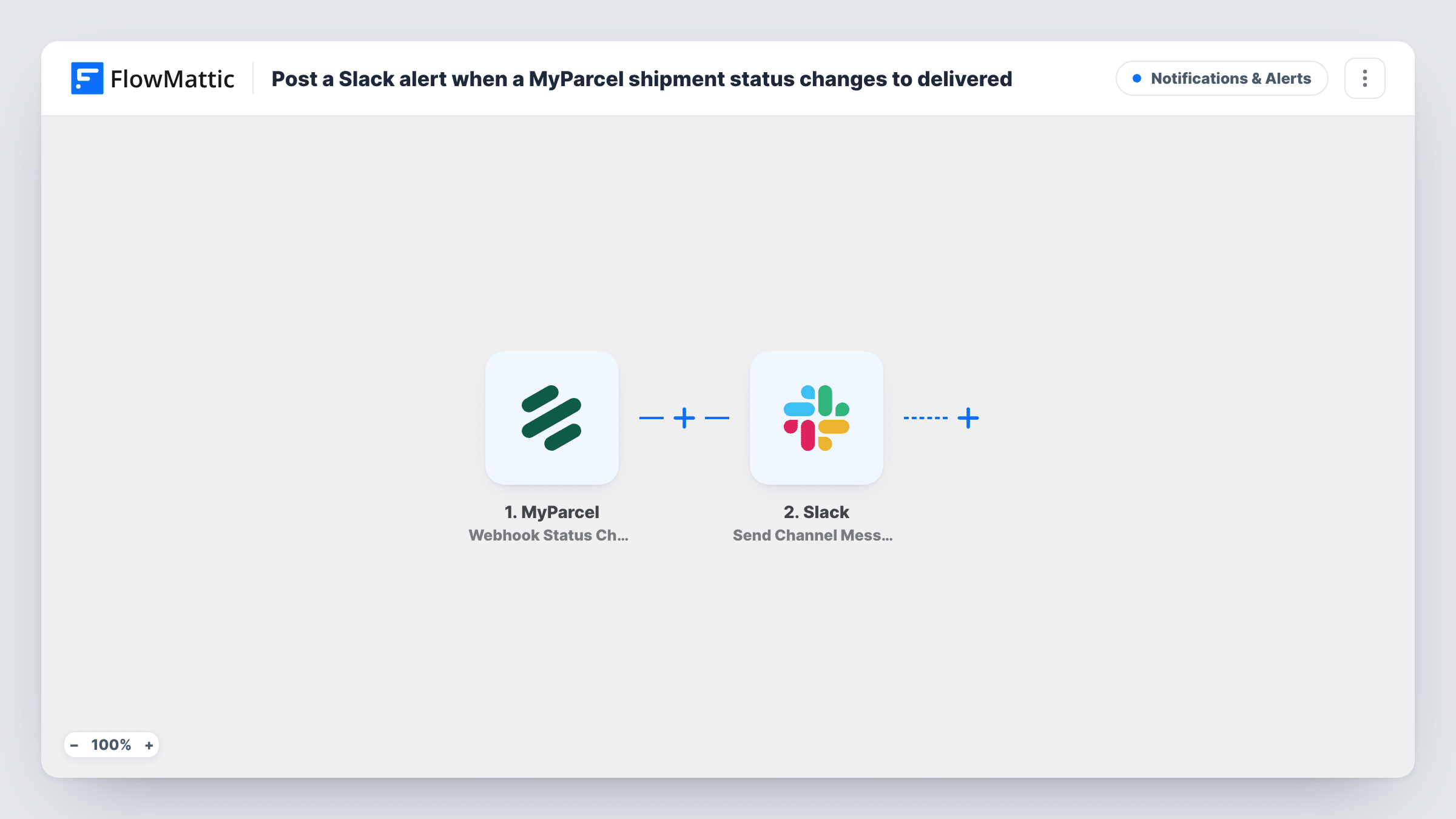
What this workflow does
When parcels go out every day, someone usually ends up checking the MyParcel dashboard to see what has been delivered or held up. This workflow brings those updates into Slack instead, so the team sees each change where they already talk.
The MyParcel Webhook Status Change trigger fires when the status of a shipment changes and passes the shipment's details on. It fires for every status change, not only deliveries, so each parcel can post several messages as it moves along.
Nothing is filled in on the Slack step when you import it. After import you connect Slack, pick the channel and write the message. Look at a test run to see which shipment fields MyParcel sends, then map the ones your team needs, such as the shipment reference, the new status and the recipient.
Task History lists every status change that came in and what Slack returned. If the channel gets busy, add a Filter so only the statuses you care about are posted.
Delivery updates for a small web shop
A shop owner who ships through MyParcel sees each parcel's progress in a Slack channel and can answer "where's my order" messages quickly.
Spotting parcels that need attention
A warehouse team watches the channel for status changes like returns or failed deliveries and follows up with the carrier.
Customer service in the loop
Support agents keep the Slack channel open so they know a parcel's latest status before a customer asks.
How this workflow runs
What happens at each step once the workflow is on, and what you need before you import it.
 MyParcel Webhook Status Change
Fires whenever a MyParcel shipment changes status. The shipment details, including its new status, are passed to Slack. Every change starts a run, so one parcel can trigger several messages.
- Slack Send Channel Message
Sends the status update to a Slack channel. As imported it has no channel or text, so connect Slack, pick the channel and write the text, mapping the shipment reference and new status from MyParcel.
What you need
- FlowMatticCore
- MyParcel AccountAccount
- Slack AccountAccount
After importing, map your own data. To keep the template universal, not every step is pre-filled. Open each step in the builder and connect your accounts and fields (channels, lists, sheets, recipients) before you switch the workflow on.
Make it yours
Changes worth making after you import it.
- Put a Filter between the MyParcel trigger and the Slack step that continues only for the statuses you want, such as delivered, so routine updates stay out of the channel.
- Include the recipient's name or your order number in the Slack text, so the team knows which parcel each message is about without opening MyParcel.
- Use Slack's Send Private Channel Message action instead if the updates should go to a private channel.
Questions about this workflow
Does every MyParcel status change post to Slack?
Yes, as imported. The trigger fires for each status change of a shipment. Add a Filter on the status between the trigger and the Slack step to post only some.
Which shipment details appear in the Slack message?
Only the ones you write into the message text. The template leaves the Slack step empty, so map the MyParcel fields you want after import.
Can I get a Slack message when a MyParcel label is created?
You can set that up separately. FlowMattic's MyParcel integration also has a Webhook Label Created trigger, which fires after a new shipping label is created.
More Notifications & Alerts workflows
Other ready-to-import templates from the same category.




Import this workflow into your WordPress site
Download the JSON, import it from the Workflows screen and connect your accounts. Every run stays on your server, with no per-task fees.
30-day money-back guarantee Unlimited workflows and runs Self-hosted