

Post a Slack message when a Join.me meeting starts
Post a Slack channel message the moment a Join.me meeting starts, so teammates who should be there get a nudge with the meeting details in the channel they already have open.
 Join.me
 Slack
2 steps Setup ~5 min Used on 1.3k sites Free to import
What this workflow does
Calendar reminders fire before a meeting, not when it actually begins. If the host starts early or late, people waiting on the call have no signal. This workflow posts in Slack at the point a Join.me meeting starts, so the team knows the call is live.
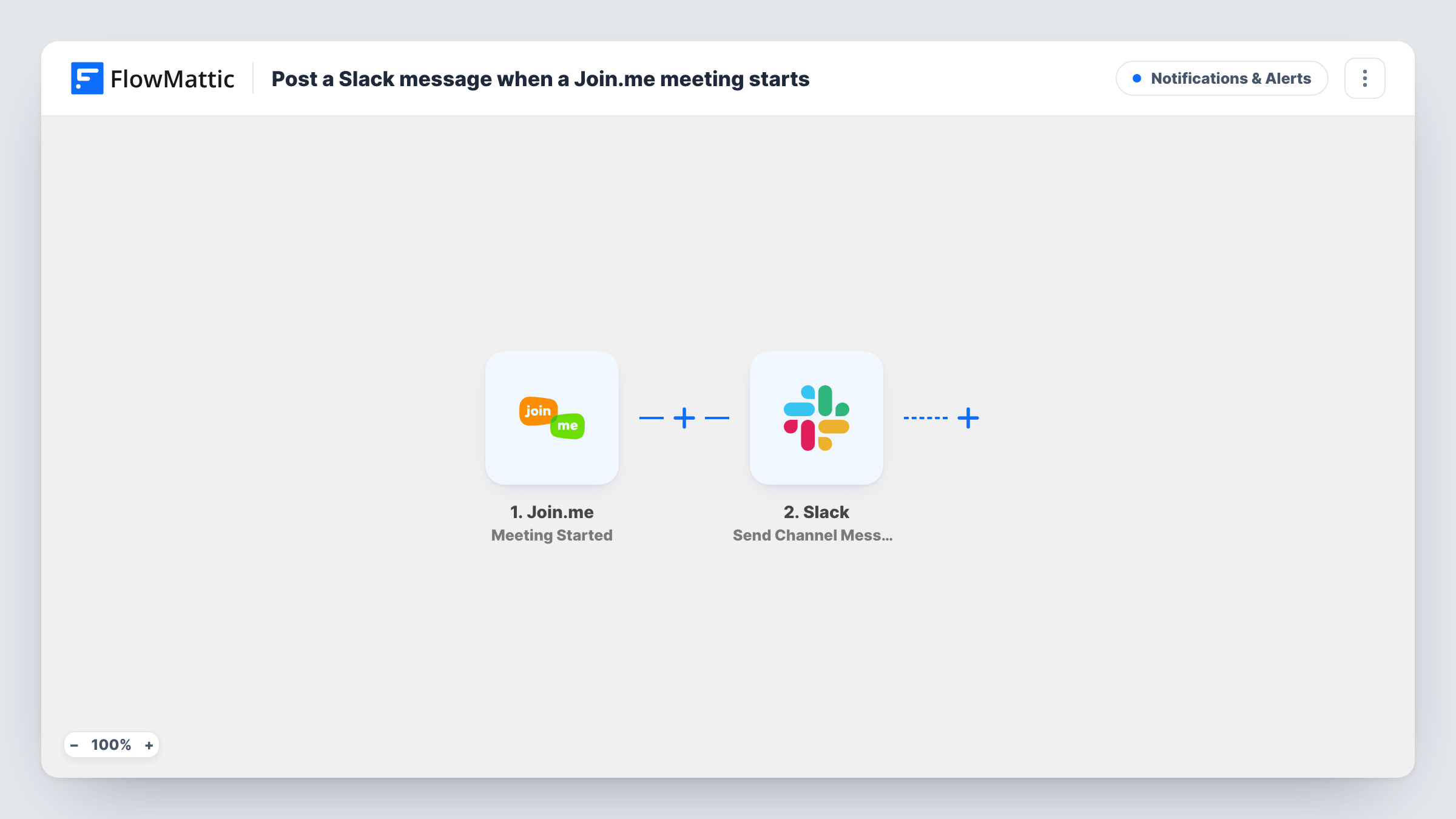
The Join.me trigger starts a run as soon as a host on your connected account opens a meeting. FlowMattic passes the meeting details from that event to Slack, where Send Channel Message posts in the channel you choose. You write the message and insert meeting values, such as its name or a join link if the event includes one.
Every meeting started on the connected Join.me account produces a post. There is no Filter in the template, so recurring stand-ups and one-off client calls are treated alike. Task History lists each meeting start and what Slack returned.
Daily stand-up call
When the team lead opens the morning Join.me call, #standup gets a post so everyone knows it has started and can jump in.
Support screen-share sessions
Agents see in a support channel when a colleague starts a Join.me session with a customer, which helps avoid booking two sessions at once.
Office hours for a remote team
A manager starts an open Join.me room each afternoon, and the Slack post tells the team the door is open.
How this workflow runs
What happens at each step once the workflow is on, and what you need before you import it.
 Join.me Meeting Started
Fires when a meeting starts on the connected Join.me account. The meeting's details from that event can be inserted into the Slack message.
- Slack Send Channel Message
Sends a meeting-started note to the Slack channel you set. Write the text and add Join.me values from the trigger; run a test meeting first to see which values are available.
What you need
- FlowMatticCore
- Join.me AccountAccount
- Slack AccountAccount
After importing, map your own data. To keep the template universal, not every step is pre-filled. Open each step in the builder and connect your accounts and fields (channels, lists, sheets, recipients) before you switch the workflow on.
Make it yours
Changes worth making after you import it.
- Add a Filter after the trigger if only certain meetings deserve a post, for example by checking the meeting name for a word like Stand-up.
- If the channel you want is private, replace the step with Slack's Send Private Channel Message action.
- Pair this with a second workflow on Join.me's Meeting Ended trigger to post when the call wraps up.
Questions about this workflow
Does every Join.me meeting trigger a Slack post?
Yes, every meeting started on the connected Join.me account. Add a Filter on a meeting value if you only want some of them announced.
Can the Slack message include the Join.me link?
Only if the Meeting Started event carries it. Start a test meeting after import and check the data FlowMattic received before you write the message.
Will Slack also be told when the Join.me meeting ends?
Not with this template. Join.me has a separate Meeting Ended trigger in FlowMattic that you can use in another workflow.
More Notifications & Alerts workflows
Other ready-to-import templates from the same category.



Import this workflow into your WordPress site
Download the JSON, import it from the Workflows screen and connect your accounts. Every run stays on your server, with no per-task fees.
30-day money-back guarantee Unlimited workflows and runs Self-hosted