

Post new FluentCart product launches to your Discord community
When you add a new product in FluentCart, FlowMattic posts an announcement to the Discord channel you pick, so your community hears about the launch without you writing a separate post.
 FluentCart
 Discord
2 steps Setup ~5 min Used on 2.9k sites Free to import
What this workflow does
If your store has a Discord server, the people in it are often the ones most likely to want a new product first. Posting each launch there by hand is easy to forget on a busy release day. This workflow turns the act of adding a product to your store into the announcement.
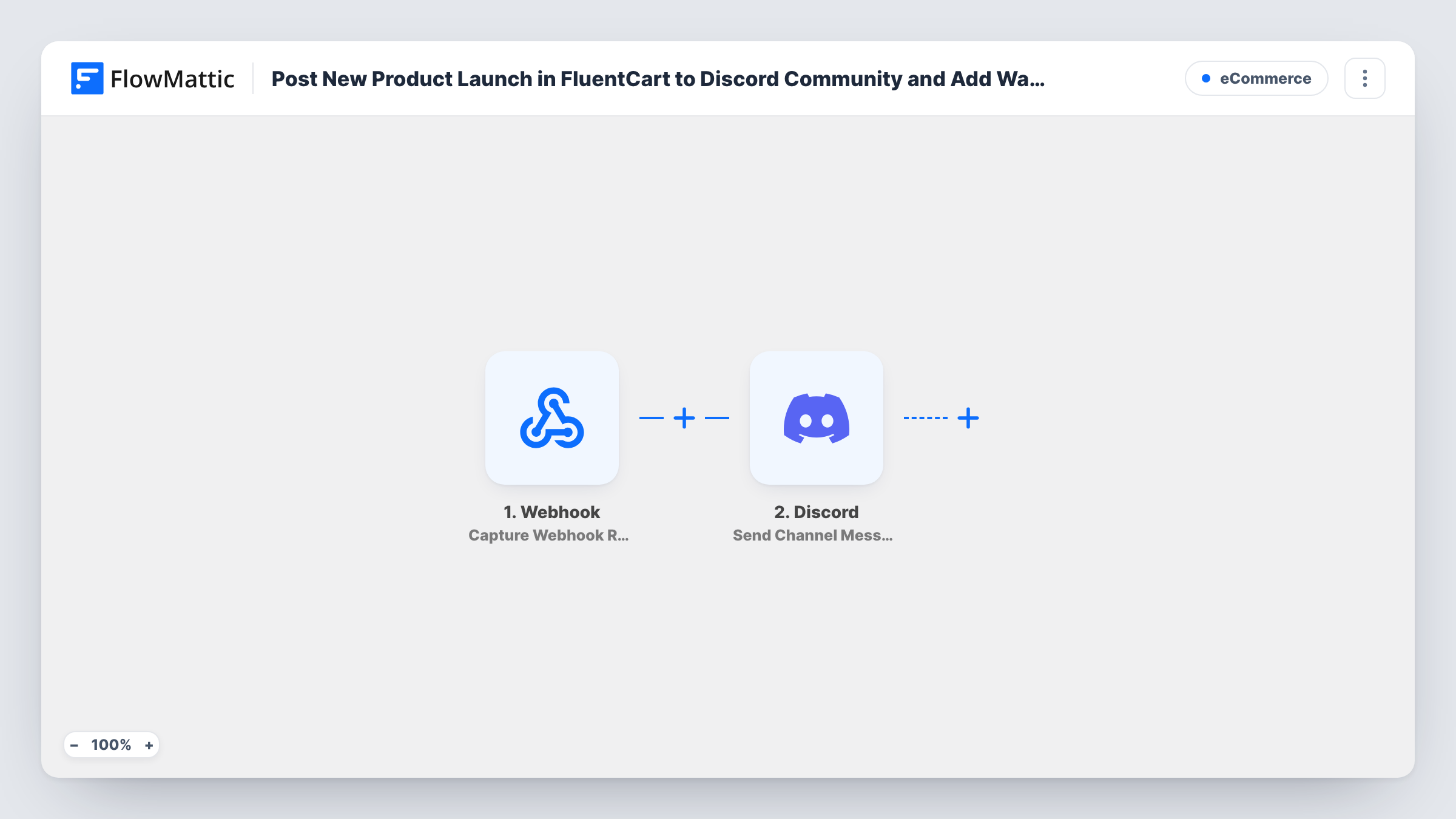
The FluentCart Product Created trigger starts a run when a new product is created in your store. FlowMattic receives the product data from that event and hands it to the next step, so values such as the product name or price can go straight into the message.
The Discord Send Channel Message step then posts to one channel on your server. It ships unmapped: after import you connect your Discord account, choose the channel, and write the announcement, mapping in whichever product details you want people to see.
Every product created while the workflow is on produces one post. Edits to an existing product aren't part of this trigger. Before you announce anything real, create a test product and open Task History to see exactly which product fields FluentCart sent and what Discord returned.
Drop alerts for a merch store
A creator who sells limited merch through FluentCart gets a post in the #drops channel the moment each new item is added, so fans in the server see it first.
New digital downloads for members
A course seller adds a new template pack in FluentCart and the community's #announcements channel gets a message naming the pack and its price.
Internal heads-up for a store team
A shop posts to a private staff server whenever someone adds a product, so support and marketing know what's new before customers ask.
How this workflow runs
What happens at each step once the workflow is on, and what you need before you import it.
 FluentCart Product Created
Starts the workflow when a new product is created in FluentCart. The product's data from that event is passed on for you to use in the Discord message.
- Discord Send Channel Message
Sends the launch announcement to one Discord channel on your server. Nothing is mapped in the template, so connect your account, pick the channel and write the text, inserting product details such as the name and price from the trigger.
What you need
- FlowMatticCore
- FluentCart PluginPlugin
- Discord AccountAccount
After importing, map your own data. To keep the template universal, not every step is pre-filled. Open each step in the builder and connect your accounts and fields (channels, lists, sheets, recipients) before you switch the workflow on.
Make it yours
Changes worth making after you import it.
- If you build products slowly and add details later, create a test product the way you normally do and check Task History. That shows whether the post would go out before the product page is ready.
- Put the product's link in the message if FluentCart sends one with the event, so readers can go straight from Discord to the product. A test run shows the available fields.
- To post only certain products, put a Filter between the FluentCart trigger and the Discord step on a field such as the product type or category, as it appears in a test run.
- Use a dedicated announcements channel that members can read but not post in, so launch messages don't get buried in chat.
Questions about this workflow
Does editing a FluentCart product post to Discord again?
No. The trigger is Product Created, so a run starts when a product is first created. Changing the price or description of an existing product later doesn't start this workflow.
Can I post to a Discord channel that only some roles can see?
The Send Channel Message step posts to the channel you pick. Whether it can reach a restricted channel depends on the permissions Discord gives the connection in that channel, so send a test post first.
What does the Discord announcement say as imported?
Nothing yet. The message is left empty in the template. You write it after import and map the FluentCart product fields you want, such as the name, price or description.
Will products I added before turning the workflow on be announced?
No. Only products created after the workflow is active start a run. Announce products that are already in your store yourself.
More E-Commerce workflows
Other ready-to-import templates from the same category.





Import this workflow into your WordPress site
Download the JSON, import it from the Workflows screen and connect your accounts. Every run stays on your server, with no per-task fees.
30-day money-back guarantee Unlimited workflows and runs Self-hosted