

Predict age in Agify for new Discord members joining a server
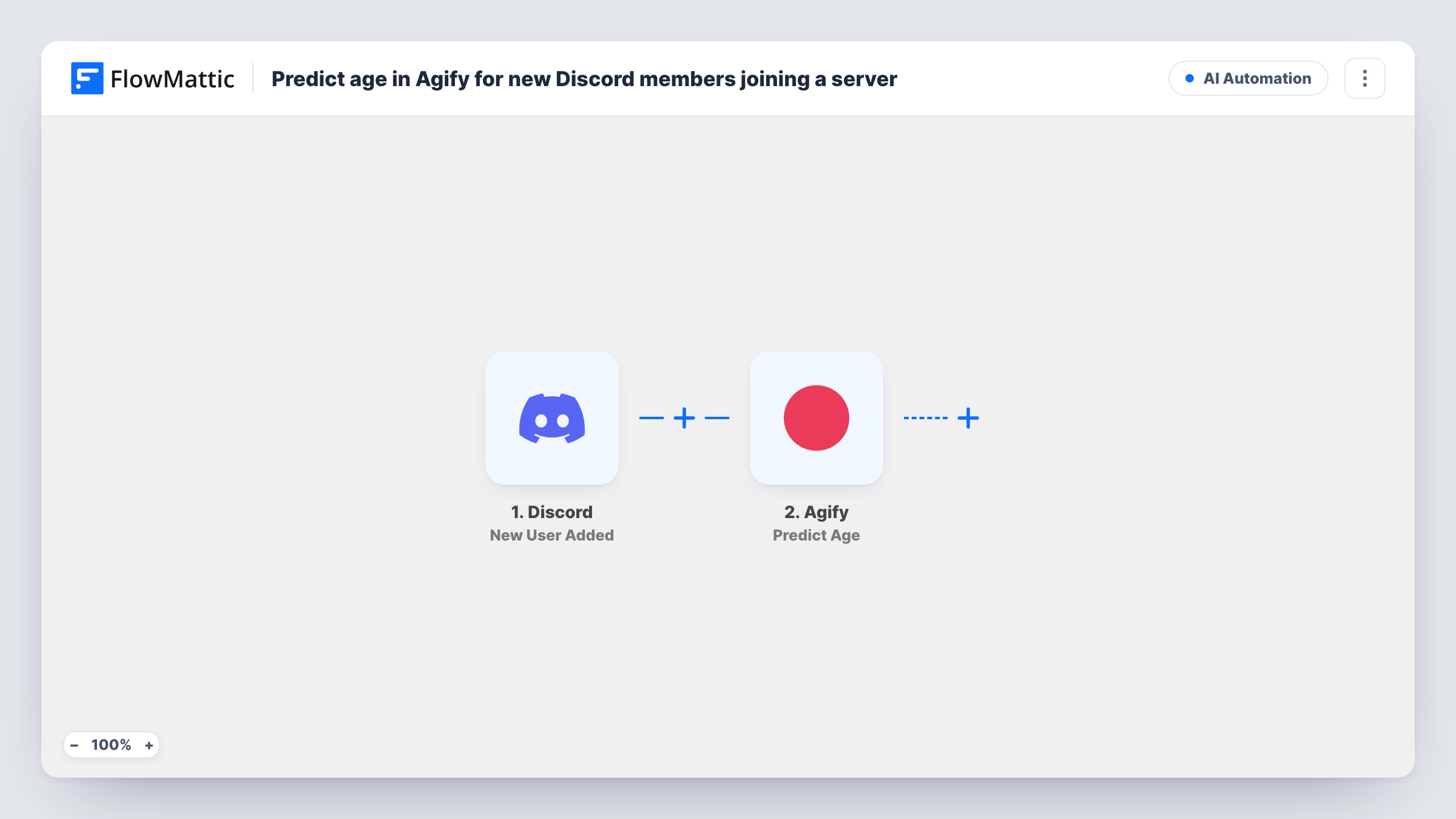
When someone joins your Discord server, this workflow sends their name to Agify for an age estimate. As imported, the estimate is only stored in the run, ready for a step you add to use it.
 Discord
 Agify
Agify2 steps Setup ~5 min Used on 384 sites Free to import
What this workflow does
Community managers sometimes want a rough picture of who is joining a server, for example to plan events or content for the audience that actually shows up. This workflow takes each new member's name and asks Agify for an estimated age.
The Discord New User Added trigger fires when a new user joins your server. FlowMattic passes the member's details to Agify, whose Predict Age action estimates age from a first or full name. You map a name field from the Discord event into that step.
Two limits matter here. Agify works from names, and many Discord members use handles rather than real names, so some estimates won't mean much. Also, the template stops after the prediction. Nothing stores or uses the estimate until you add a step that does, such as a row in Google Sheets, so as imported you only see the result in Task History.
Audience research for a gaming server
Add a Google Sheets step and collect estimates for new members over a month, then look at the spread before planning an event night.
Testing Agify on your own members
Run the template as imported and read the estimates in Task History to judge whether names on your server give usable results before building more on it.
Brand community reporting
A brand's Discord team logs estimated ages for joiners into a sheet, giving the marketing team a rough audience snapshot to compare against other channels.
How this workflow runs
What happens at each step once the workflow is on, and what you need before you import it.
 Discord New User Added
Fires when a new user joins your Discord server. The member's details are passed on. Have a test account join to see which name fields Discord sends.
- Agify Predict Age
Sends a name to Agify and returns an estimated age. Map the Discord member's name into the step. The result is not used by any later step as imported.
What you need
- FlowMatticCore
- Discord AccountAccount
- Agify AccountAccount
After importing, map your own data. To keep the template universal, not every step is pre-filled. Open each step in the builder and connect your accounts and fields (channels, lists, sheets, recipients) before you switch the workflow on.
Make it yours
Changes worth making after you import it.
- Add a Google Sheets Add New Row step after Agify and map the member's name and the estimated age, so you build a record you can review later.
- Add a Filter after the trigger that skips names with digits or symbols, since handles like those are unlikely to give Agify anything useful to work with.
- If the Discord event includes both a username and a display name, test each in the Agify step and keep the one that gives sensible estimates.
Questions about this workflow
Does Agify see anything besides the Discord member's name?
Agify's Predict Age action works from a first or full name. Only the value you map into that step is sent to Agify.
Where does the Agify age estimate end up?
As imported, only in Task History for that run. Add a step after Agify, such as Google Sheets, if you want to keep or use the estimate.
Will it work when Discord members use nicknames?
It will still run, but Agify estimates from names. A handle that isn't a real name may return a weak estimate or none, so check a few results in Task History.
Are existing members of my Discord server included?
No. The trigger fires only for users who join after the workflow is turned on.
More AI Automation workflows
Other ready-to-import templates from the same category.






Import this workflow into your WordPress site
Download the JSON, import it from the Workflows screen and connect your accounts. Every run stays on your server, with no per-task fees.
30-day money-back guarantee Unlimited workflows and runs Self-hosted