

Transcribe and analyze media files from new rows in Google Sheets
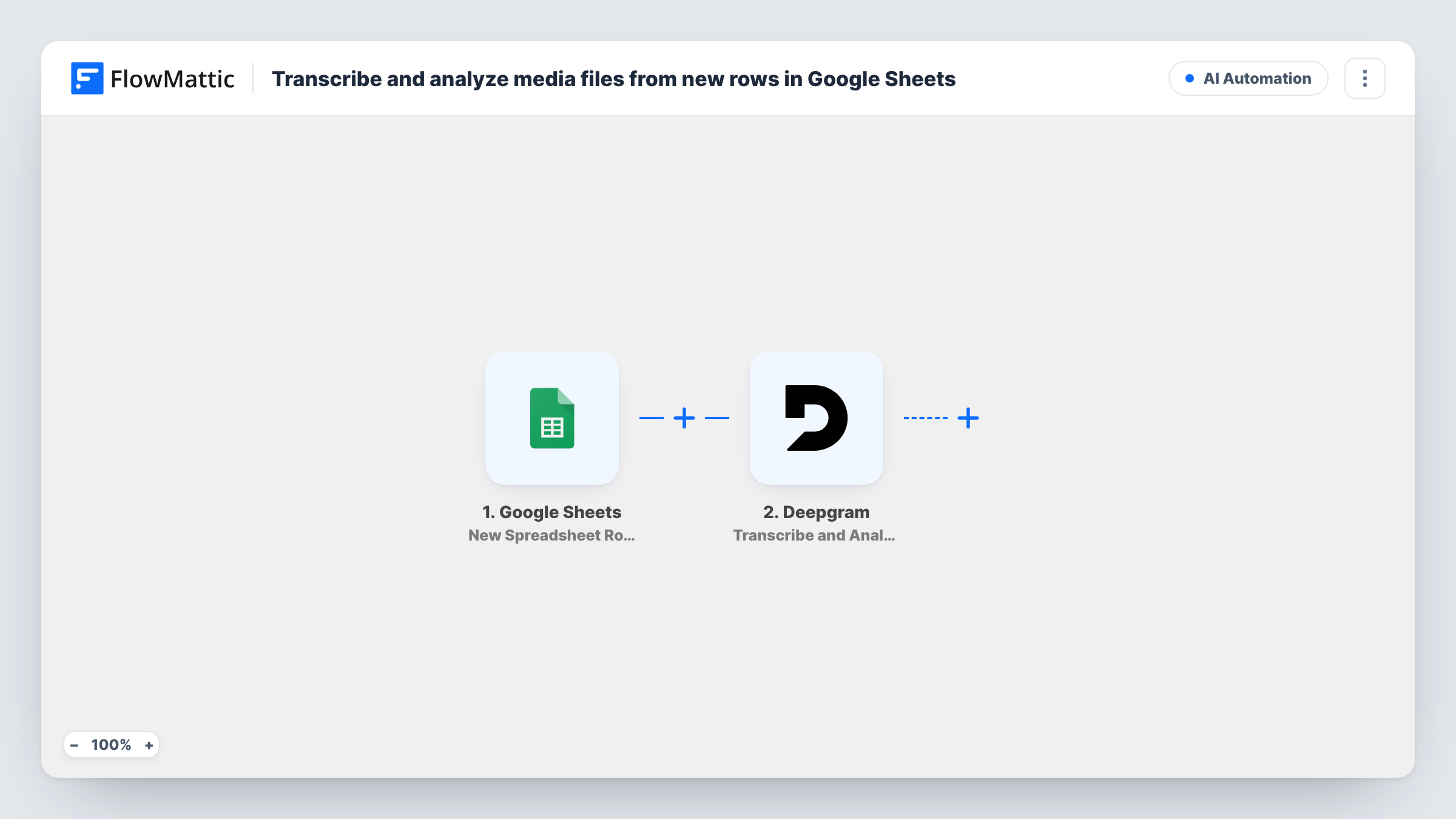
Add a row with a link to an audio or video file in Google Sheets, and this workflow sends that file to Deepgram’s Transcribe and Analyze action, giving you a transcript and analysis to use in further steps.
 Google Sheets
 Deepgram
2 steps Setup ~5 min Used on 448 sites Free to import
What this workflow does
If you collect recordings in a spreadsheet, such as interview links, podcast episodes or recorded calls, transcribing each one usually means uploading it to a tool by hand. Here the spreadsheet becomes your to-do list for Deepgram: add a row that points at a media file, and FlowMattic sends that file to Deepgram for you.
The Google Sheets trigger fires when a new row is added to the spreadsheet you choose. FlowMattic reads the row's columns and passes them on. The Deepgram step, Transcribe and Analyze, works on pre-recorded audio or video. You map the column that holds the file's link into it, and Deepgram returns its response, which FlowMattic keeps as data for later steps.
The template has no step after Deepgram. The response is visible in Task History, but nothing saves the transcript or sends it anywhere. Add a step after Deepgram to store or share it. The file link must be one Deepgram can open, so a private Google Drive link that needs a login won't work; use a link that is publicly reachable.
Transcribing interview recordings for research
A researcher pastes each new interview's recording link into a sheet with the participant code. Every new row goes to Deepgram, and the transcript can then be stored next to that code.
Podcast episode transcripts
Your show notes sheet gets a row per episode with the audio file URL. Deepgram handles the episode as soon as the row appears, ready for a later step to save the text.
Reviewing recorded sales calls
Call recordings exported from your phone system are listed one per row. Sending each one to Deepgram gives a manager text to skim instead of audio to replay.
How this workflow runs
What happens at each step once the workflow is on, and what you need before you import it.
 Google Sheets New Spreadsheet Row
Fires for each row newly added to the worksheet you point it at. Each column in that row, including the media link, is available to map in the Deepgram step.
- Deepgram Transcribe and Analyze
Sends the media file named in the row to Deepgram to transcribe and analyze it. Connect your Deepgram account and map the column holding the file's link. Check a test run to see the response you can use next.
What you need
- FlowMatticCore
- Google Sheets AccountAccount
- Deepgram AccountAccount
After importing, map your own data. To keep the template universal, not every step is pre-filled. Open each step in the builder and connect your accounts and fields (channels, lists, sheets, recipients) before you switch the workflow on.
Make it yours
Changes worth making after you import it.
- Store the result: add a Google Sheets Add New Row step that writes the transcript to a separate results spreadsheet, together with an ID column copied from the source row.
- Add a Filter after the trigger that continues only when the link column is not empty, so rows added without a file don't send an empty request to Deepgram.
- Need a short summary instead of the full text? Pass the Deepgram response to an AI step or to Deepgram's own Analyze Text action before you store it.
Questions about this workflow
Where does the Deepgram transcript go?
Nowhere yet. The template ends at the Deepgram step, so the response only shows in Task History. Add a step after it, such as a row in another spreadsheet or an email, to keep the transcript.
What kind of link does the Google Sheets row need?
A link to the audio or video file that Deepgram can reach without signing in. Files behind a login or a private sharing setting can't be fetched. Run one test row to confirm your links work.
Will editing an existing row send the file to Deepgram again?
No. The trigger is New Spreadsheet Row, so only rows added after you turn the workflow on start a run. Rows already in the sheet are not processed.
Do I need a Deepgram account for this Google Sheets workflow?
Yes. The transcription runs through your own Deepgram account, which you connect in FlowMattic. A Google account with access to the sheet is also needed for the trigger.
More AI Automation workflows
Other ready-to-import templates from the same category.






Import this workflow into your WordPress site
Download the JSON, import it from the Workflows screen and connect your accounts. Every run stays on your server, with no per-task fees.
30-day money-back guarantee Unlimited workflows and runs Self-hosted