

Record each new OfficeRnD invoice in Airtable for finance tracking
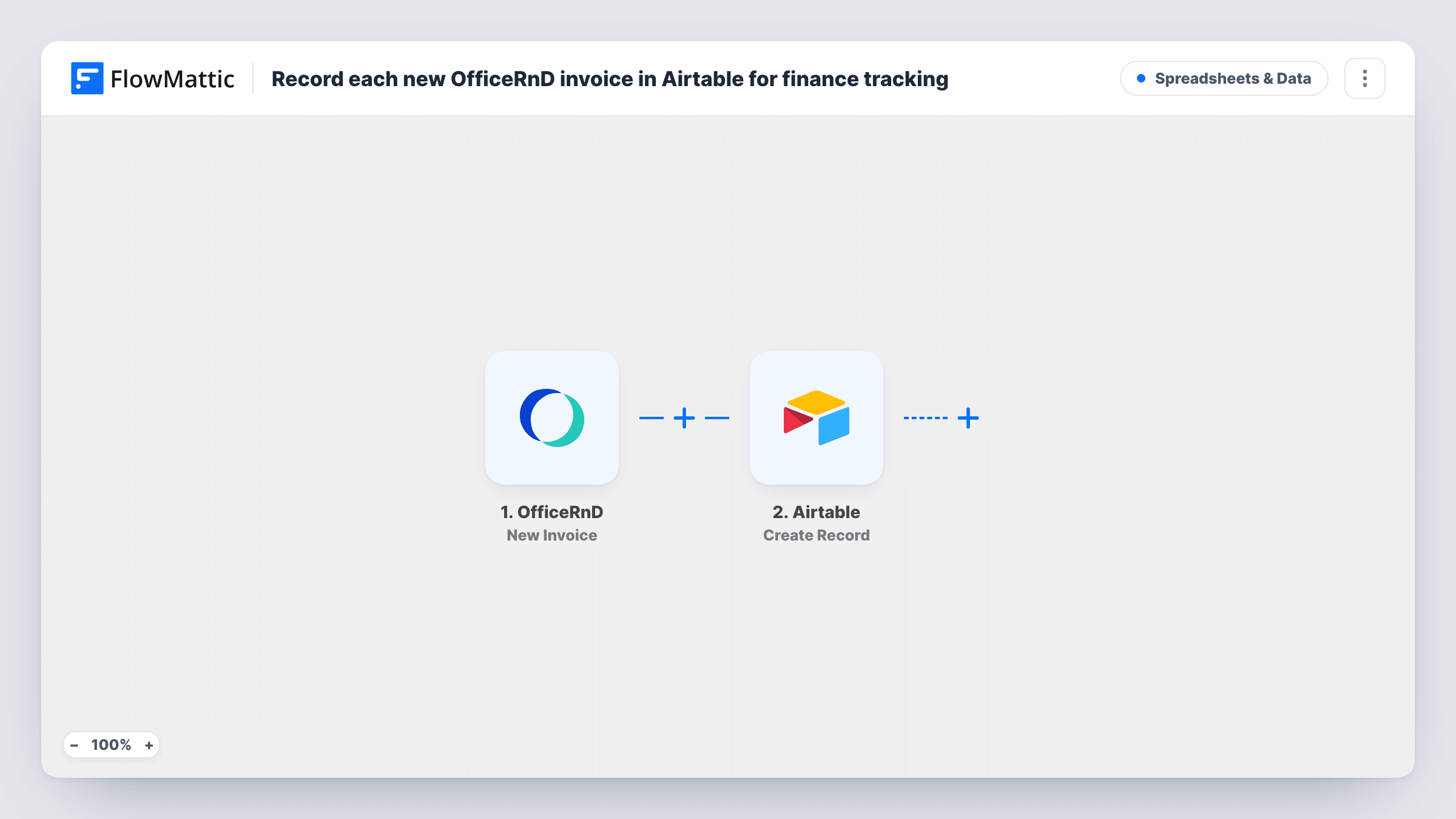
Each new invoice added in OfficeRnD creates a record in the Airtable base and table you choose, giving your finance team one table of workspace invoices to track and reconcile.
 OfficeRnD
 Airtable
2 steps Setup ~5 min Used on 1.8k sites Free to import
What this workflow does
OfficeRnD issues invoices for memberships, desks and extras, but finance teams often track payments and follow-ups somewhere they control themselves. Airtable suits that work: you can add status fields, views and notes without touching OfficeRnD. This workflow copies each new OfficeRnD invoice into Airtable.
The OfficeRnD trigger fires when a new invoice is added. The invoice values in that event, such as its number, member and amount, become data you can map. The Airtable step then creates a new record in the table you pick, with each Airtable field filled from the invoice value you map to it.
The trigger reacts to new invoices only. If an invoice changes later in OfficeRnD, the Airtable record keeps the values it was created with. Run a test invoice to see which values OfficeRnD sends, and use Task History to check each record that was created.
Payment chasing for a coworking space
Finance adds a Paid checkbox and a follow-up date in Airtable next to each OfficeRnD invoice, and a filtered view shows which members still need a reminder.
Monthly revenue view
Group the Airtable table by month and location to see invoice totals for each site, without exporting reports from OfficeRnD.
Sharing invoice data with an accountant
Give your external accountant access to the Airtable base, so they see every new invoice without needing an OfficeRnD login.
How this workflow runs
What happens at each step once the workflow is on, and what you need before you import it.
 OfficeRnD New Invoice
Fires when a new invoice is added in OfficeRnD. The invoice details are passed to the Airtable step; create a test invoice to see the values you can map.
- Airtable Create Record
Adds one Airtable record per OfficeRnD invoice to the table you pick. Map the OfficeRnD invoice number, member, amount and date into matching Airtable fields, and connect your Airtable account.
What you need
- FlowMatticCore
- OfficeRnD AccountAccount
- Airtable AccountAccount
After importing, map your own data. To keep the template universal, not every step is pre-filled. Open each step in the builder and connect your accounts and fields (channels, lists, sheets, recipients) before you switch the workflow on.
Make it yours
Changes worth making after you import it.
- Use a number or currency field in Airtable for the invoice amount, so totals and grouping work in your views.
- Add your own status and notes fields in Airtable for finance work. The workflow fills only the fields you map, so those stay yours to edit.
- If you also track invoice allocations, build a second workflow on OfficeRnD's New Invoice Allocation trigger that adds records to another Airtable table.
Questions about this workflow
Does the Airtable record update when the OfficeRnD invoice changes?
No. The New Invoice trigger fires once when an invoice is added. Later changes in OfficeRnD don't reach Airtable through this workflow.
Are OfficeRnD invoices from before import copied to Airtable?
No. Only invoices added after you turn the workflow on create records. Bring older invoices into Airtable separately.
Does the Airtable base for OfficeRnD invoices need to exist before import?
Yes. Create the base and table with the fields you want, then map each OfficeRnD invoice value to a field in the Create Record step.
More Spreadsheets & Data workflows
Other ready-to-import templates from the same category.




Import this workflow into your WordPress site
Download the JSON, import it from the Workflows screen and connect your accounts. Every run stays on your server, with no per-task fees.
30-day money-back guarantee Unlimited workflows and runs Self-hosted