

Record new LeanIX relations in a Notion database for review
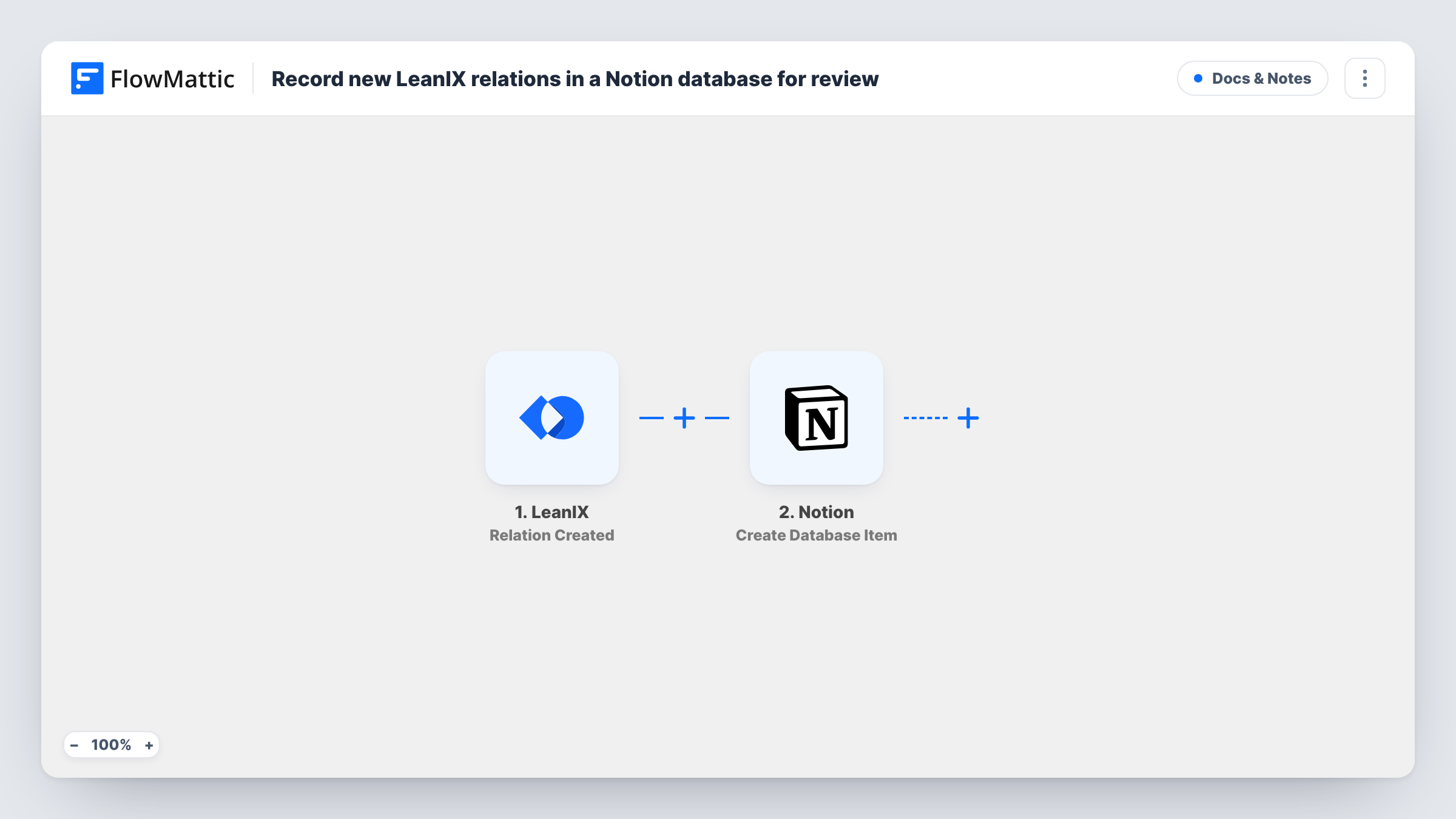
Each time a relation between two LeanIX fact sheets is created, or restored from the archive, this workflow adds an item to a Notion database so your architects can review the change.
 LeanIX
 Notion
2 steps Setup ~5 min Used on 1.2k sites Free to import
What this workflow does
Relations in LeanIX describe how applications, capabilities and other fact sheets depend on each other. When many people edit the inventory, new relations can appear without anyone checking them. This workflow gives you a review queue in Notion, with one item per new relation.
The LeanIX trigger fires when a relation between fact sheets is created. It also fires when a relation is recovered from the archive, so restored relations show up in the queue too. FlowMattic passes the relation data on to the next step.
The Notion step creates an item in the database you choose. You map the LeanIX details into the database's properties, for example the two fact sheet names and the relation type. Add a status property in Notion, such as To review and Reviewed, and your team works through the items there. Notion is the only place this flow writes to. It never changes or removes anything in LeanIX.
Architecture review board backlog
Each new dependency between applications lands as a Notion item that the review board checks at its weekly meeting.
Data quality checks on the inventory
An enterprise architect reviews new relations in Notion to catch links that were added by mistake or point to the wrong fact sheet.
Documenting integrations for a migration
During a cloud migration, every new relation becomes a Notion page where the team adds notes on interfaces and owners.
How this workflow runs
What happens at each step once the workflow is on, and what you need before you import it.
 LeanIX Relation Created
Fires when a relation between two LeanIX fact sheets is created or recovered from the archive. The relation's data is passed on for mapping.
- Notion Create Database Item
Adds one Notion database item per LeanIX relation. Map the LeanIX relation details into its properties, and share the database with your Notion connection so FlowMattic can write to it.
What you need
- FlowMatticCore
- LeanIX AccountAccount
- Notion AccountAccount
After importing, map your own data. To keep the template universal, not every step is pre-filled. Open each step in the builder and connect your accounts and fields (channels, lists, sheets, recipients) before you switch the workflow on.
Make it yours
Changes worth making after you import it.
- Create a status property in your Notion database with a default of To review, so each new item starts in the review column of a board view.
- Only want some relation types? Add a Filter after the trigger on the relation type field that a test run shows, so other relations don't create items.
- Trigger one test relation in LeanIX after import and look at Task History to see which fields arrive, then map them to the Notion properties.
Questions about this workflow
Will relations restored from the LeanIX archive create Notion items?
Yes. The Relation Created trigger also fires when a relation is recovered from the archive, so restored relations are added like new ones.
Does the Notion item update when the LeanIX relation changes later?
No. This workflow only reacts to new or restored relations. LeanIX has separate triggers such as Relation Updated and Relation Deleted if you want to track changes in another workflow.
Do I need to prepare the Notion database first?
Yes. Create the database with the properties you want to fill, and share it with the Notion connection you use in FlowMattic, before mapping the step.
Can the review result be sent back to LeanIX?
Not with this template. It moves data one way, from LeanIX into Notion.
More Docs & Notes workflows
Other ready-to-import templates from the same category.




Import this workflow into your WordPress site
Download the JSON, import it from the Workflows screen and connect your accounts. Every run stays on your server, with no per-task fees.
30-day money-back guarantee Unlimited workflows and runs Self-hosted