

Save completed Foxit eSign documents to a Dropbox folder
When every required party has signed a Foxit eSign document, this workflow uploads the file to Dropbox, so fully signed agreements are stored with the rest of your business files.
 Foxit eSign
 Dropbox
2 steps Setup ~5 min Used on 2.8k sites Free to import
What this workflow does
A signed contract is only useful if you can find it later. Leaving finished agreements inside the e-signature account means searching there every time, and copying them to shared storage by hand is easy to forget. This workflow moves each completed document to Dropbox as part of the signing process.
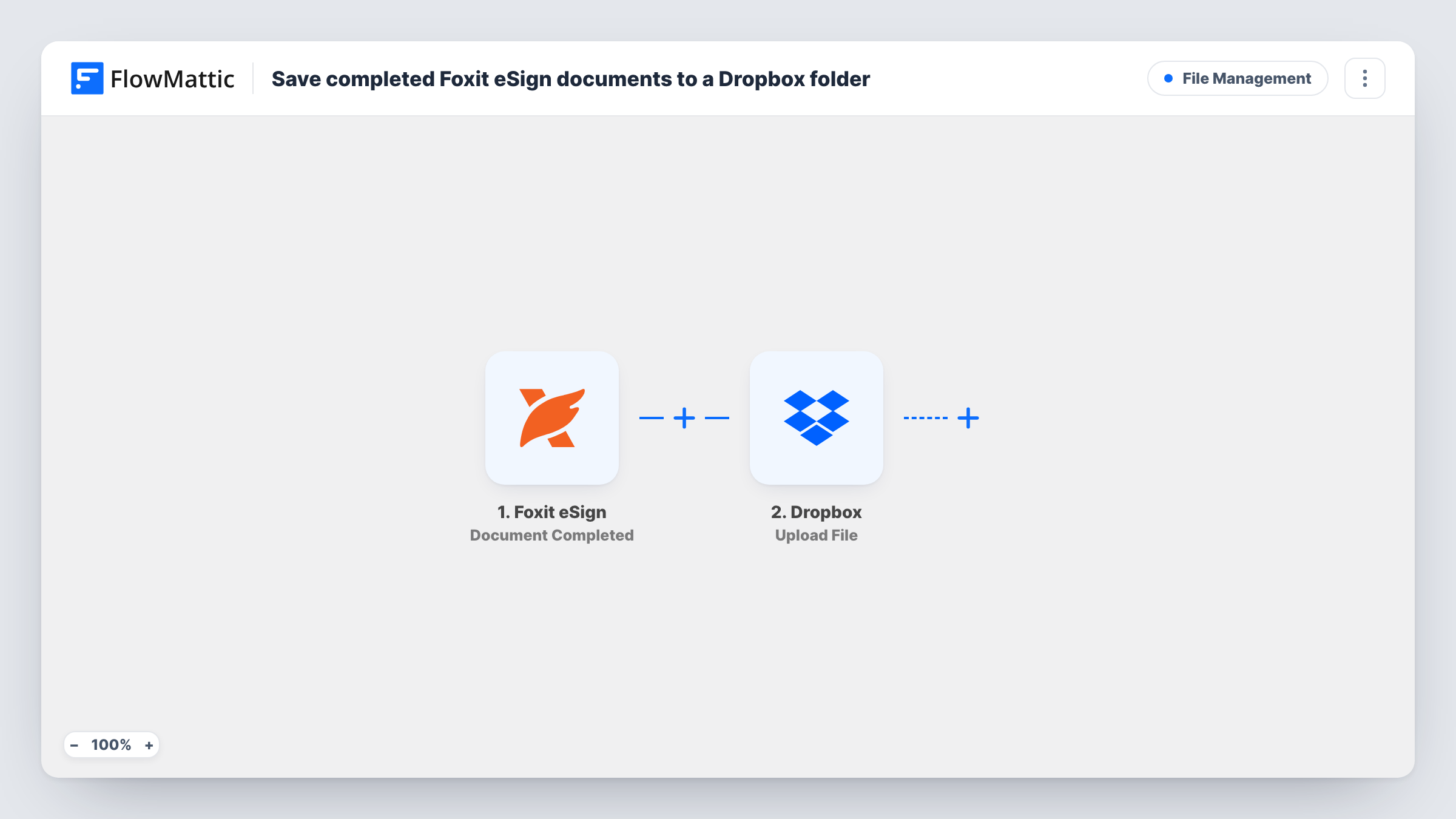
The Foxit eSign trigger fires when a document, or a folder of documents, has been signed by all required parties. FlowMattic then runs the Upload File action in Dropbox, using the document data from the trigger. You map the signed file from the Foxit eSign event into the upload step and set where it should be stored.
Documents that are only partly signed, viewed, cancelled or declined don't start a run, because the trigger waits for completion. Before you rely on it, send yourself a short test document, sign it, and check in Task History which file values the Foxit eSign event delivers and what Dropbox received.
Client contracts for a consultancy
Each engagement letter a client finishes signing in Foxit eSign is uploaded to Dropbox, where the whole team already keeps project files.
Signed leases for a property manager
Once tenant and landlord have both signed, the lease goes to Dropbox without anyone logging in to Foxit eSign to download it.
HR onboarding paperwork
Offer letters and policy acknowledgements that new hires complete in Foxit eSign are uploaded to Dropbox for the HR team to file.
How this workflow runs
What happens at each step once the workflow is on, and what you need before you import it.
 Foxit eSign Document Completed
Fires when a Foxit eSign document or folder has been signed by every required party. The completed document's details become available to map in the Dropbox step.
- Dropbox Upload File
Uploads the completed document to your Dropbox account. Connect Dropbox, map the file from the Foxit eSign event, and confirm with a test signing that the upload arrives where you expect.
What you need
- FlowMatticCore
- Foxit eSign AccountAccount
- Dropbox AccountAccount
After importing, map your own data. To keep the template universal, not every step is pre-filled. Open each step in the builder and connect your accounts and fields (channels, lists, sheets, recipients) before you switch the workflow on.
Make it yours
Changes worth making after you import it.
- Create a Dropbox folder just for signed agreements before you set up the upload step, so finished documents don't sit among drafts and working files.
- Add a Dropbox Create Shared Link step after the upload if you want a link to the signed file that you can pass to a later step, such as an email to your client.
- Need a heads-up as well as the file? Add a step after the upload that emails or messages your team with the document details from the Foxit eSign event.
Questions about this workflow
Are partly signed Foxit eSign documents uploaded too?
No. The trigger is Document Completed, which fires only after all required parties have signed. Foxit eSign has separate triggers for each signature, views and cancellations, and this workflow doesn't use them.
What happens when a whole Foxit eSign folder is completed?
The trigger also covers folders signed by all parties. Run a test with a folder and check Task History to see which file data the event carries before relying on it for multi-document packets.
Will documents signed before I import this be copied to Dropbox?
No. Only documents completed after you turn the workflow on start a run.
What if the Dropbox upload fails?
Task History shows the error on the Dropbox step for that run, so you can see what went wrong and download the document from Foxit eSign yourself.
More File Management workflows
Other ready-to-import templates from the same category.






Import this workflow into your WordPress site
Download the JSON, import it from the Workflows screen and connect your accounts. Every run stays on your server, with no per-task fees.
30-day money-back guarantee Unlimited workflows and runs Self-hosted