

Save converted Pipe videos to a Dropbox folder for the editing team
When Pipe finishes converting a recording to MP4, this workflow uploads the file to Dropbox, so your editing team picks up new videos from a shared folder instead of downloading them from Pipe one by one.
 Pipe
Pipe
 Dropbox
2 steps Setup ~5 min Used on 1.9k sites Free to import
What this workflow does
Pipe records videos from your site visitors, customers or contributors, and editors usually want those files in a shared folder rather than behind another login. Downloading each recording and re-uploading it is slow and easy to miss. This workflow moves converted videos to Dropbox as they become ready.
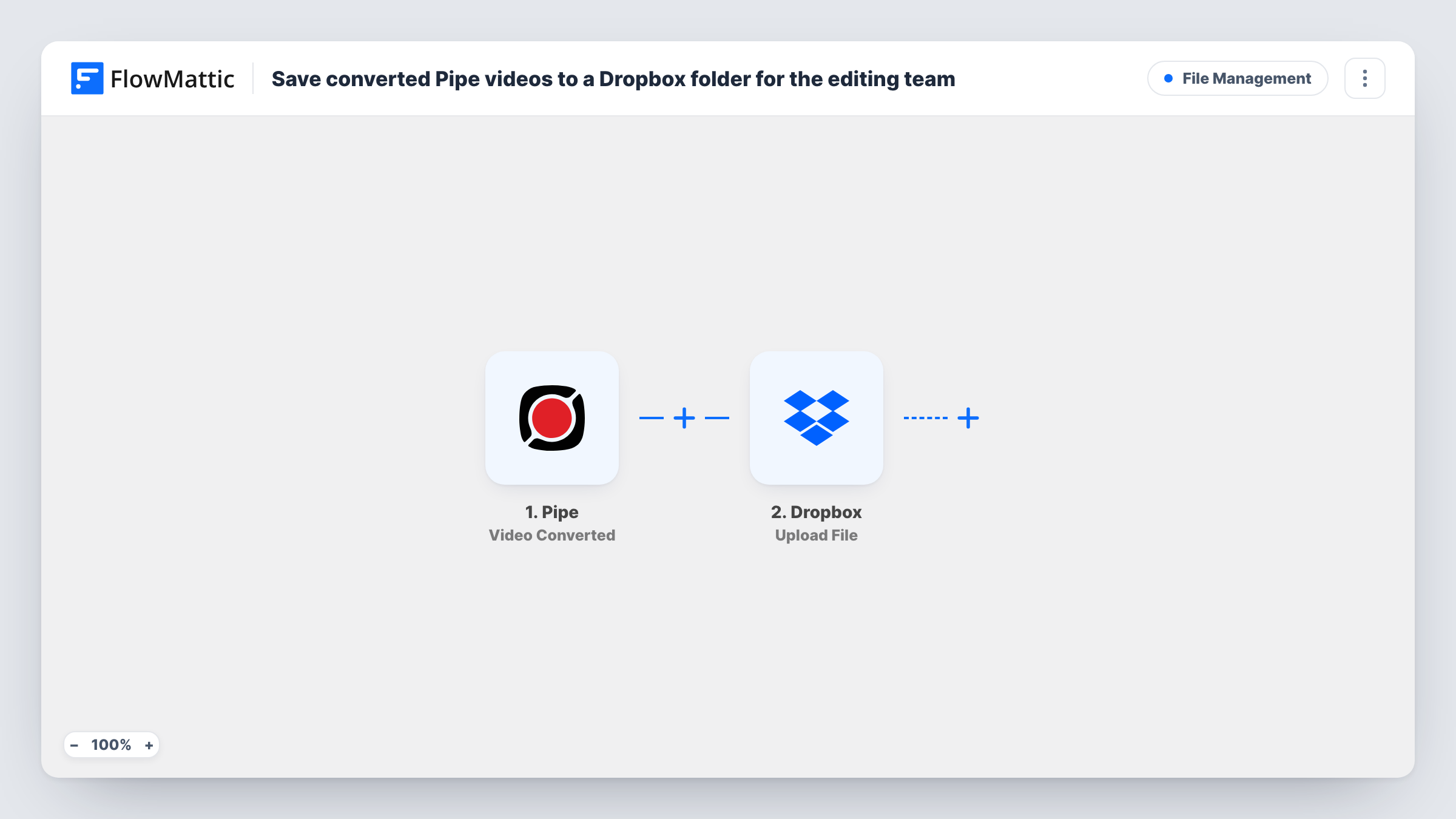
The Pipe trigger fires right after a recording is successfully converted to MP4. FlowMattic's trigger description notes it is not sent if MP4 output is disabled in Pipe. The event data is captured, and the Dropbox step runs Upload File, which uploads a file to your Dropbox account. You map the converted video from the Pipe data into that upload.
Each converted recording leads to one upload. Raw recordings that are never converted do not start the workflow. Use Task History to check each run and the response Dropbox returned.
Customer testimonial videos
Customers record testimonials through a Pipe recorder on your site, and each converted MP4 lands in the Dropbox folder your video editor works from.
Video applications for a hiring team
Applicants answer a question on camera, and every finished recording is uploaded to a Dropbox folder the hiring panel can open.
Course assignments recorded by students
Students submit video assignments with Pipe, and instructors find the MP4 files in Dropbox ready to review.
How this workflow runs
What happens at each step once the workflow is on, and what you need before you import it.
 Pipe Video Converted
Fires right after Pipe converts a recording to MP4. FlowMattic's description says the event is not sent when MP4 output is turned off, so keep it enabled in Pipe.
- Dropbox Upload File
Sends the converted recording to Dropbox as a file upload. Connect Dropbox, map the converted video from the Pipe event into the upload, and choose where it should go; run a test to confirm the file arrives.
What you need
- FlowMatticCore
- Pipe AccountAccount
- Dropbox AccountAccount
After importing, map your own data. To keep the template universal, not every step is pre-filled. Open each step in the builder and connect your accounts and fields (channels, lists, sheets, recipients) before you switch the workflow on.
Make it yours
Changes worth making after you import it.
- Record a short test video with Pipe after import so FlowMattic captures a real conversion event, then map the video into the Dropbox step and check the uploaded file plays.
- Add a Slack step after the upload that posts the file name to your editing channel, so editors know a new video is waiting.
- Log each upload in Google Sheets with the data from the Pipe event, giving the team a list of recordings to track editing progress against.
Questions about this workflow
Why didn't a Pipe recording reach Dropbox?
The trigger only fires after a successful MP4 conversion, and FlowMattic's description says it is not sent when MP4 output is disabled. Check that setting in Pipe and look at Task History for the run.
Which Dropbox folder do the Pipe videos go to?
You set the destination in the Upload File step after connecting Dropbox. Run a test and check that the file lands in the folder your editors use.
Are Pipe recordings from before import uploaded?
No. Only recordings converted after you turn the workflow on are uploaded. Earlier videos stay in Pipe.
Does the workflow delete the video from Pipe after uploading?
No. It only uploads a copy to Dropbox. The recording stays in Pipe as before.
More File Management workflows
Other ready-to-import templates from the same category.







Import this workflow into your WordPress site
Download the JSON, import it from the Workflows screen and connect your accounts. Every run stays on your server, with no per-task fees.
30-day money-back guarantee Unlimited workflows and runs Self-hosted