

Fill in and sign documents with PDF.co from new FluentForms submissions
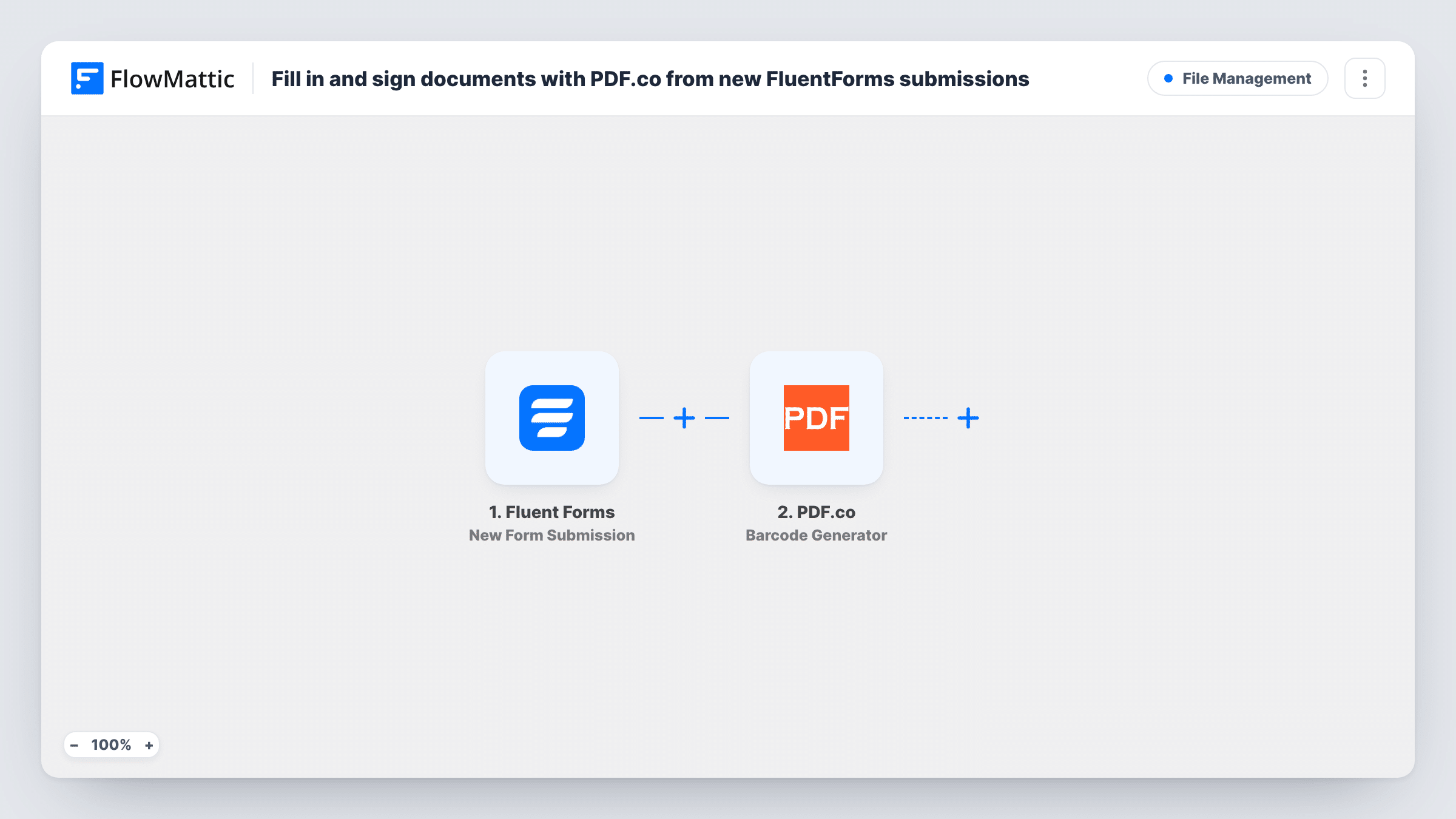
Each new Fluent Forms submission is sent to PDF.co’s PDF Filler, which fills your PDF document with the entry’s answers and can add a signature image, giving you a completed file.
 Fluent Forms
 PDF.co
2 steps Setup ~5 min Used on 702 sites Free to import
What this workflow does
Application forms, consent forms and agreements often have to end up as a PDF in a fixed layout. Copying each Fluent Forms entry into that document by hand is slow and error-prone. This workflow passes every submission to PDF.co, which writes the answers into your PDF for you.
The Fluent Forms trigger fires when a new form submission is received on your site and passes the entry's values on. The PDF.co step uses PDF Filler, which can add text, images and signatures to a PDF, or fill the form fields of a fillable PDF.
The step ships unmapped. After import, point it at your PDF, then place each answer from the form where it belongs. To sign the document, add a signature image, for example from a signature field on your form if it gives you an image link, or your own fixed signature. A test run shows which values Fluent Forms sends.
The workflow ends once PDF.co returns the finished file's link. Nothing sends the PDF to anyone or saves it elsewhere yet, so add a step after PDF.co for that. Check the first few documents in Task History to make sure everything lines up.
Rental applications on the agency's form
A letting agent collects tenant applications through Fluent Forms and gets each one as a filled copy of the agency's standard application PDF.
Signed consent forms for a clinic
A beauty clinic's online consent form fills its paper consent PDF with the client's answers and signature image, ready to file with the booking.
Volunteer agreements
A charity turns each volunteer sign-up into its volunteer agreement PDF, with the person's details and signature in place.
How this workflow runs
What happens at each step once the workflow is on, and what you need before you import it.
 Fluent Forms New Form Submission
Each entry submitted through one of your Fluent Forms forms starts a run. The entry's values, including any signature or file fields, are passed to the PDF.co step for mapping.
- PDF.co PDF Filler
Fills a PDF with the submission using PDF.co's PDF Filler, which can add text, images and signatures or fill PDF form fields. The step ships unmapped, so set your PDF and map each answer after import.
What you need
- FlowMatticCore
- Fluent Forms PluginPlugin
- PDF.co AccountAccount
After importing, map your own data. To keep the template universal, not every step is pre-filled. Open each step in the builder and connect your accounts and fields (channels, lists, sheets, recipients) before you switch the workflow on.
Make it yours
Changes worth making after you import it.
- Add FlowMattic's Email step after the PDF.co step and map the file link PDF.co returns, so the person who submitted, or your team, receives the finished document.
- Use a fillable PDF with named form fields if you can. Filling named fields is easier to keep aligned than placing text by position.
- If several Fluent Forms forms run on your site, put a Filter between the Fluent Forms trigger and the PDF.co step using a value from a test run that identifies the right form.
Questions about this workflow
Where does the filled PDF.co document go?
PDF.co returns a link to the finished file in the step's output. The template stops there, so add an email, storage or messaging step after PDF.co to deliver or keep it.
Can the Fluent Forms entry be signed on the PDF?
PDF Filler can add signatures and images to a PDF. If your form has a signature field that gives an image link, map it into the signature in the PDF.co step and check a test document.
Do I need a PDF.co account for this Fluent Forms workflow?
Yes. The PDF Filler step runs on your PDF.co account. Fluent Forms itself is a WordPress plugin on your own site.
Is this a legally binding e-signature?
The workflow places a signature image on the PDF; it doesn't run a signing process with identity checks. If you need a formal e-signature, use a dedicated signing service.
More File Management workflows
Other ready-to-import templates from the same category.





Import this workflow into your WordPress site
Download the JSON, import it from the Workflows screen and connect your accounts. Every run stays on your server, with no per-task fees.
30-day money-back guarantee Unlimited workflows and runs Self-hosted