

Save each generated Juro contract PDF to Google Drive
Each time Juro creates a PDF of a contract, this workflow uploads that file to a Google Drive folder you choose, so you keep a copy of every contract PDF outside Juro without downloading it by hand.
 Juro
 Google Drive
2 steps Setup ~5 min Used on 2.7k sites Free to import
What this workflow does
Contracts live in Juro while they are drafted and signed. Many teams also want a copy in Google Drive, where finance, operations or an outside accountant already look for files. Saving each PDF by hand is easy to forget. This workflow does it when the PDF is made.
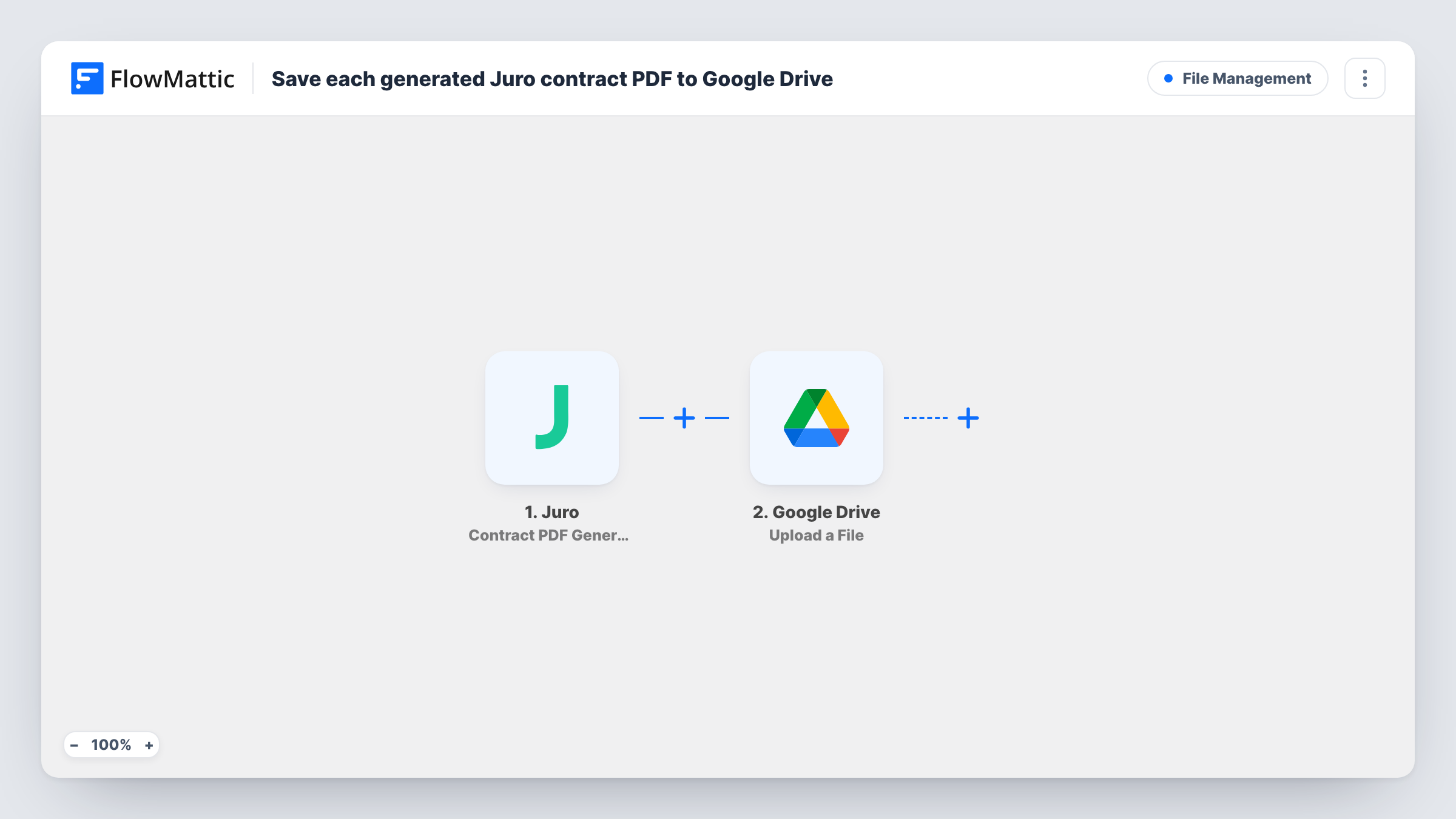
The Juro trigger, Contract PDF Generated, fires when a PDF of a contract is created from its HTML version. FlowMattic receives the event and passes it to the Google Drive Upload a File action, which stores the file in the folder you select. You map the PDF from the Juro event into the upload step and can name the file after the contract.
Every generated PDF is uploaded, since nothing filters the runs. If Juro makes a new PDF for the same contract later, Drive gets another file for it. Run a test after import and check that the Juro event carries a link to the PDF before you rely on it; Task History lists the data the trigger passed in on every run.
A Drive archive for finance
Your finance team works from a shared Drive folder. Each contract PDF Juro generates lands there, so they can find terms without a Juro seat.
Backups outside the contract tool
A small legal team keeps a second copy of every contract PDF in Google Drive, so the files stay reachable if access to Juro changes.
Handing contracts to an agency or accountant
Share one Drive folder with an outside adviser. New contract PDFs appear in it as Juro creates them, with no emailing of attachments.
How this workflow runs
What happens at each step once the workflow is on, and what you need before you import it.
 Juro Contract PDF Generated
Fires when Juro creates a PDF of a contract from its HTML version. The event's contract details are passed on for mapping into the Google Drive step.
- Google Drive Upload a File
Puts the contract file into a Google Drive folder of your choice. Map the PDF from the Juro event into this step and connect your Google account; a test run shows which value holds the file.
What you need
- FlowMatticCore
- Juro AccountAccount
- Google Drive AccountAccount
After importing, map your own data. To keep the template universal, not every step is pre-filled. Open each step in the builder and connect your accounts and fields (channels, lists, sheets, recipients) before you switch the workflow on.
Make it yours
Changes worth making after you import it.
- Name each file after the contract in the upload step, using the contract name or ID from the Juro event, so the Drive folder sorts and searches well.
- Add a Filter after the trigger that checks a contract field, such as its template or type, if only some contracts belong in this folder. Others then aren't uploaded.
- Use a Router with one Google Drive step per route to send different contract types to different folders. Give each route a condition on a distinct value so a contract matches one route.
Questions about this workflow
Does this save contracts created before I turn it on?
No. Only PDFs Juro generates after the workflow is active fire the trigger. Download older contract PDFs from Juro yourself if you want them in Drive.
What if Juro generates a new PDF for the same contract?
Each Contract PDF Generated event is a new run, so Google Drive gets another upload. Name files with the date or a version detail if you want to tell copies apart.
Is the signed version uploaded?
The trigger fires when a PDF is generated, not when a contract is signed. Juro also has a Contract Signed trigger in FlowMattic; check in a test run whether that event gives you the file you want.
Can I save the Juro PDF to a shared drive folder?
Pick any folder your connected Google account can upload to in the Upload a File step. Anyone the folder is shared with will see each new contract PDF, so choose its sharing with care.
More File Management workflows
Other ready-to-import templates from the same category.





Import this workflow into your WordPress site
Download the JSON, import it from the Workflows screen and connect your accounts. Every run stays on your server, with no per-task fees.
30-day money-back guarantee Unlimited workflows and runs Self-hosted