

Save each new Givecloud contribution to a Notion database
Each time a contribution payment is processed in Givecloud, this workflow saves it as a new item in a Notion database, so your team keeps a donation log in the workspace it already uses.
 Givecloud
 Notion
2 steps Setup ~5 min Used on 469 sites Free to import
What this workflow does
Givecloud handles the giving, but many nonprofit teams plan their thank-you calls, reports and donor notes in Notion. Copying each gift across by hand takes time and invites mistakes in amounts and names. This workflow adds every paid contribution to a Notion database for you.
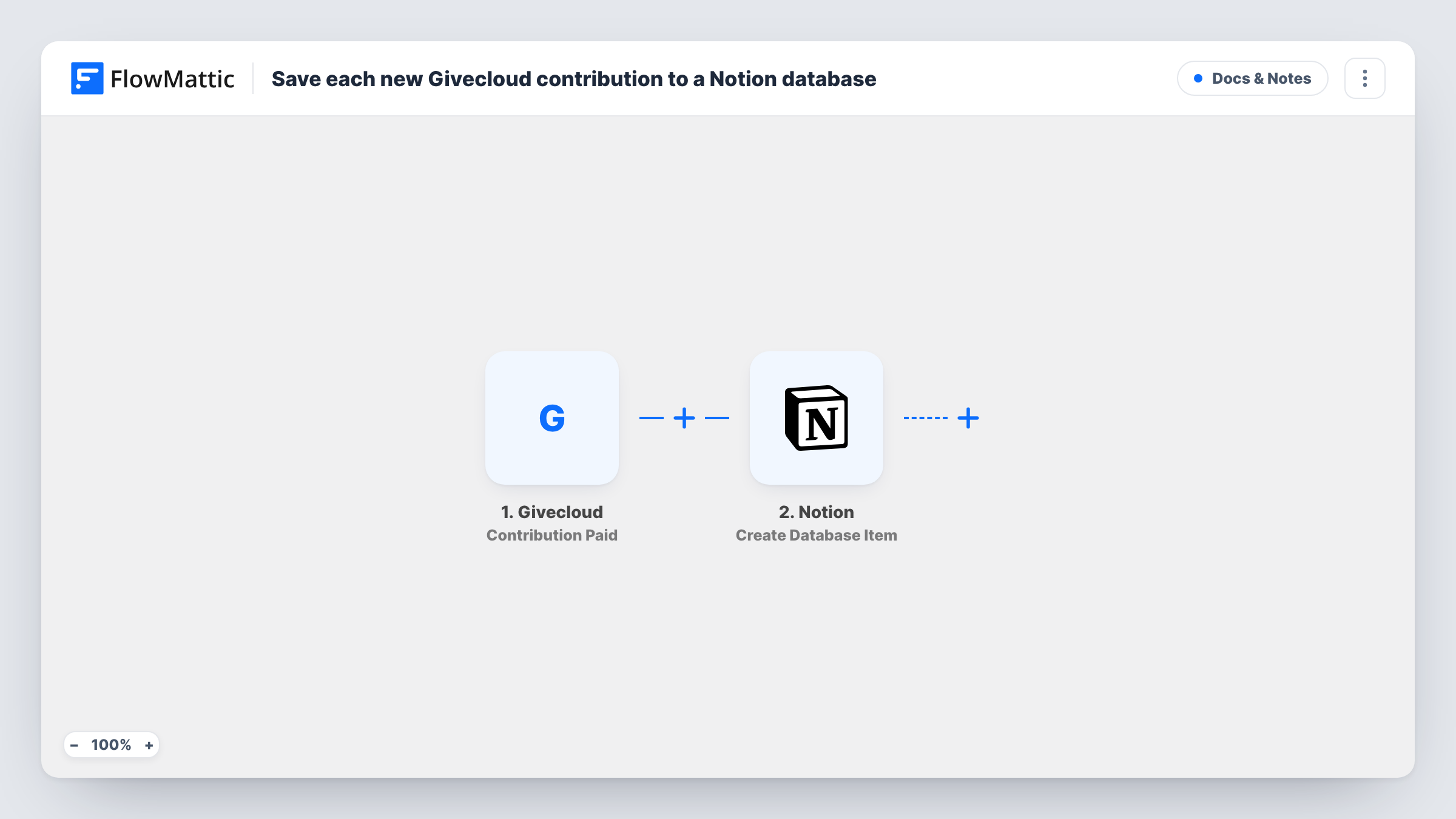
The Givecloud trigger fires when a contribution payment is processed. FlowMattic receives the contribution data and passes it to Notion, where the Create Database Item action adds a new entry to the database you pick. You map the Givecloud details to the database's properties, so the layout matches how your team already tracks gifts.
Each processed payment creates one Notion item, with nothing filtering them first. Supporter records are not touched; Givecloud has separate supporter triggers in FlowMattic if you want those too. Each run is logged in Task History, which shows the data sent to Notion.
Thank-you call list
Volunteers open the Notion database each morning, see new gifts, and tick off a checkbox property once they have called the donor.
Board and campaign reporting
A development lead builds Notion views grouped by campaign or month from the contribution items, ready for board meetings.
Donor notes alongside each gift
Staff add comments and context to each contribution item in Notion, keeping relationship notes beside the payment details.
How this workflow runs
What happens at each step once the workflow is on, and what you need before you import it.
 Givecloud Contribution Paid
Runs when a contribution payment is processed in Givecloud. The contribution data is passed to the Notion step for mapping.
- Notion Create Database Item
Adds the paid Givecloud contribution as a new entry in your chosen Notion database. Connect Notion, share the database with the connection, and map the Givecloud contribution details to its properties.
What you need
- FlowMatticCore
- Givecloud AccountAccount
- Notion AccountAccount
After importing, map your own data. To keep the template universal, not every step is pre-filled. Open each step in the builder and connect your accounts and fields (channels, lists, sheets, recipients) before you switch the workflow on.
Make it yours
Changes worth making after you import it.
- Set up the Notion database properties first, such as amount, donor name and date, ready to receive the details Givecloud sends.
- Add a Filter after the trigger if you only want larger gifts in Notion. Numbers compare as whole numbers, so a gift of 99.50 is checked as 99.
- Process a small test contribution in Givecloud after import so FlowMattic captures the payment fields before you map them into Notion.
Questions about this workflow
Which Givecloud event starts the workflow?
Contribution Paid, which fires when a contribution payment is processed in Givecloud. FlowMattic also lists a separate Contributions Paid trigger and supporter triggers that this template does not use.
Do past Givecloud contributions get added to Notion?
No. Only payments processed after the workflow is turned on create items. Import older gifts into Notion separately if you need a full history.
Does Notion need any setup before the first run?
Yes. Create the database with the properties you want, and give your Notion connection access to it so FlowMattic can add items.
Will the Notion item change if the contribution is refunded later?
No. The workflow adds an item when the payment is processed and does not update it afterwards.
More Docs & Notes workflows
Other ready-to-import templates from the same category.





Import this workflow into your WordPress site
Download the JSON, import it from the Workflows screen and connect your accounts. Every run stays on your server, with no per-task fees.
30-day money-back guarantee Unlimited workflows and runs Self-hosted