

Save each newly uploaded Uploadcare file to Google Drive
Every file that lands in your Uploadcare project is copied into Google Drive, giving you a second copy of user uploads in a place your team can browse, share and search.
 Uploadcare
 Google Drive
2 steps Setup ~5 min Used on 378 sites Free to import
What this workflow does
Uploadcare handles the uploads people make through your site or app, and the files live in your Uploadcare project. When someone on your team wants to look through them, they need access to Uploadcare or a link to each file. This workflow puts a copy of each new upload in Google Drive as it arrives.
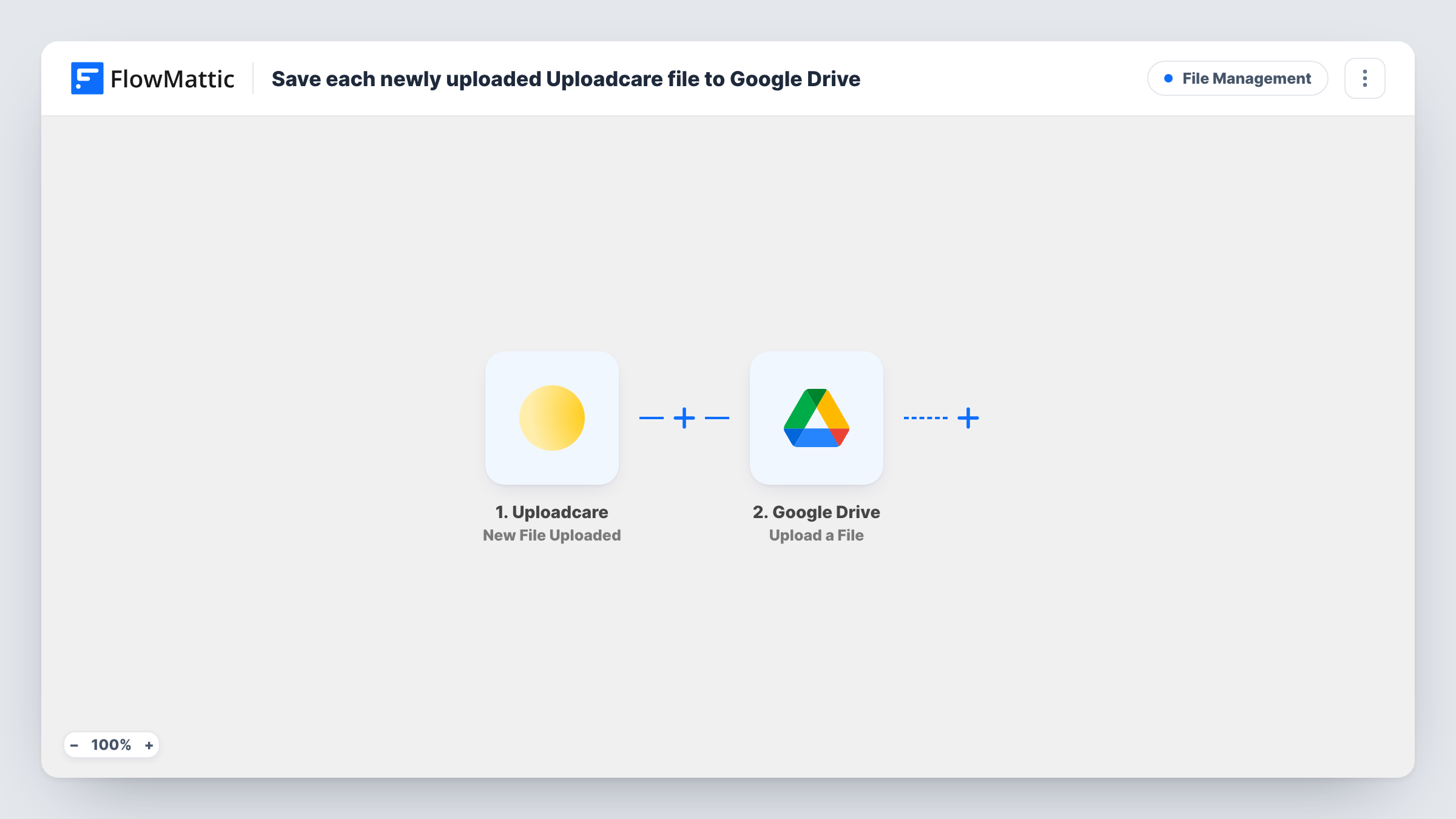
The Uploadcare trigger runs when a new file is uploaded and passes the file's details to FlowMattic. The Google Drive step then uses Upload a File to save it in the Drive account you connect. You map the file from the Uploadcare data into that step.
Each upload produces one Drive file, so the Drive copy grows alongside your Uploadcare project. Deleting a file in Uploadcare later does not remove it from Drive. Upload a sample file after import and look at Task History to confirm which value from Uploadcare points to the file before you map it.
Customer photo submissions
Customers upload photos for a print or repair order through an Uploadcare widget, and your production team opens the copies straight from a shared Drive.
Job application documents
CVs and portfolios uploaded through your careers page are copied to Drive, where hiring managers already keep interview notes.
An offsite copy of user uploads
Every file your app receives through Uploadcare also exists in a Google account you control, separate from the Uploadcare project.
How this workflow runs
What happens at each step once the workflow is on, and what you need before you import it.
 Uploadcare New File Uploaded
Runs when a new file is uploaded to your Uploadcare project. The file details Uploadcare sends become available to map in the Google Drive step.
- Google Drive Upload a File
Saves the uploaded file to Google Drive. Connect your Google account and map the file from the Uploadcare data into this step. A test upload confirms where the copy lands.
What you need
- FlowMatticCore
- Uploadcare AccountAccount
- Google Drive AccountAccount
After importing, map your own data. To keep the template universal, not every step is pre-filled. Open each step in the builder and connect your accounts and fields (channels, lists, sheets, recipients) before you switch the workflow on.
Make it yours
Changes worth making after you import it.
- Add a Google Sheets step after the Drive upload to log the file details Uploadcare sends, which gives you a simple index of everything received.
- If only some uploads need copying, add a Filter after the trigger that checks a value such as the file type your test run shows.
- Add a Slack message after Google Drive so a teammate is told when a new upload is ready to review.
Questions about this workflow
Does deleting a file in Uploadcare also remove the Google Drive copy?
No. The workflow only runs on new uploads. Once a copy is in Drive, it stays there until you remove it.
Are files uploaded to Uploadcare before I import this copied to Drive?
No. Only files uploaded after the workflow is turned on start a run.
Which Google Drive account receives the Uploadcare files?
The account you connect in the Google Drive step. Make sure it has room for the files you expect to receive.
What if an Uploadcare file cannot be copied to Google Drive?
Task History shows the error on the Google Drive step for that run, so you can see which upload was missed and copy it by hand.
More File Management workflows
Other ready-to-import templates from the same category.





Import this workflow into your WordPress site
Download the JSON, import it from the Workflows screen and connect your accounts. Every run stays on your server, with no per-task fees.
30-day money-back guarantee Unlimited workflows and runs Self-hosted