

Upload each generated Plumsail Documents file to Dropbox for backup
When a Plumsail Documents process finishes, this workflow uploads the generated file to Dropbox, so every contract, invoice or PDF it produces has a copy in a folder you control.
 Plumsail Documents
 Dropbox
2 steps Setup ~5 min Used on 1.3k sites Free to import
What this workflow does
Plumsail Documents builds files such as contracts, quotes and certificates from templates. If you want each one kept outside Plumsail as well, perhaps for your archive or for colleagues who work in Dropbox, saving them one by one is easy to forget. This workflow uploads each generated file to Dropbox when the process completes.
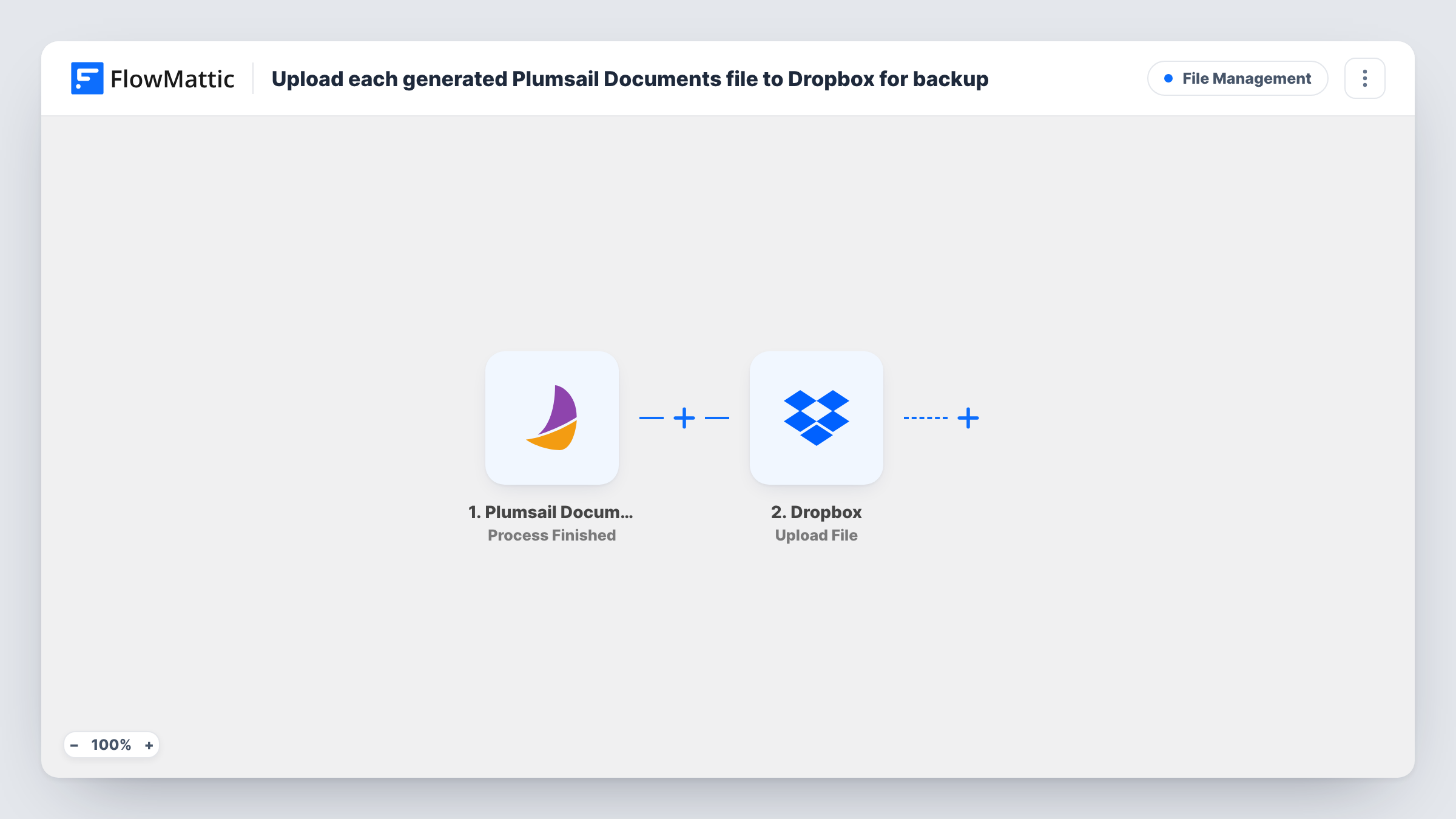
The Plumsail Documents trigger fires when a process is finished, and the result is passed to FlowMattic. Next, Dropbox receives the file through its Upload File action. Map the generated document from the trigger data as the file to upload. Run a test to see exactly what Plumsail sends for the file.
Every finished process starts one run and one upload, since the template has no Filter. The workflow only adds files to Dropbox and never removes them, so the folder grows over time. If an upload fails, Task History shows the error for that run.
Archiving signed-off contracts
Each contract that Plumsail generates is copied to a Dropbox folder your legal or finance team already uses for records.
Sharing quotes with a sales team
Quotes created by a Plumsail process are uploaded to a shared Dropbox folder, so sales reps can find a quote without asking for it.
Keeping certificates for course graduates
Completion certificates produced in Plumsail Documents are stored in Dropbox, giving you a copy to resend if a graduate loses theirs.
How this workflow runs
What happens at each step once the workflow is on, and what you need before you import it.
 Plumsail Documents Process Finished
Starts a run each time a Plumsail process completes. The process result, with the generated document, is passed on so the Dropbox step can upload it. Run the process once to capture a sample.
- Dropbox Upload File
Sends the generated file to the Dropbox account you connect. Map the document from the Plumsail trigger into the step, then check with a test run that it lands where you expect.
What you need
- FlowMatticCore
- Plumsail Documents AccountAccount
- Dropbox AccountAccount
After importing, map your own data. To keep the template universal, not every step is pre-filled. Open each step in the builder and connect your accounts and fields (channels, lists, sheets, recipients) before you switch the workflow on.
Make it yours
Changes worth making after you import it.
- If the Upload File step lets you name the file, build the name from values in the result, such as a client name and date, so files are easy to find.
- Add Dropbox's Create Shared Link action after the upload if you want a link you can send to a colleague or client.
- If several Plumsail processes are connected to FlowMattic and only one should be backed up, add a Filter after the trigger based on a value a test run shows identifies the process.
Questions about this workflow
Which Plumsail Documents events upload a file to Dropbox?
Each finished process. The trigger is Process Finished, so every completed run of the process leads to one upload.
Does the generated file stay in Plumsail Documents too?
The workflow doesn't delete anything in Plumsail. It only copies the result to Dropbox, so whatever Plumsail keeps is unchanged.
Can I save the Plumsail files to Google Drive instead of Dropbox?
Yes. Replace the Dropbox step with a Google Drive upload step and map the same document from the trigger.
Are documents generated before I turn this on uploaded to Dropbox?
No. Only processes that finish after the workflow is active trigger an upload.
More File Management workflows
Other ready-to-import templates from the same category.






Import this workflow into your WordPress site
Download the JSON, import it from the Workflows screen and connect your accounts. Every run stays on your server, with no per-task fees.
30-day money-back guarantee Unlimited workflows and runs Self-hosted