

Send a Gmail email for each new Detectify scan
When a Detectify scan finishes running, this workflow sends an email from your Gmail account with the scan details you choose, so the people responsible for security know a scan is done.
 Detectify
 Gmail
2 steps Setup ~5 min Used on 2.7k sites Free to import
What this workflow does
Detectify scans your web apps for security issues, but a finished scan is only useful if someone looks at the results. Not everyone who should know logs in to Detectify. This workflow sends an email from Gmail each time a scan completes, so the right people can follow up.
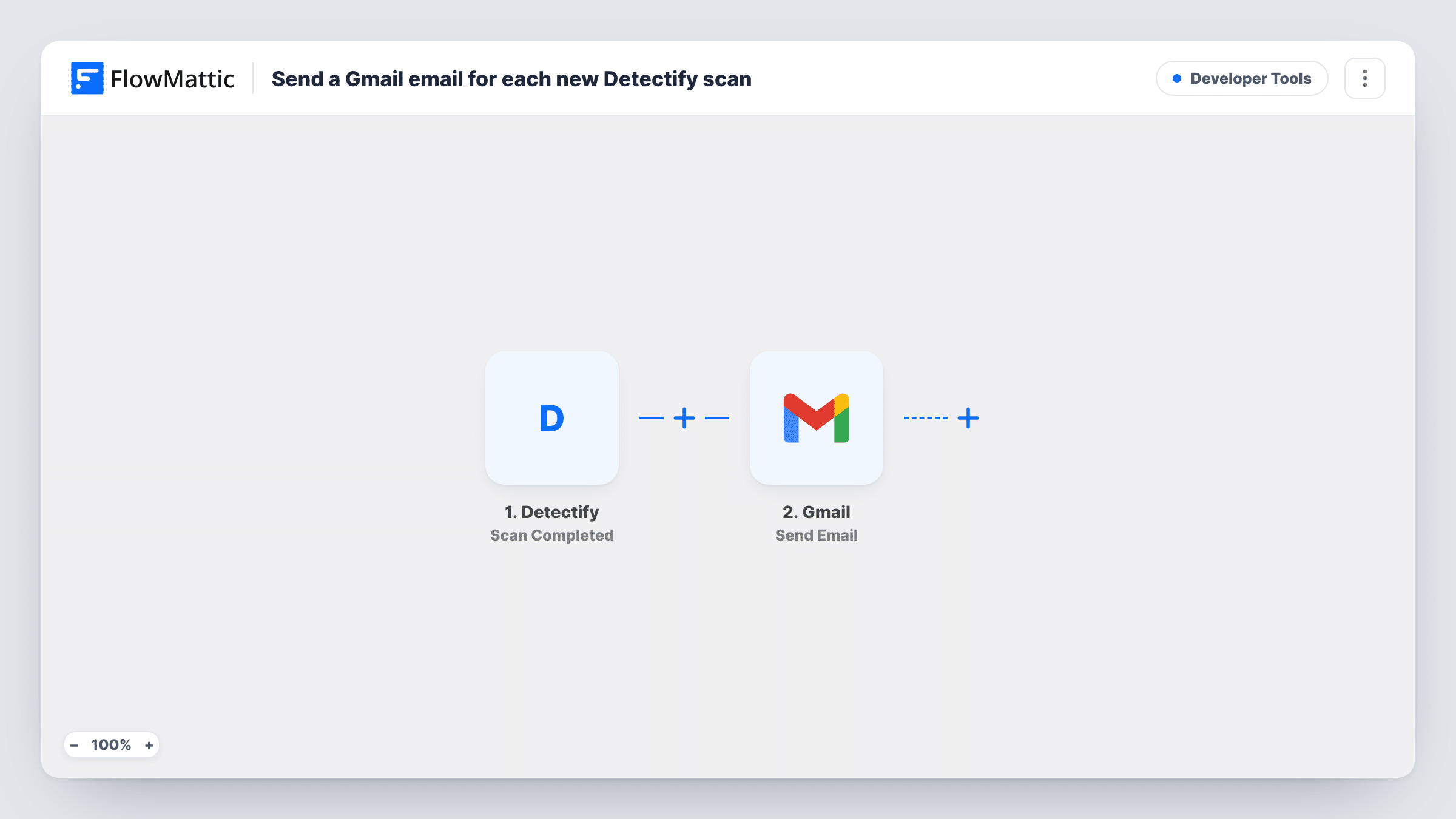
The Detectify trigger is Scan Completed, which fires when a scan finishes running. FlowMattic passes the scan data on to Gmail, and Send Email sends a message from the account you connect. You choose who it goes to, write the subject and body, and map in the scan details from a test event.
The email goes out for every completed scan, clean or not, because the template has no Filter. If you only want to hear about scans that turned up something, Detectify's New Finding trigger may suit you better, or add a Filter on a value from the scan data.
Agency reporting to clients
When the scheduled scan of a client's site finishes, the client's technical contact gets an email from your Gmail with the scan details you chose.
Small company without a security team
The CTO and the lead developer both get an email after each scan, so someone always knows to review the results in Detectify.
Audit trail for compliance
Each completed scan produces an email in your Gmail Sent folder, giving a dated record that scans ran.
How this workflow runs
What happens at each step once the workflow is on, and what you need before you import it.
 Detectify Scan Completed
Fires when a scan finishes running in Detectify. The scan's data becomes available to map into the email.
- Gmail Send Email
Emails the scan news from the Gmail account you connect. Choose who receives it, write the subject and body, and map in the Detectify scan details you want them to see.
What you need
- FlowMatticCore
- Detectify AccountAccount
- Gmail AccountAccount
After importing, map your own data. To keep the template universal, not every step is pre-filled. Open each step in the builder and connect your accounts and fields (channels, lists, sheets, recipients) before you switch the workflow on.
Make it yours
Changes worth making after you import it.
- Put the scanned asset or profile name in the subject line, if the scan data includes it, so recipients can tell scans apart at a glance.
- Swap the trigger for Detectify New Finding if you only want an email when a scan turns up something new.
- Run a scan after import so FlowMattic captures real Detectify data, then pick which values to include in the email.
Questions about this workflow
Does the Gmail email include the full Detectify report?
It includes only the scan data you map into the message. Check a test event to see what Detectify sends when a scan completes, and add a link to Detectify for the full results.
Will I get an email for Detectify scans that found nothing?
Yes. Scan Completed fires for every finished scan. Add a Filter or use the New Finding trigger if you only want emails about issues.
Can the Detectify email go to several people?
Open the Gmail step after import to see how it accepts recipient addresses, add the people who need the scan news, then run a test and confirm each of them gets it.
More Developer Tools workflows
Other ready-to-import templates from the same category.







Import this workflow into your WordPress site
Download the JSON, import it from the Workflows screen and connect your accounts. Every run stays on your server, with no per-task fees.
30-day money-back guarantee Unlimited workflows and runs Self-hosted