

Send a Gmail email for each new Flipsnack contact form
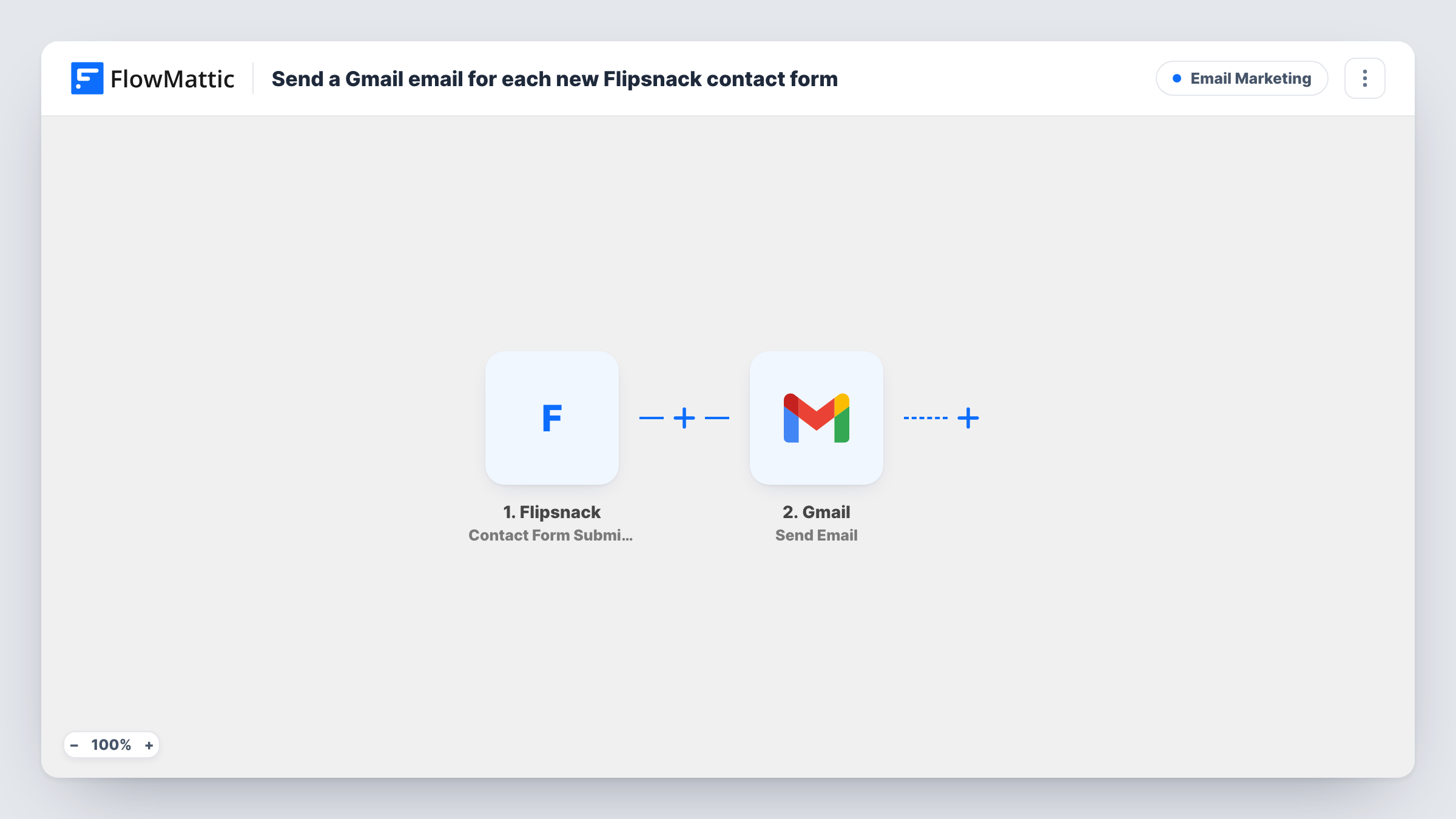
When a reader fills out a contact form inside one of your Flipsnack flipbooks, this workflow sends an email through Gmail, either a reply to that reader or a notice to your own team.
 Flipsnack
 Gmail
Gmail2 steps Setup ~5 min Used on 1.2k sites Free to import
What this workflow does
A contact form inside a flipbook catches readers while they are looking at your catalog or brochure. Those enquiries are only useful if someone acts on them quickly. This workflow turns each submission into an email sent from Gmail, so it reaches a person instead of waiting in a dashboard.
The Flipsnack trigger fires when someone fills out a contact form in a Flipsnack flipbook. FlowMattic passes the answers to Gmail, whose Send Email action sends a message to the recipient you set. You decide who that is. Map the reader's email address to send them an acknowledgement, or type your sales inbox to get a notice with their answers in the body.
Every submission sends one email, and the template has no conditions. Messages leave from the Gmail account you connect, so they appear in its Sent folder. Task History lists each run with the submitted data, which helps if an enquiry seems to be missing.
Product catalog enquiries
A furniture maker publishes its catalog as a flipbook. Readers who ask about a piece through the form get an acknowledgement from the company's Gmail address.
Real estate brochures
An agent's property brochure includes a contact form. Each enquiry is emailed to the agent with the reader's answers, so they can call back the same day.
Event programmes
Attendees reading a digital programme send questions through the form, and the organiser's team receives each one by email.
How this workflow runs
What happens at each step once the workflow is on, and what you need before you import it.
 Flipsnack Contact Form Submitted
Fires when a reader fills out a contact form in one of your Flipsnack flipbooks. The submitted answers are passed on for the Gmail step to use.
- Gmail Send Email
Sends one email through your Gmail account for each submission. Set the recipient to the reader's email or your own address, and place the Flipsnack answers in the subject and body.
What you need
- FlowMatticCore
- Flipsnack AccountAccount
- Gmail AccountAccount
After importing, map your own data. To keep the template universal, not every step is pre-filled. Open each step in the builder and connect your accounts and fields (channels, lists, sheets, recipients) before you switch the workflow on.
Make it yours
Changes worth making after you import it.
- Want both a reply to the reader and a notice for your team? Add a second Gmail Send Email step, one addressed to the reader and one to your inbox.
- Fill out the form in your own flipbook after import so FlowMattic captures a sample, then map the answers into the email.
- Add a Google Sheets Add New Row step after Gmail to keep a running list of every Flipsnack enquiry alongside the emails.
Questions about this workflow
Who receives the Gmail email for a Flipsnack form?
Whoever you set as the recipient in the Send Email step. Map the reader's email address to reply to them, or enter your own address to be notified.
Does every Flipsnack flipbook with a form trigger this?
The trigger fires when someone fills out a contact form in a Flipsnack flipbook on the account you connect. If a test run shows which flipbook a submission came from, a Filter on that value can limit the emails to some flipbooks.
Will submissions made before I import this be emailed?
No. Only contact forms filled out after the workflow is turned on start a run.
Can I use Outlook or another mailer in place of Gmail?
Yes. Replace the Gmail step with another email action in FlowMattic, such as the Email module, and map the same Flipsnack answers into it.
More Email Marketing workflows
Other ready-to-import templates from the same category.




Import this workflow into your WordPress site
Download the JSON, import it from the Workflows screen and connect your accounts. Every run stays on your server, with no per-task fees.
30-day money-back guarantee Unlimited workflows and runs Self-hosted