

Send a Gmail email for each new KonfHub attendee registration
Each new attendee registration in KonfHub sends an email from your Gmail account, so you can greet registrants with your own message or pass the sign-up details to your event team.
 KonfHub
 Gmail
Gmail2 steps Setup ~5 min Used on 1.3k sites Free to import
What this workflow does
KonfHub handles ticketing and registration for your event. You may still want a personal email to go out from your own address, or want organisers to hear about each sign-up as it happens. This workflow sends a Gmail message for every registration.
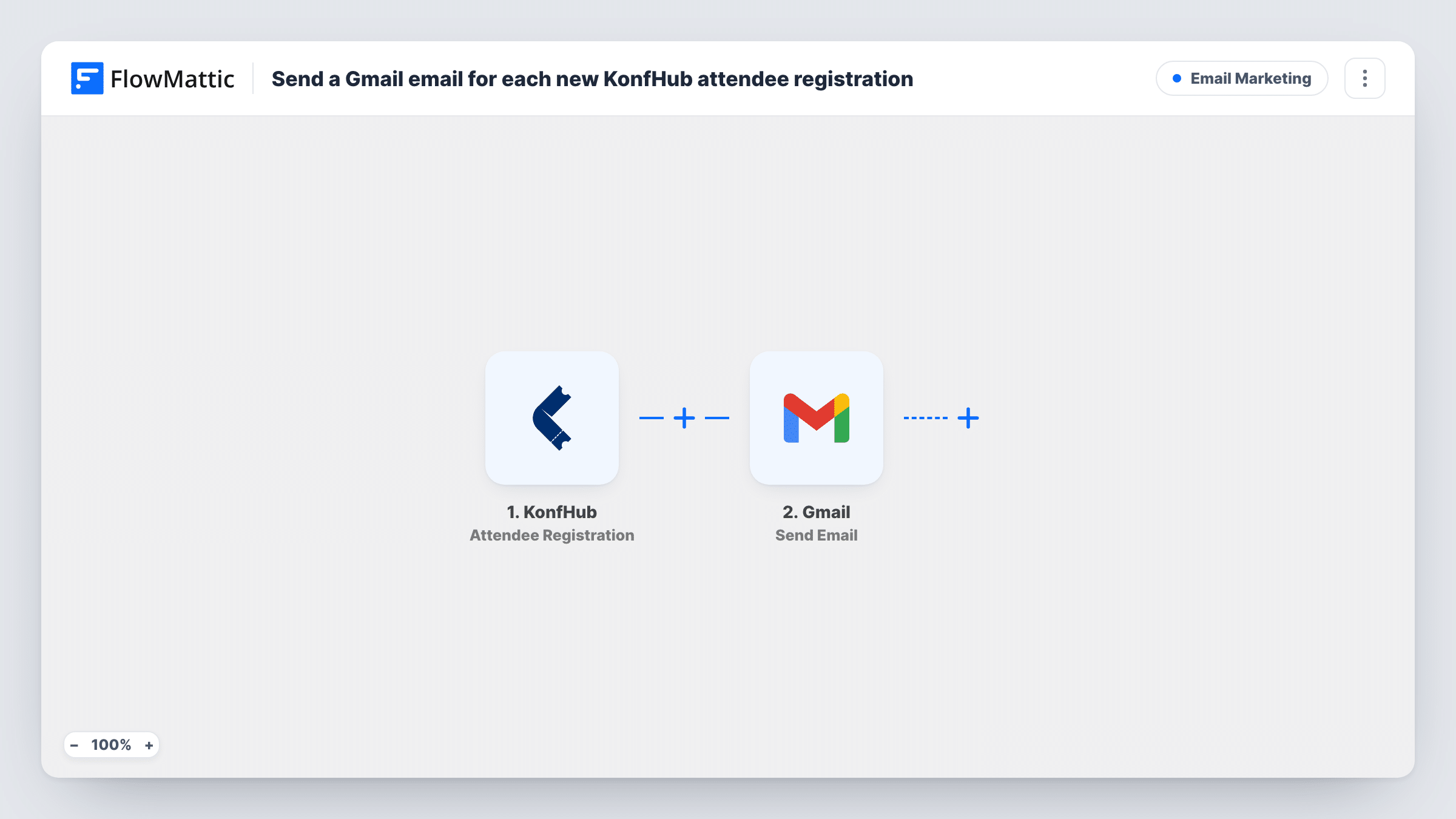
The KonfHub trigger fires when an attendee registers for an event. FlowMattic receives the registration data and passes it on. The Gmail step then sends an email from the account you connect. Map the attendee's email as the recipient to write to the registrant, or enter a team address to alert organisers, and fill the subject and body with registration fields.
Every registration starts one run and sends one email. The workflow doesn't change anything in KonfHub, so the messages KonfHub sends itself still go out as before. You can review each run, and the data used, in Task History.
Personal welcome from the organiser
A meetup host sends each new registrant a short note from their own Gmail with the venue address and a reply-to contact.
Alerting the event team
Send the email to an internal address so speakers, volunteers or sponsors' contacts know how registrations are going.
Sharing pre-event material
Workshop registrants get an email with links to setup instructions or reading they should finish before the session starts.
How this workflow runs
What happens at each step once the workflow is on, and what you need before you import it.
 KonfHub Attendee Registration
Fires when an attendee registers for one of your KonfHub events. The registration details are passed to the Gmail step for mapping.
- Gmail Send Email
Sends one Gmail message per registration from the account you link. Set the recipient, such as the attendee's email from KonfHub, and write the subject and body using the registration data.
What you need
- FlowMatticCore
- KonfHub AccountAccount
- Gmail AccountAccount
After importing, map your own data. To keep the template universal, not every step is pre-filled. Open each step in the builder and connect your accounts and fields (channels, lists, sheets, recipients) before you switch the workflow on.
Make it yours
Changes worth making after you import it.
- Running several events? Add a Filter or Router after the trigger based on the event in the registration data, so each event gets its own email.
- Register yourself as a test attendee after import so FlowMattic captures the registration fields, then map the recipient and message from that data.
- Add a Delay before the Gmail step if you would rather your email arrive a while after KonfHub's own confirmation.
Questions about this workflow
Will this replace KonfHub's own confirmation email?
No. The workflow only reacts to the registration. KonfHub's own emails are controlled in KonfHub and keep going out as you set them there.
Does a KonfHub cancellation also send an email?
No. This template uses the Attendee Registration trigger only. KonfHub's Attendee Cancellation trigger in FlowMattic can drive a separate workflow.
Which address do registrants see the Gmail email from?
The Gmail account you connect in the Send Email step, so replies come back to that inbox.
Can I email both the attendee and my team?
Yes. Add a second Gmail Send Email step with your team address, or add the team as another recipient in the first one.
More Email Marketing workflows
Other ready-to-import templates from the same category.




Import this workflow into your WordPress site
Download the JSON, import it from the Workflows screen and connect your accounts. Every run stays on your server, with no per-task fees.
30-day money-back guarantee Unlimited workflows and runs Self-hosted