

Send a Gmail email for each new Krisp notes generated
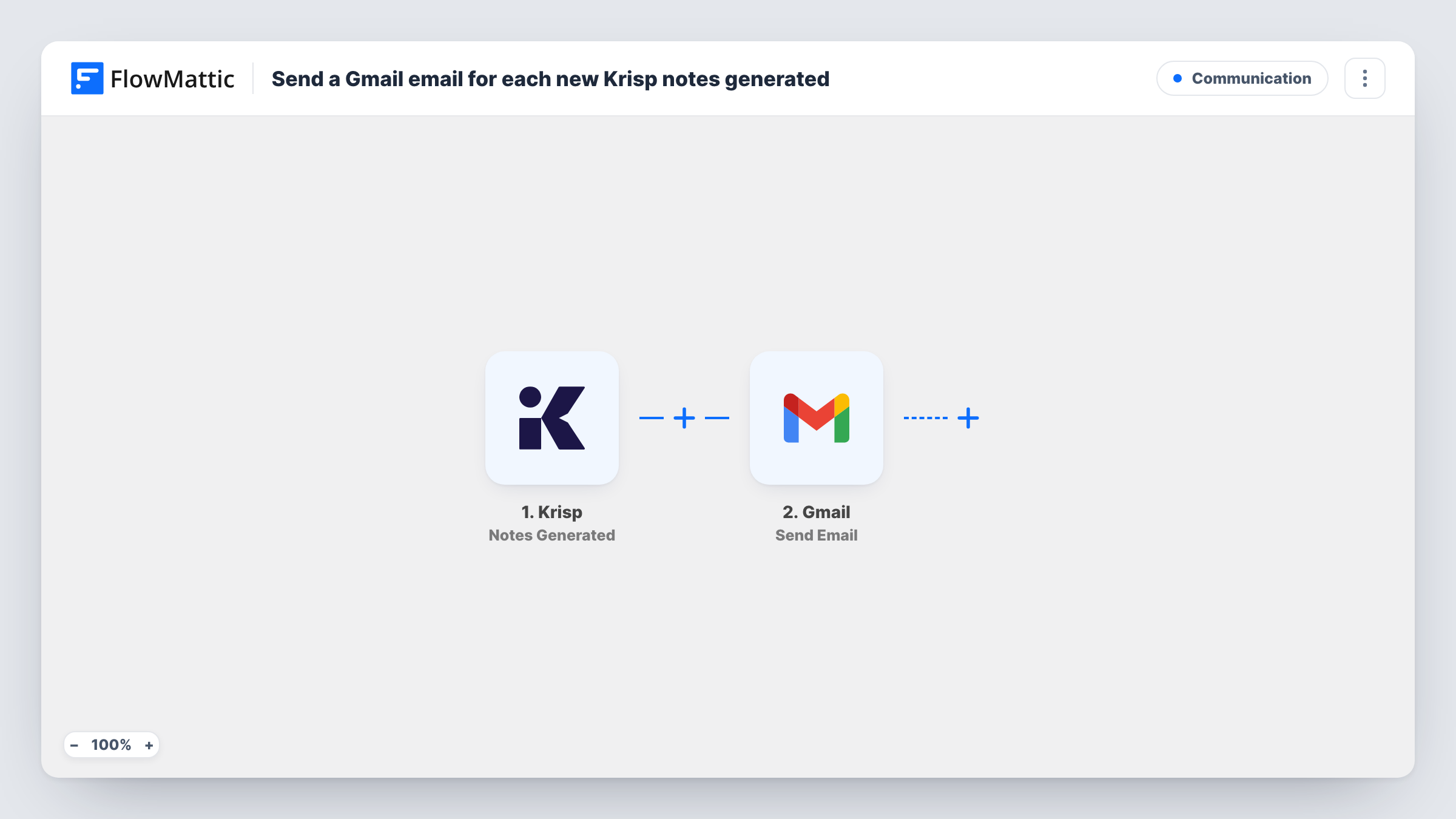
When Krisp generates notes for a meeting, this workflow sends an email through your Gmail account with those notes, so the recap reaches your inbox or your team without anyone copying it out of Krisp.
 Krisp
Krisp
 Gmail
Gmail2 steps Setup ~5 min Used on 670 sites Free to import
What this workflow does
Krisp can write up your calls, but the notes stay in Krisp until someone opens them and passes them on. If you share recaps with a colleague, a client or your own inbox after every call, that copying adds up. This workflow emails the notes as soon as Krisp has them.
The Krisp trigger fires when meeting notes are generated. FlowMattic receives the note data and hands it to Gmail, where Send Email sends a message from your connected Google account. You set the recipient, write the subject, and place the Krisp notes in the body by mapping them during setup.
The recipient is whatever you enter in the Gmail step. That might be a fixed address, such as your own or a shared team inbox, or a value from the Krisp data if it includes one. Each generated set of notes sends one email. Task History shows the Krisp data and Gmail's response for every run.
Recap to your own inbox
A freelancer has every Krisp meeting summary emailed to themselves, so call notes sit next to the client's email thread and are easy to search later.
Team inbox for client calls
An account manager sends each set of Krisp notes to a shared team address, so colleagues covering the account know what was discussed.
Notes for a manager after one-to-ones
A team lead emails Krisp notes from weekly one-to-ones to their own archive address, keeping a dated record of each conversation.
How this workflow runs
What happens at each step once the workflow is on, and what you need before you import it.
 Krisp Notes Generated
Fires when Krisp generates notes for a meeting. The notes and meeting details are captured for the Gmail step.
- Gmail Send Email
Sends an email from your connected Gmail account with the Krisp notes mapped into the message. Choose the recipient and subject yourself, then connect Gmail on import.
What you need
- FlowMatticCore
- Krisp AccountAccount
- Gmail AccountAccount
After importing, map your own data. To keep the template universal, not every step is pre-filled. Open each step in the builder and connect your accounts and fields (channels, lists, sheets, recipients) before you switch the workflow on.
Make it yours
Changes worth making after you import it.
- Add a Filter after the trigger if only some calls should be emailed, for example meetings whose title contains a client's name, if Krisp includes the title.
- Krisp also has a Transcript Created trigger in FlowMattic. Use it in a second workflow if you want the full transcript emailed as well as the notes.
- Let one Krisp meeting finish after import, then check Task History to see which note fields arrived before you build the email body.
Questions about this workflow
Who receives the Krisp notes email?
The address you set in the Gmail step. It can be a fixed address or a value from the Krisp data, if the notes event includes one you can map.
Does every Krisp meeting send a Gmail message?
Each time Krisp generates notes, one email is sent. There is no Filter in the template, so add one if you want to leave some meetings out.
Does the email come from my own Gmail address?
Yes. Send Email uses the Google account you connect in FlowMattic, so the message appears in that account's Sent folder.
Are notes from older Krisp meetings emailed?
No. Only notes generated after you turn the workflow on start a run.
More Communication workflows
Other ready-to-import templates from the same category.







Import this workflow into your WordPress site
Download the JSON, import it from the Workflows screen and connect your accounts. Every run stays on your server, with no per-task fees.
30-day money-back guarantee Unlimited workflows and runs Self-hosted