

When a new user is registered in WordPress, send welcome template message to their WhatsApp using WA.Team
When a new user account is created on your WordPress site, this workflow sends them an approved WhatsApp template message through WA.Team, using a phone number stored with their account.
 WordPress
 WhatsApp by WA.Team
2 steps Setup ~5 min Used on 2.0k sites Free to import
What this workflow does
A welcome on WhatsApp reaches new members where many of them read messages first. Sending each one by hand isn't practical once sign-ups pick up. This workflow sends your welcome template through WA.Team as each account is created.
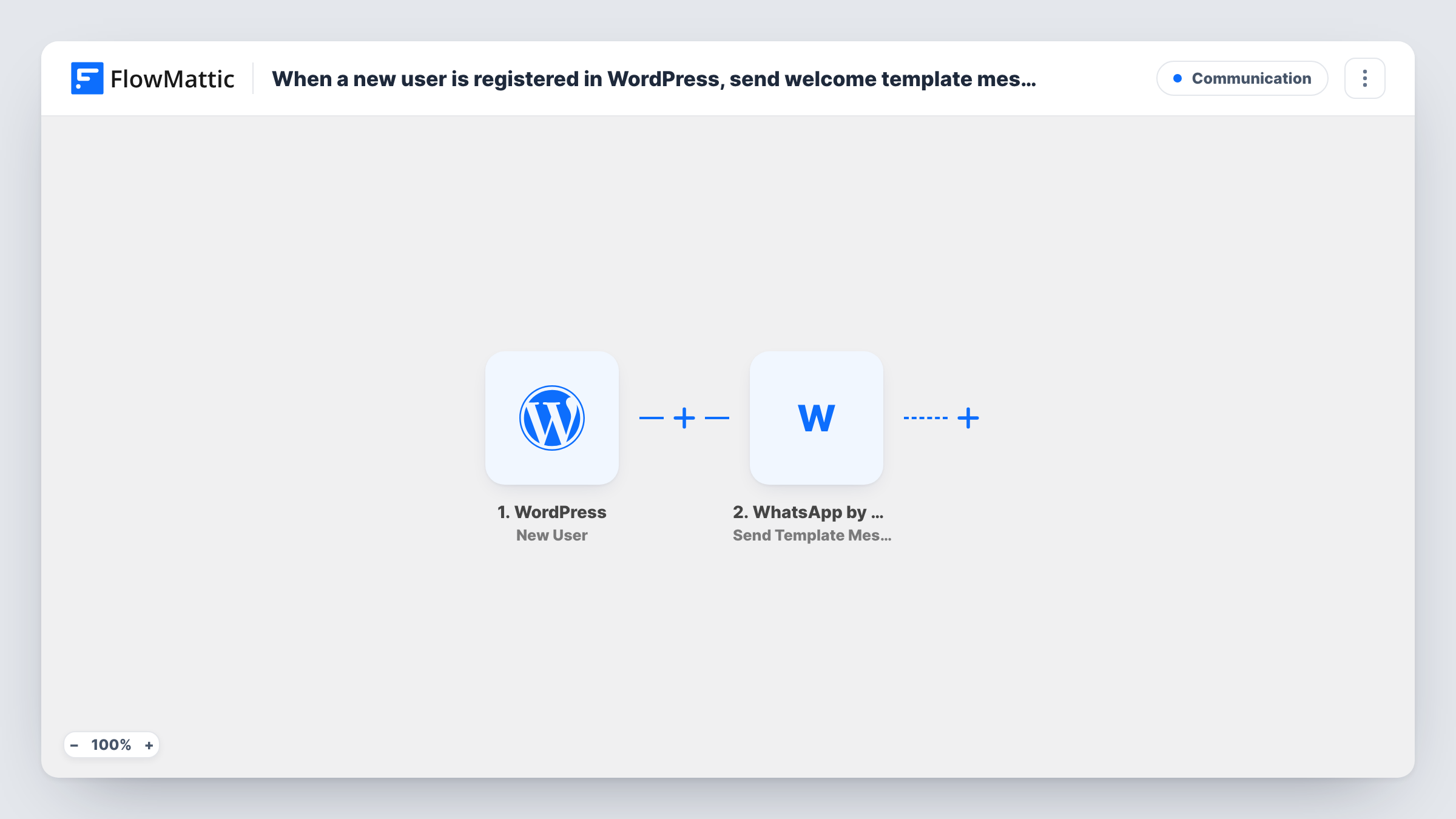
The WordPress trigger is New User, which runs when a user is registered on your site. FlowMattic passes the account details, including the user's meta data, to the next step. The WhatsApp by WA.Team step runs Send Template Message. Pick your approved template, map the user's phone number as the recipient and fill any template values, such as their first name.
WordPress accounts don't store a phone number by default. The number has to come from user meta that your registration form or another plugin saves when the account is created, so check a test registration before you rely on it. Template messages are the WhatsApp format meant for starting a conversation.
Membership site welcome
A membership site whose sign-up form saves a mobile number sends each new member a WhatsApp welcome with a link to the getting-started page.
Online course enrolments
Students who create an account to join a course receive a WhatsApp template message saying where to find their first lesson.
Community or club registrations
A sports club that registers members on WordPress sends a WhatsApp welcome naming the next training session.
How this workflow runs
What happens at each step once the workflow is on, and what you need before you import it.
 WordPress New User
Runs whenever a new user account is created on your WordPress site, including sign-ups, accounts an admin adds and accounts created by plugins. The account's details and user meta are passed on.
- WhatsApp by WA.Team Send Template Message
Sends an approved WhatsApp template message through WA.Team. Choose the template, map the phone number from the user's meta as the recipient and fill in any template values.
What you need
- FlowMatticCore
- WhatsApp by WA.Team AccountAccount
After importing, map your own data. To keep the template universal, not every step is pre-filled. Open each step in the builder and connect your accounts and fields (channels, lists, sheets, recipients) before you switch the workflow on.
Make it yours
Changes worth making after you import it.
- Add a Filter after the trigger that continues only when the phone number meta field is not empty, so accounts without a number don't produce failed sends.
- If only some roles should get the welcome, such as subscribers or customers, add a Filter on the user's role before the WA.Team step.
- Make sure the saved numbers include the country code. Register a test account with your own number to see the format the trigger receives.
Questions about this workflow
Which WordPress field holds the number WA.Team sends to?
A user meta field, which the New User trigger passes on with the account. WordPress itself doesn't ask for a phone number, so your registration form or a plugin must save one to the account.
Does the WordPress New User trigger fire for accounts I create as an admin?
Yes. It fires for every new account, whether it comes from a front-end sign-up, an admin, a plugin or an import.
Why a template message rather than a normal WhatsApp text?
New members haven't messaged your business number yet, and WhatsApp expects an approved template to start that conversation. WA.Team's Send Template Message uses one.
What happens if a new user has no phone number?
The WA.Team step has no recipient and the send fails for that account, with the error visible in Task History. A Filter on the phone field avoids these runs.
More Communication workflows
Other ready-to-import templates from the same category.





Import this workflow into your WordPress site
Download the JSON, import it from the Workflows screen and connect your accounts. Every run stays on your server, with no per-task fees.
30-day money-back guarantee Unlimited workflows and runs Self-hosted