

When Image Uploaded in AltText.ai, send a message in Discord
When new images are added to your AltText.ai library, this workflow posts a message to the Discord channel you choose, so your content or SEO team sees each upload without checking AltText.ai.
 AltText.ai
 Discord
2 steps Setup ~5 min Used on 715 sites Free to import
What this workflow does
AltText.ai writes alt text for the images in your library. When several people add images, nobody else knows what went in or when. This workflow tells your team on Discord each time new images arrive.
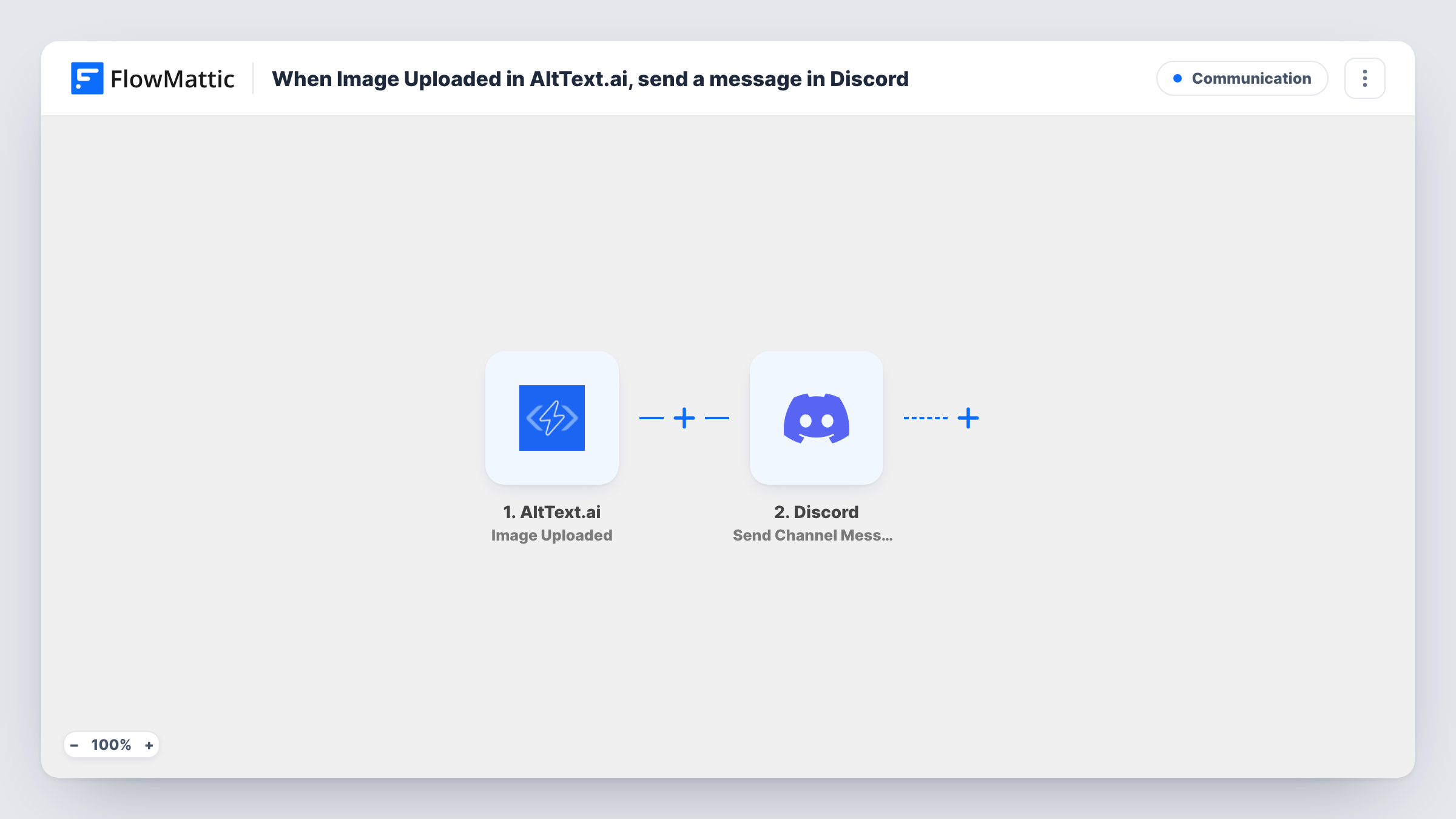
The AltText.ai trigger fires when new images are added to the library, and passes the image details into FlowMattic. The Discord step then uses Send Channel Message to post into the channel you select. You write the message and map in whichever image details a test upload shows.
Discord is the only place this workflow writes to. It doesn't change the image, the alt text or anything in your AltText.ai account. Every upload that fires the trigger is listed in Task History, along with what was sent to Discord.
Alt text review by an editor
Writers upload images to AltText.ai, and an editor watching a #alt-text channel in Discord reviews each new one before the page goes live.
Agency SEO teams
An agency managing image SEO for clients gets a Discord post for each upload, so the account lead knows which client's library changed.
Accessibility checks on a community site
Volunteers who moderate a community site follow a Discord channel that shows each new image added to AltText.ai, and flag alt text that needs work.
How this workflow runs
What happens at each step once the workflow is on, and what you need before you import it.
 AltText.ai Image Uploaded
Fires when new images are added to your AltText.ai library. The image details become fields you can place in the Discord message.
- Discord Send Channel Message
Sends a message into the Discord channel you choose. Connect Discord, pick the channel and write the text with the AltText.ai image details mapped in.
What you need
- FlowMatticCore
- AltText.ai AccountAccount
- Discord AccountAccount
After importing, map your own data. To keep the template universal, not every step is pre-filled. Open each step in the builder and connect your accounts and fields (channels, lists, sheets, recipients) before you switch the workflow on.
Make it yours
Changes worth making after you import it.
- Upload one test image to AltText.ai after import so FlowMattic captures its fields, then decide which of them to show in the Discord post.
- If posts get noisy during bulk uploads, send them to a separate Discord channel used only for AltText.ai notices.
- Build a second workflow on AltText.ai's Image Deleted trigger if you also want the team told when images are removed from the library.
Questions about this workflow
Does the Discord message include the generated alt text?
Only if AltText.ai sends it with the Image Uploaded event. Upload a test image and look at the fields in Task History before you write the message.
Will uploading many images to AltText.ai at once flood Discord?
Each time the trigger fires, one message is posted. Try a small batch first and check Task History to see how many runs a bulk upload creates.
Does this workflow change anything in AltText.ai?
No. It only reads the upload event and posts to Discord. Your library and alt text stay as they are.
Which Discord channel gets the AltText.ai posts?
The one you select in the Discord step after connecting. Pick a channel your reviewers follow.
More Communication workflows
Other ready-to-import templates from the same category.





Import this workflow into your WordPress site
Download the JSON, import it from the Workflows screen and connect your accounts. Every run stays on your server, with no per-task fees.
30-day money-back guarantee Unlimited workflows and runs Self-hosted