

Send Discord channel messages for new lead Facebook Lead Ads
Each new lead from your Facebook Lead Ads forms is posted as a message in a Discord channel you pick, with the answers you map, so your team sees ad leads without downloading them from Facebook.
 Facebook Lead Ads
 Discord
2 steps Setup ~5 min Used on 996 sites Free to import
What this workflow does
Leads from Facebook and Instagram ad forms stay inside Meta's tools unless you move them out. If your team coordinates in Discord, a channel post for each lead puts it in front of the people who follow up. This workflow sends one post per lead.
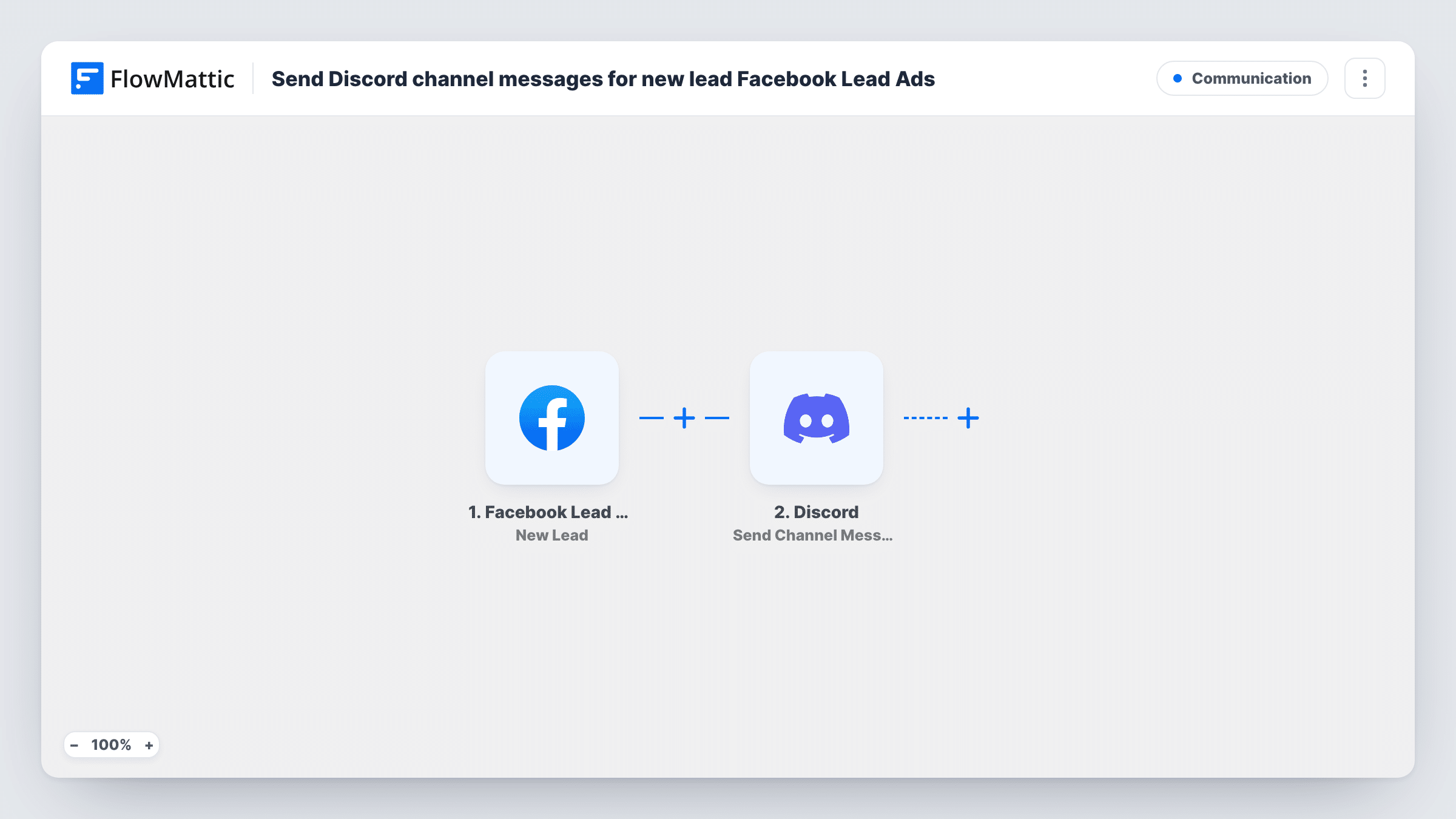
The Facebook Lead Ads trigger New Lead fires when a new lead is created from your form and passes the answers to FlowMattic. Next, the Discord step writes a fresh post in your chosen channel. You decide which answers go into the text, such as the name, email, phone number and any custom questions.
Lead details are personal data, so post them to a private channel that only your sales or support people can read. Every lead runs the workflow once, and Task History shows what was sent for each one.
Local business running lead ads
A gym or salon runs a Facebook offer. Each sign-up appears in the staff Discord channel, and whoever is on shift calls the person back.
Small sales team on Discord
A startup's reps share one Discord server. New ad leads appear in a private #leads channel, and a rep replies in the thread to claim one.
Agency watching a client's campaign
The agency posts a client's ad leads in a channel both teams share, so the client sees them as they come in and the agency can judge the campaign.
How this workflow runs
What happens at each step once the workflow is on, and what you need before you import it.
 Facebook Lead Ads New Lead
Fires when someone submits one of your Facebook Lead Ads forms and a new lead is created. Their answers are passed to the Discord step for mapping.
- Discord Send Channel Message
Posts a new message in the Discord channel you pick. Build the text from the lead's answers, for example their name, phone number and the ad form they filled in.
What you need
- FlowMatticCore
- Facebook Lead Ads AccountAccount
- Discord AccountAccount
After importing, map your own data. To keep the template universal, not every step is pre-filled. Open each step in the builder and connect your accounts and fields (channels, lists, sheets, recipients) before you switch the workflow on.
Make it yours
Changes worth making after you import it.
- Add a Filter after the trigger that continues only for a particular form or answer, so leads for one campaign go to the channel and others don't.
- Add a Google Sheets or CRM step after the Discord message so each lead is stored as well as announced in the channel.
- Use Facebook's lead ads testing tool to create a test lead after import, then map its answers into the Discord message.
Questions about this workflow
Is it safe to post Facebook lead details in Discord?
Use a private channel that only the people handling leads can see. The workflow posts whatever you map, so leave out answers your team doesn't need.
Are leads I already collected in Facebook Lead Ads posted to Discord?
No. Only leads created after the workflow is turned on reach the channel.
Can one workflow handle several Facebook lead forms?
Check the New Lead trigger after import to see which page and form it listens to. For a second form, duplicate the workflow and set the copy to that form.
Does every Facebook lead create its own Discord message?
Yes. Each lead runs the workflow once and posts one message, unless you add a Filter.
More Communication workflows
Other ready-to-import templates from the same category.






Import this workflow into your WordPress site
Download the JSON, import it from the Workflows screen and connect your accounts. Every run stays on your server, with no per-task fees.
30-day money-back guarantee Unlimited workflows and runs Self-hosted