

Send a Gmail email for each new Nolt post status
Whenever a post on your Nolt board changes status, this workflow sends an email from your Gmail account, so the people who follow that feedback hear about the change.
 Nolt
 Gmail
2 steps Setup ~5 min Used on 1.2k sites Free to import
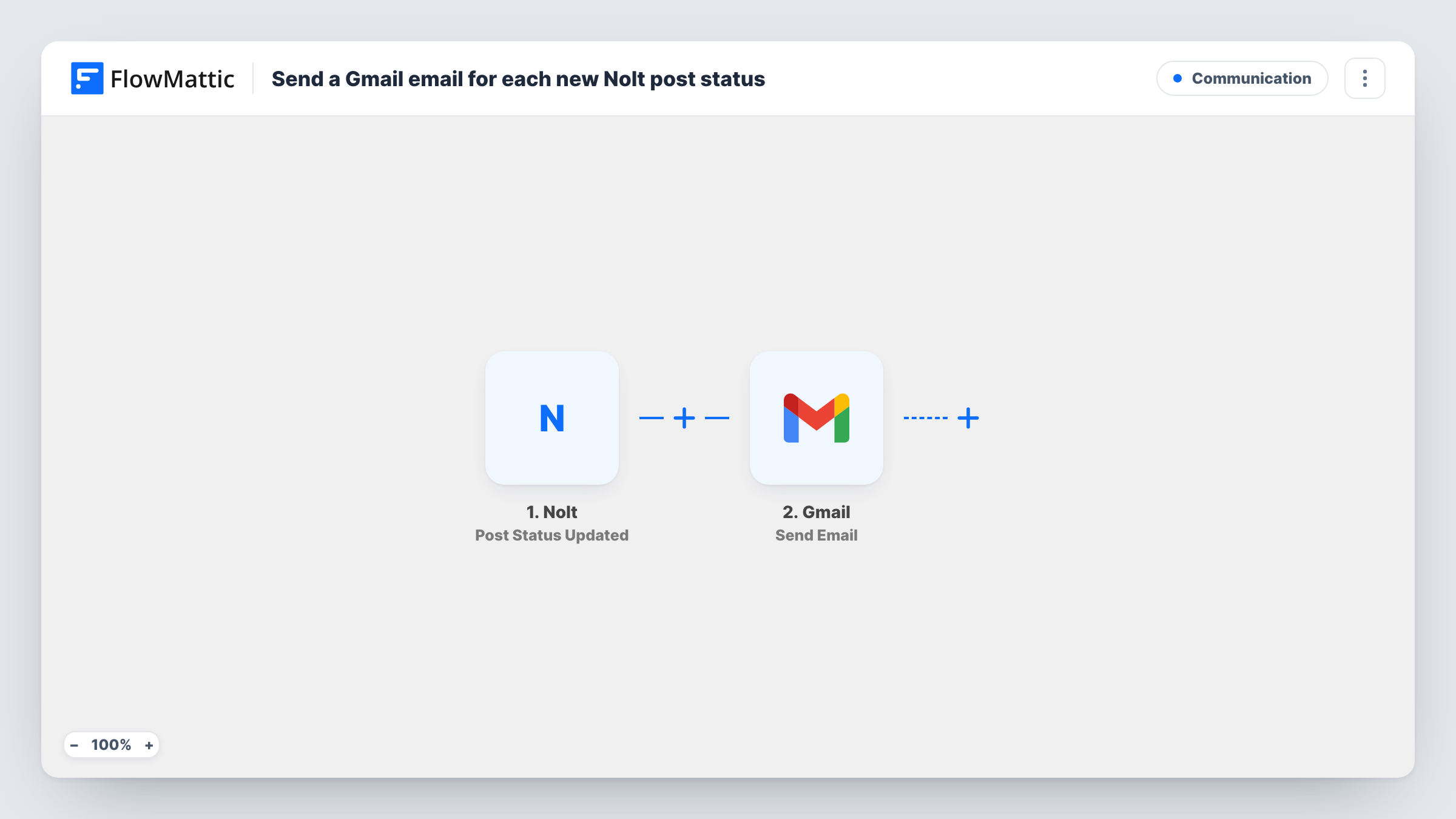
What this workflow does
Nolt boards collect feature requests and bug reports, and the status on each post tells users where it stands: planned, in progress, done. Changing a status is quick, but telling people about it is another job. This workflow sends an email through Gmail each time you move a post to a new status.
The Nolt trigger fires when a post status is updated on your board. FlowMattic passes the post details from that event to Gmail, and the Send Email action sends a message from your connected Google account. You write the subject and body and drop in values from Nolt, such as the post title and its new status.
Who receives the email is up to you. It can go to a fixed address, such as your product team, or to an address from the Nolt data if the event includes one. Send a test status change after import to see which fields Nolt provides. Every status change sends one email, since no Filter is included.
Product team digest of roadmap moves
Send each status change to a shared product inbox, so anyone who missed the board update sees which request moved and where.
Telling a requester their idea shipped
If the Nolt event carries the post author's email, map it as the recipient so the person who asked hears that the status changed.
Keeping a support lead in the loop
The support lead gets an email for every change and can reply to customers who asked about that feature in tickets.
How this workflow runs
What happens at each step once the workflow is on, and what you need before you import it.
 Nolt Post Status Updated
Fires when the status of a post on your Nolt board is updated. The post's details and new status are passed to the Gmail step.
- Gmail Send Email
Emails the status change from the Google account you link. Set the recipient, subject and body, inserting Nolt values such as the post title and the status it moved to.
What you need
- FlowMatticCore
- Nolt AccountAccount
- Gmail AccountAccount
After importing, map your own data. To keep the template universal, not every step is pre-filled. Open each step in the builder and connect your accounts and fields (channels, lists, sheets, recipients) before you switch the workflow on.
Make it yours
Changes worth making after you import it.
- Add a Filter after the trigger so only certain statuses, for example a status meaning done, send an email.
- Put the new status in the subject line, so recipients can tell what changed before they open the message.
- Include a link to the Nolt post in the email body if the trigger data carries the post URL, so readers can open the discussion.
Questions about this workflow
Does every Nolt status change send an email?
Yes, as imported. The trigger fires on any post status update and there is no Filter. Add one if only some statuses should send mail.
Can the Gmail message go to the person who posted on Nolt?
Only if the Nolt event includes that person's email. Run a test status change after import and check the trigger data before you map a recipient.
Will the email come from my own Gmail address?
Yes. The Send Email step uses the Google account you connect, so messages appear in that account's Sent folder.
More Communication workflows
Other ready-to-import templates from the same category.





Import this workflow into your WordPress site
Download the JSON, import it from the Workflows screen and connect your accounts. Every run stays on your server, with no per-task fees.
30-day money-back guarantee Unlimited workflows and runs Self-hosted