

When a new form submission is received in Gravity Forms, send a template message to WhatsApp using WA.Team, and forward the data to Zapier
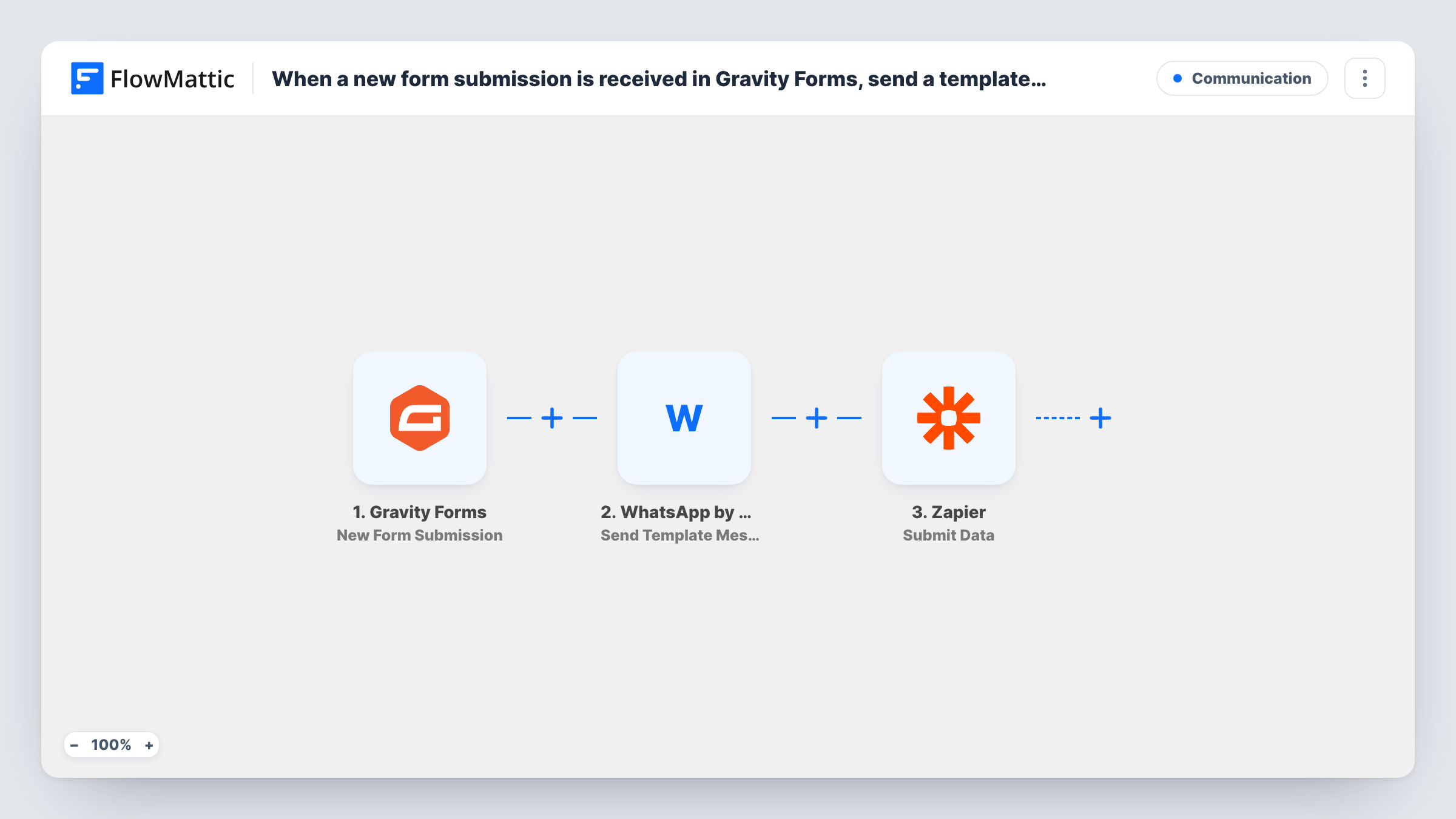
When someone submits a Gravity Forms form, this workflow sends them a WhatsApp template message through WA.Team, then passes the submission to Zapier so a Zap there can take it on to other apps.
 Gravity Forms
 WhatsApp by WA.Team
 Zapier
3 steps Setup ~5 min Used on 3.3k sites Free to import
What this workflow does
A form submission often needs two things at once: a quick reply to the person who filled it in, and a hand-off to tools you already run through Zapier. This workflow handles both from your WordPress site, so the person hears from you on WhatsApp while the data continues to the rest of your stack.
The Gravity Forms trigger starts a run for every entry your form receives. FlowMattic then uses WhatsApp by WA.Team to send a template message to the number you map, which needs to come from a phone field on the form. WhatsApp template messages use templates approved for your business account, so have one ready before you set up the step.
Finally, the Zapier Submit Data step sends the submission onward, where a Zap can pick it up. Task History shows the result of each step, including what WA.Team returned for the WhatsApp message.
Instant reply to quote requests
A tradesperson's Gravity Forms quote form sends each customer a WhatsApp template confirming the request, while Zapier passes the job to their scheduling tool.
Course enquiry follow-up
A training provider sends a WhatsApp template with next steps to each enquirer and hands the enquiry to a CRM that only connects through Zapier.
Event registration confirmation
Registrants get a WhatsApp confirmation template, and the registration goes on through Zapier to an existing attendee spreadsheet or mailing tool.
How this workflow runs
What happens at each step once the workflow is on, and what you need before you import it.
 Gravity Forms New Form Submission
Starts the workflow whenever a Gravity Forms entry comes in. Every field, including a phone number if the form asks for one, is available to the next two steps.
- WhatsApp by WA.Team Send Template Message
Sends a WhatsApp template message through your WA.Team account to the phone number you map from the form. Choose an approved template and fill its values from the submission.
- Zapier Submit Data
Sends the submission data on to Zapier so a Zap can receive it and continue with other apps. Map the form values you want passed along, then test the hand-off.
What you need
- FlowMatticCore
- Gravity Forms PluginPlugin
- WhatsApp by WA.Team AccountAccount
- Zapier AccountAccount
After importing, map your own data. To keep the template universal, not every step is pre-filled. Open each step in the builder and connect your accounts and fields (channels, lists, sheets, recipients) before you switch the workflow on.
Make it yours
Changes worth making after you import it.
- Make the phone field required in your Gravity Forms form and ask for the number with its country code, so WA.Team always has a number in a format WhatsApp can use.
- Put a Filter between the Gravity Forms trigger and the WA.Team step on a consent checkbox, so only people who agreed get a WhatsApp message. Entries it stops won't reach Zapier either, unless you move the Zapier step above the Filter.
- If the Zap only moves data into an app FlowMattic also connects to, consider replacing the Zapier step with that app's own FlowMattic action.
Questions about this workflow
Do I need an approved WhatsApp template for the WA.Team step?
Yes. The step sends a template message, and WhatsApp only delivers templates approved for your business account. Get one approved before you configure the step.
Which phone number does WA.Team send the WhatsApp template to?
The one you map from the form. The step ships unmapped, so after import you pick your approved template and map the phone field, with its country code, plus any template values from the submission.
What do I need on the Zapier side for this Gravity Forms workflow?
A Zap set up to receive data from FlowMattic. Send a test submission after import and confirm the Zap receives it before you turn the workflow on.
More Communication workflows
Other ready-to-import templates from the same category.





Import this workflow into your WordPress site
Download the JSON, import it from the Workflows screen and connect your accounts. Every run stays on your server, with no per-task fees.
30-day money-back guarantee Unlimited workflows and runs Self-hosted