

Send a notification to the Telegram group when a WooCommerce order is completed
When a WooCommerce order’s status is set to Completed, FlowMattic posts a message from your Telegram bot to your team’s group, so everyone sees finished orders without checking the store admin.
 WooCommerce
 Telegram
2 steps Setup ~5 min Used on 1.9k sites Free to import
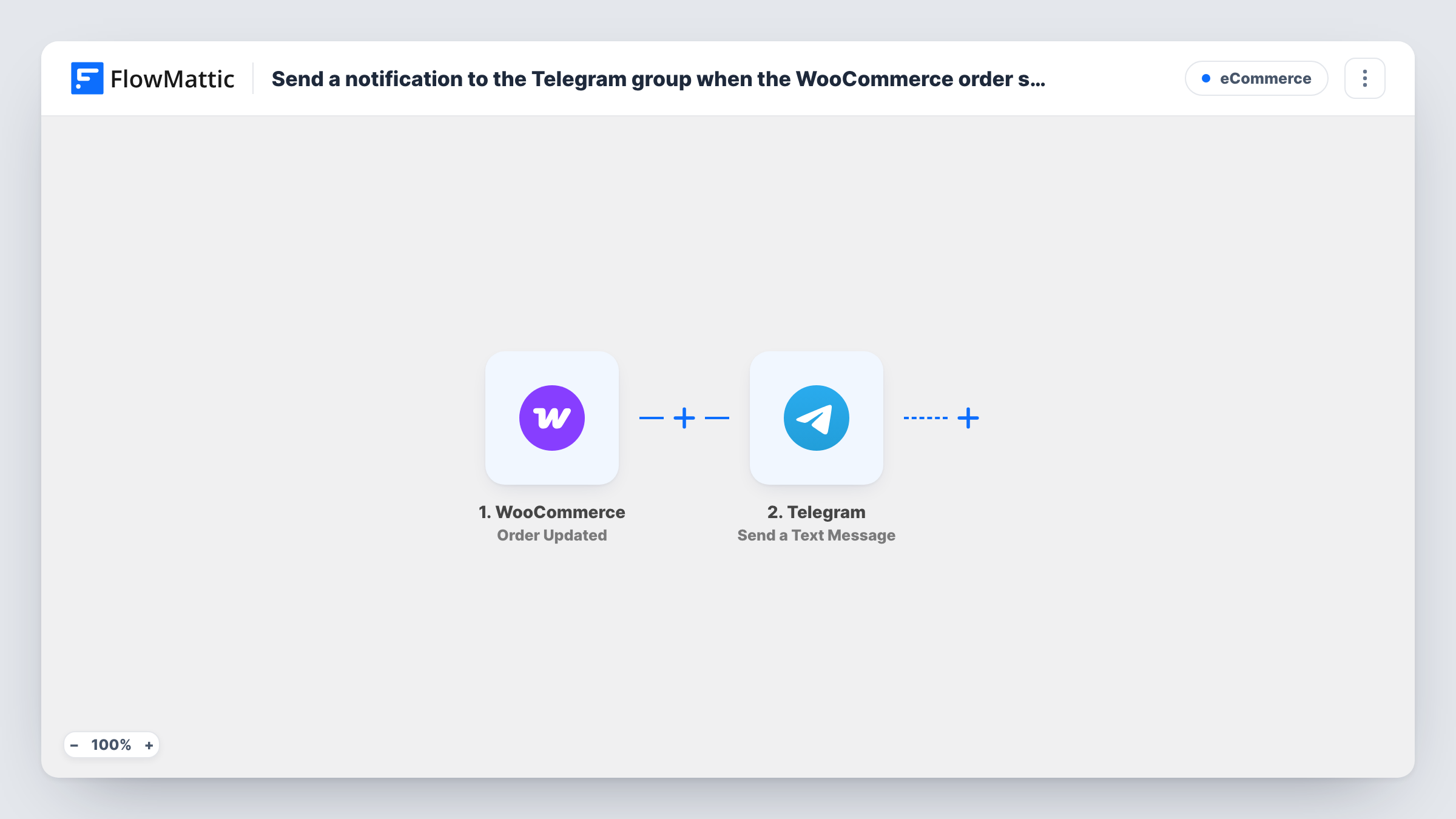
What this workflow does
For many shops, Completed is the status that means an order has shipped, been collected or been delivered. Sharing that moment in a Telegram group keeps packers, support staff and owners on the same page about which orders are done.
The WooCommerce Order Status Set to Completed trigger fires when an order's status is set to completed, whether you change it by hand or a plugin does it for you. New, processing and on-hold orders don't start this workflow. FlowMattic passes the order data, such as the order number, customer name and total, to the next step.
The Telegram Send a Text Message step then has your bot write to the group, and the text can use Telegram markup. It ships unmapped: after import you connect the bot, set your group as the destination and write the message, mapping in the order fields you want the team to see.
Each completed order sends one message. Complete a test order and check Task History to confirm the message reached the group and shows the right order details.
Dispatch confirmation for the warehouse
A clothing shop marks orders Completed when they leave the warehouse, and the Telegram group shows each order number so the team can match it against parcels.
Owner updates on the go
A shop owner who is often away from the desk follows completed orders and their totals in a private Telegram group with their business partner.
Support team awareness
A gadget store's support agents see completed orders in Telegram, so they know a customer's parcel is on its way before the customer asks.
How this workflow runs
What happens at each step once the workflow is on, and what you need before you import it.
 WooCommerce Order Status Set to Completed
Starts a run as soon as an order reaches the Completed status in WooCommerce. The order's number, customer, items and total are passed to the Telegram step.
- Telegram Send a Text Message
Has your bot send the group a formatted text about the order. The step ships unmapped: connect your bot, choose the group chat and write the message with the order fields you want.
What you need
- FlowMatticCore
- WooCommerce PluginPlugin
- Telegram AccountAccount
After importing, map your own data. To keep the template universal, not every step is pre-filled. Open each step in the builder and connect your accounts and fields (channels, lists, sheets, recipients) before you switch the workflow on.
Make it yours
Changes worth making after you import it.
- Add your Telegram bot to the group and give it permission to post before you set up the step.
- Include the shipping method or city in the message, so the team can see at a glance how and where each completed order went.
- To skip low-value orders, put a Filter between the Order Status Set to Completed trigger and the Telegram step that continues when the order total is greater than your chosen amount.
Questions about this workflow
Do processing or new WooCommerce orders send a Telegram message?
No. The trigger only fires when an order's status is set to completed. WooCommerce has other order triggers in FlowMattic if you want alerts for new orders too.
Can the WooCommerce alert go to a Telegram channel?
If your bot can post in that channel, yes. Add the bot as an administrator of the channel and set it as the destination in the Send a Text Message step.
Which WooCommerce order details appear in the message?
Only what you write and map. The message ships empty, so pick the order fields, such as the order number, customer name and total, and place them in the text.
More E-Commerce workflows
Other ready-to-import templates from the same category.






Import this workflow into your WordPress site
Download the JSON, import it from the Workflows screen and connect your accounts. Every run stays on your server, with no per-task fees.
30-day money-back guarantee Unlimited workflows and runs Self-hosted