

Send a Pushover push notification for every Checkly alert
Every time Checkly reports a check that fails, recovers or slows down, this workflow sends a Pushover notification to your subscribed devices, so monitoring alerts reach your phone wherever you are.
 Checkly
 Pushover
2 steps Setup ~5 min Used on 1.4k sites Free to import
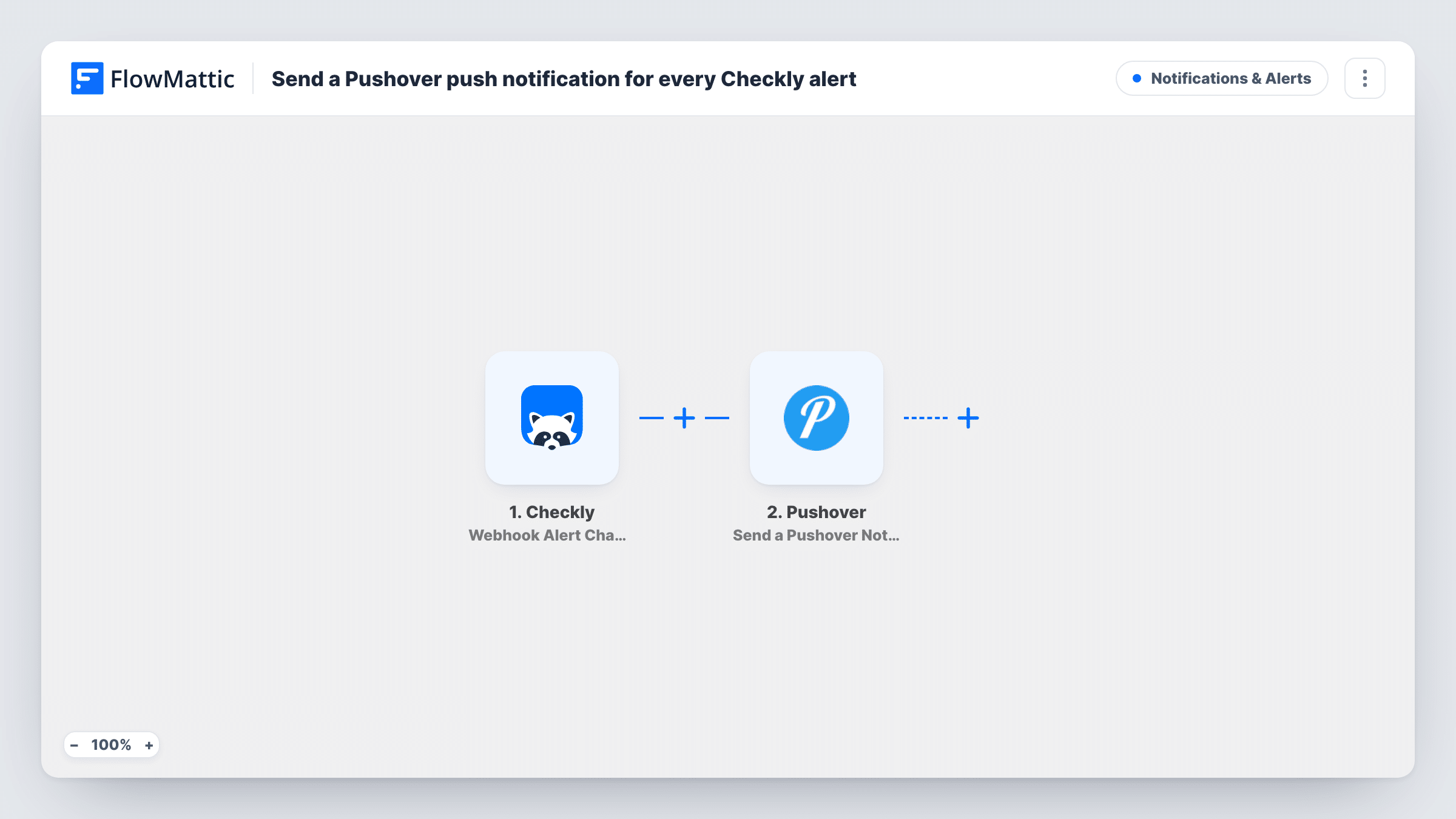
What this workflow does
Checkly watches your sites and APIs, but an alert only helps if someone notices it. Email gets buried and dashboards go unchecked outside working hours. Pushover puts a notification on your phone or desktop, which suits the person who has to respond.
Alerts reach FlowMattic from a Checkly webhook alert channel that you point at the trigger. The trigger fires when a check fails, when it recovers, and when it shows a performance degradation. FlowMattic receives the alert details from Checkly and hands them to Pushover. The Send a Pushover Notification action then pushes a notification to the devices subscribed to your Pushover account.
Because recoveries and slowdowns fire the trigger too, you get a notification when a problem clears, not only when it starts. That gives you the whole story of an incident on your phone. If you only want failures, add a Filter after the trigger. Task History lists every alert FlowMattic received from Checkly and what it sent to Pushover.
Solo developer on call for a SaaS app
Your API check fails at night. The Pushover notification lands on your phone, and a second one arrives when Checkly sees the check recover.
Agency watching client websites
Checkly monitors several client sites. Each failure, recovery or slowdown becomes a push notification for whoever is on duty that week.
Watching a checkout API during a sale
During a busy promotion, any degradation in your checkout check pushes a notification so you can look into it before it turns into an outage.
How this workflow runs
What happens at each step once the workflow is on, and what you need before you import it.
 Checkly Webhook Alert Channel
Starts a run each time your Checkly webhook alert channel posts an alert, whether a check failed, recovered, or degraded in performance. The alert details are passed on for mapping into the notification.
- Pushover Send a Pushover Notification
Pushes the alert to every device subscribed to the Pushover account you connect. Write the message and map the Checkly alert details, such as the check name, into it.
What you need
- FlowMatticCore
- Checkly AccountAccount
- Pushover AccountAccount
After importing, map your own data. To keep the template universal, not every step is pre-filled. Open each step in the builder and connect your accounts and fields (channels, lists, sheets, recipients) before you switch the workflow on.
Make it yours
Changes worth making after you import it.
- Add a Filter after the Checkly trigger that continues only for failure alerts if you don't want recovery and degradation notifications on your phone.
- Put the check name and alert type at the start of the Pushover message. You can then tell what happened from the lock screen without opening the app.
- After import, trigger a test alert from Checkly so FlowMattic captures the alert data, then map those fields into the Pushover step before turning the workflow on.
Questions about this workflow
Will Pushover notify me when a Checkly check recovers?
Yes. The trigger fires for failures, recoveries and performance degradations, so each of those produces its own notification unless you add a Filter.
How does Checkly send alerts to FlowMattic?
Through a webhook alert channel in Checkly. You use the webhook URL from the FlowMattic trigger as the channel's destination, so Checkly posts its alerts there.
Which devices receive the Pushover notification?
The devices subscribed to the Pushover account you connect in the action step. Install the Pushover app on each phone or desktop that should get alerts.
Can one Checkly alert notify several people through Pushover?
The step sends to the connected Pushover account. For another person with their own account, add a second Pushover step connected to that account.
More Notifications & Alerts workflows
Other ready-to-import templates from the same category.






Import this workflow into your WordPress site
Download the JSON, import it from the Workflows screen and connect your accounts. Every run stays on your server, with no per-task fees.
30-day money-back guarantee Unlimited workflows and runs Self-hosted