

Send a Pushover push notification when a CircleCI workflow completes
Get a Pushover push notification on your phone or desktop each time a CircleCI workflow finishes, whether it passed or failed, so you know a build is done without opening CircleCI.
 Circleci
 Pushover
2 steps Setup ~5 min Used on 2.1k sites Free to import
What this workflow does
You start a build and walk away from the desk, or switch to another task. Knowing when it has finished, and whether it broke, normally means checking back. This workflow sends a push to your devices through Pushover instead, which suits solo developers and on-call engineers who don't live in a team chat.
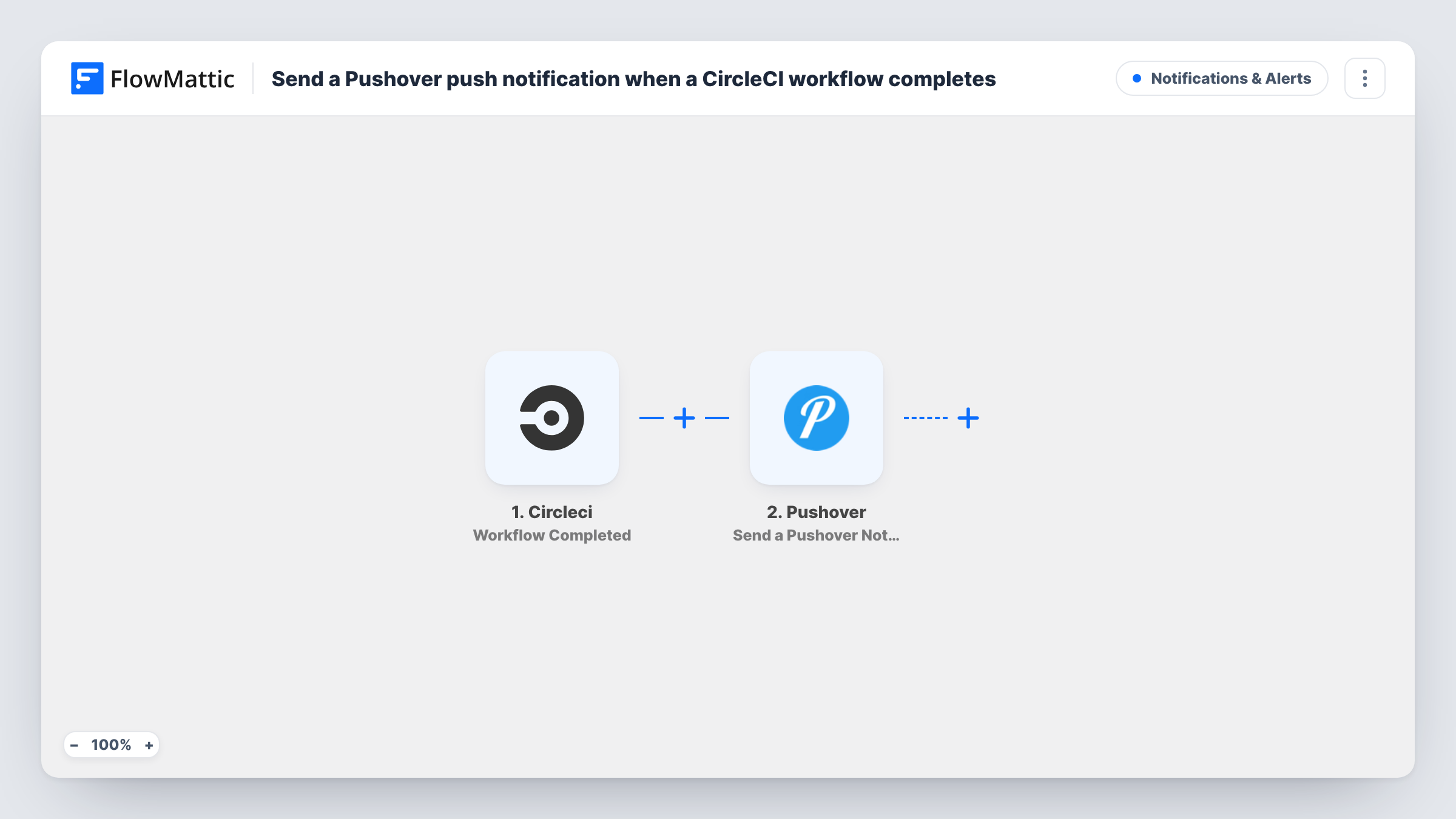
The trigger is CircleCI Workflow Completed. CircleCI counts a workflow as complete once it hits a terminal state, so a success and a failure both start a run. FlowMattic passes the event data to Pushover, whose Send a Pushover Notification action generates a notification to your subscribed devices. You write the notification text and fill it with details from the CircleCI event.
The template has no Filter, so each finished CircleCI workflow sends one push. If you only care about broken builds, add a Filter on the status before the Pushover step. Task History lists each run with the data CircleCI sent.
Solo developer running long test suites
You kick off a full test run before lunch. Pushover buzzes your phone when CircleCI finishes, and the message says which project it was.
On-call engineer outside office hours
Nightly CircleCI workflows push a notification to the on-call phone when they end, so a failed nightly build is seen before the morning.
Freelancer shipping client releases
A release workflow for a client's app finishes while you are away from the laptop. The push tells you it is done so you can let the client know.
How this workflow runs
What happens at each step once the workflow is on, and what you need before you import it.
 Circleci Workflow Completed
Starts the workflow when a CircleCI workflow reaches a terminal state, passed or failed. FlowMattic captures the event data so you can use it in the notification.
- Pushover Send a Pushover Notification
Pushes an alert to the devices on your Pushover account. Connect your Pushover account and write the message, mapping in CircleCI details such as the project or status if a test event shows them.
What you need
- FlowMatticCore
- CircleCI AccountAccount
- Pushover AccountAccount
After importing, map your own data. To keep the template universal, not every step is pre-filled. Open each step in the builder and connect your accounts and fields (channels, lists, sheets, recipients) before you switch the workflow on.
Make it yours
Changes worth making after you import it.
- Put a Filter between the steps that continues only for a failed status value from CircleCI. Your phone then buzzes only when a build needs fixing.
- Switch the trigger to CircleCI Job Completed if you want a push for each job rather than once per workflow.
- Finish one CircleCI workflow after import, then open the captured data in FlowMattic to pick which values belong in the push text.
Questions about this workflow
Will Pushover notify me about successful CircleCI builds too?
Yes, as imported. Workflow Completed covers every terminal state, so you get a push whatever the outcome. A Filter on the status keeps only the ones you want.
Do I need the Pushover app on my phone?
Yes. Pushover delivers notifications to devices registered on your Pushover account, so install the app on each device that should receive them and connect the account in FlowMattic.
Can several people get the CircleCI push?
The step sends to the Pushover account you connect. Open the step after import to see which recipient options it offers, and test with a finished build.
More Notifications & Alerts workflows
Other ready-to-import templates from the same category.





Import this workflow into your WordPress site
Download the JSON, import it from the Workflows screen and connect your accounts. Every run stays on your server, with no per-task fees.
30-day money-back guarantee Unlimited workflows and runs Self-hosted