

When feedback is assigned in Userback, send a Twilio SMS alert to your team
When feedback is assigned to someone in Userback, FlowMattic sends an SMS through Twilio to the phone number you set, so your team hears about newly assigned bug reports and requests away from the desk.
 Userback
 Twilio
2 steps Setup ~5 min Used on 3.1k sites Free to import
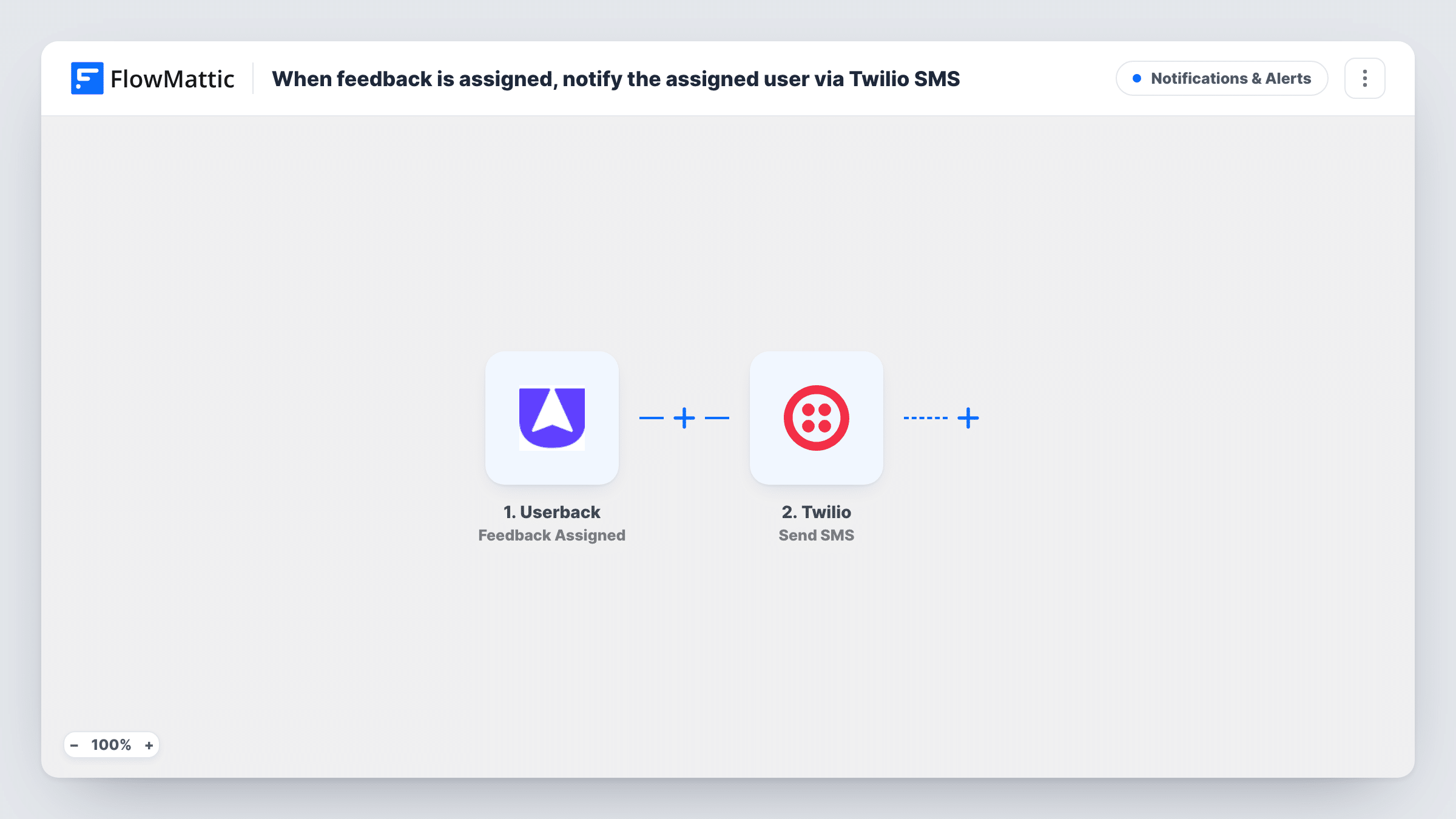
What this workflow does
Userback collects bug reports and feature requests from your users, and assigning one is the moment it becomes someone's job. If that person only finds out the next time they open Userback, the report waits. This workflow sends a text message as soon as feedback is assigned.
The Userback trigger fires when feedback is assigned to a user, and passes on the feedback details. Run a test assignment to see what arrives, such as the feedback title, the project, the assignee and a link.
The Twilio Send SMS step ships unmapped. After import you connect your Twilio account, choose the number the message comes from, enter the team phone number that should receive it and write the text, mapping in the Userback details. Keep it short, since a text should say what was assigned and where to look.
As imported, every assignment goes to the one number you enter, whoever the feedback was assigned to. If you want the assignee to get the text, you need their phone number; Userback assignment data may not include it, so check a test run. Open Task History to read what Twilio returned for each text.
On-call developer gets new bugs
A product team sends every assigned Userback report to the on-call phone, so whoever holds it that week sees new bugs within minutes.
Agency alerts for client feedback
A web agency's project lead gets a text each time client feedback on a staging site is assigned, and passes it on to the right designer.
QA lead during a launch week
During a release, the QA lead's phone receives each assigned issue, so nothing reported by beta users sits unseen overnight.
How this workflow runs
What happens at each step once the workflow is on, and what you need before you import it.
 Userback Feedback Assigned
Fires when feedback in Userback is assigned to a user. The feedback details are passed on; check a test run for the title, project and assignee fields you want in the text.
- Twilio Send SMS
Texts the team number you enter, sending from a number on your Twilio account. The step ships unmapped: connect Twilio, set the sender and recipient, and write the message with the Userback details mapped in.
What you need
- FlowMatticCore
- Userback AccountAccount
- Twilio AccountAccount
After importing, map your own data. To keep the template universal, not every step is pre-filled. Open each step in the builder and connect your accounts and fields (channels, lists, sheets, recipients) before you switch the workflow on.
Make it yours
Changes worth making after you import it.
- Enter the recipient number with its country code, the format Twilio expects for delivery.
- Include the feedback title and a link in the text, if a test run shows one, so the reader can open the report straight from the message.
- To text each assignee directly, keep their phone numbers in a Lookup Table step added between the Userback trigger and the Twilio step, keyed by the assignee's name or email, and map the result as the recipient.
Questions about this workflow
Does the SMS go to the person the Userback feedback was assigned to?
Not as imported. Twilio sends to the number you enter in the step. To reach the assignee, map a phone number for them, for example from a lookup step you add.
Which number does the Userback alert come from?
Yes. Twilio sends the SMS from a number on your Twilio account, which you choose when you set up the Send SMS step after import.
Is a text sent when feedback is reassigned?
The trigger fires when feedback is assigned to a user. Assign and reassign a test item to see whether Userback reports both to FlowMattic before relying on it.
Can I get alerts for new Userback feedback instead?
Yes. Userback has a New Feedback Added trigger in FlowMattic. Use it in place of Feedback Assigned, or in a second copy of this workflow.
More Notifications & Alerts workflows
Other ready-to-import templates from the same category.





Import this workflow into your WordPress site
Download the JSON, import it from the Workflows screen and connect your accounts. Every run stays on your server, with no per-task fees.
30-day money-back guarantee Unlimited workflows and runs Self-hosted