

Send a Slack alert when a Planyo reservation is cancelled by a client
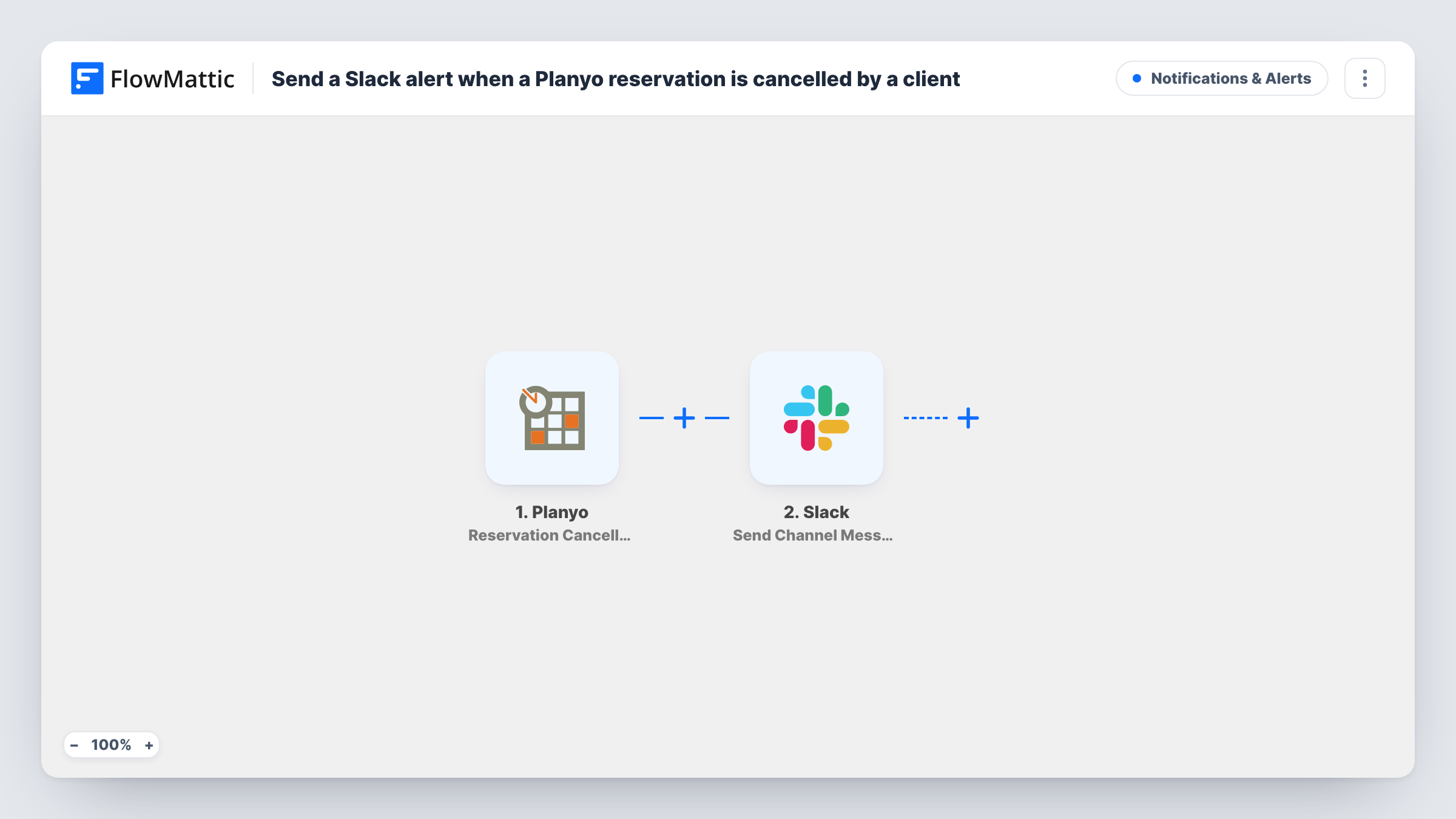
When a client cancels a Planyo reservation, this workflow posts a message to a Slack channel with the booking details, so your team knows a slot has opened and can act on it.
 Planyo
 Slack
2 steps Setup ~5 min Used on 784 sites Free to import
What this workflow does
A client cancellation frees up a resource, a room or a time slot. If the only record is an email to one inbox, the rest of the team may not know until the booking simply doesn't happen. This workflow tells everyone on Slack as soon as Planyo registers the cancellation.
The Planyo trigger fires when a reservation is cancelled by the client, and the reservation's data reaches FlowMattic. The second step uses Send Channel Message in Slack. You write the alert and insert values from the reservation, for example the resource, the dates and the client's name, as far as Planyo provides them.
Only client cancellations start a run. Cancellations made by an admin and automatic cancellations are separate Planyo triggers and aren't covered here. Every client cancellation produces one Slack message, since nothing filters them. Task History shows each run and Slack's response.
Filling a freed slot at a rental business
A bike or boat rental team sees the cancellation in Slack and offers the slot to someone on their waiting list.
Front desk at a venue
Staff at a venue get a Slack post when a client cancels a room booking, so they don't prepare the room for nobody.
Following up with the client
A team member sees who cancelled and contacts them to offer another date.
How this workflow runs
What happens at each step once the workflow is on, and what you need before you import it.
 Planyo Reservation Cancelled by Client
Fires when a client cancels a reservation in Planyo. The reservation details are passed on to use in the Slack alert. Cancel a test booking as a client to capture the data.
- Slack Send Channel Message
Posts the cancellation notice to whichever Slack channel you set. Write the alert and add Planyo values such as the resource and dates, so the team knows which booking was cancelled. Connect Slack on import.
What you need
- FlowMatticCore
- Planyo AccountAccount
- Slack AccountAccount
After importing, map your own data. To keep the template universal, not every step is pre-filled. Open each step in the builder and connect your accounts and fields (channels, lists, sheets, recipients) before you switch the workflow on.
Make it yours
Changes worth making after you import it.
- Clone the workflow and switch the trigger to Reservation Cancelled by Admin or Reservation Automatically Cancelled if you want those cancellations announced too.
- Add a Filter after the trigger if only some resources matter to this channel, for example continuing only when the resource name matches one location.
- Add Slack's Send Direct Message action after the channel post to also notify the person who manages that resource.
Questions about this workflow
Which Planyo cancellations trigger the Slack alert?
Only cancellations made by the client. Admin cancellations and automatic cancellations are separate Planyo triggers and don't run this workflow.
Does the Slack alert change anything in Planyo?
No. The workflow only reads the cancellation and posts a message. The reservation and any refund are handled in Planyo as usual.
Can the Planyo alert go to a private Slack channel?
Swap the step for Slack's Send Private Channel Message action and pick the private channel there.
Are Planyo cancellations from before I import this posted?
No. Only cancellations made after the workflow is turned on send a Slack message.
More Notifications & Alerts workflows
Other ready-to-import templates from the same category.



Import this workflow into your WordPress site
Download the JSON, import it from the Workflows screen and connect your accounts. Every run stays on your server, with no per-task fees.
30-day money-back guarantee Unlimited workflows and runs Self-hosted