

Send a Slack alert to sales when an Upflowy flow is completed
When a visitor finishes one of your Upflowy flows, this workflow posts a message to a Slack channel so your sales team sees the completed flow and the answers given in it.
 Upflowy
 Slack
2 steps Setup ~5 min Used on 2.8k sites Free to import
What this workflow does
A finished Upflowy flow usually means someone has answered your qualifying questions and left contact details. If those results only sit in Upflowy, a rep has to remember to look. This workflow brings each completion into Slack, where the sales team is already reading.
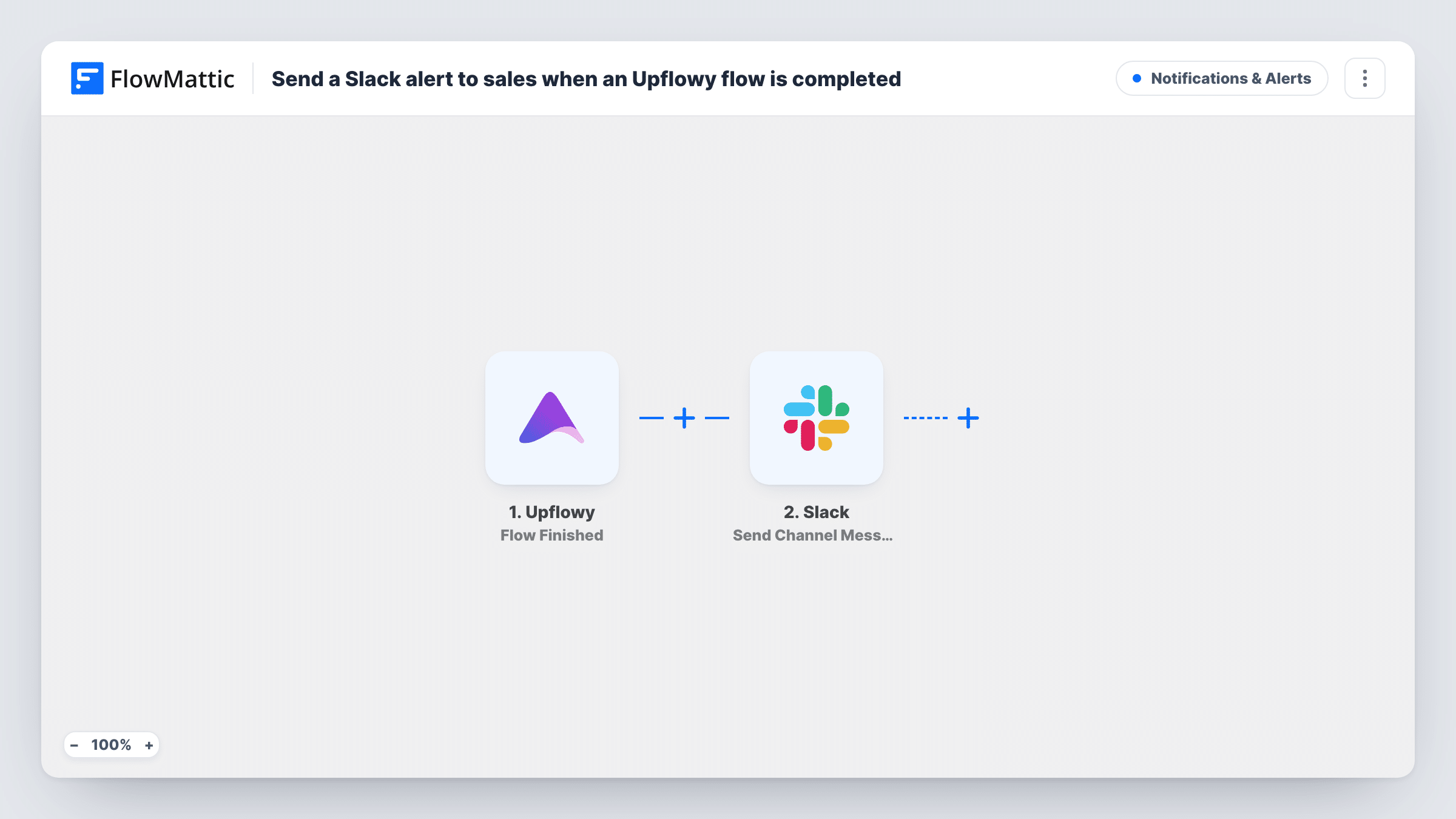
The Upflowy trigger runs whenever a visitor reaches the end of a flow. FlowMattic receives the data Upflowy sends for that completion. The Slack step then posts a message to the channel you choose, and you build the message from your own text plus the answers from the flow.
Every completed flow produces one Slack post, with no filtering in between. Nothing is written back to Upflowy, and the workflow does not create a lead in a CRM. If you want either, add a step after Slack. Task History lists each run, so you can check what arrived from Upflowy and what was posted.
Demo request flows
A prospect completes your book-a-demo flow on the pricing page, and the #sales channel gets a post with their answers so a rep can pick it up.
Quote calculators
Visitors step through an Upflowy quote flow describing their project. Each finished flow appears in Slack, giving the sales lead the details to price the job.
Agency client intake
New clients fill in an onboarding flow. The account manager's channel shows each completion, so the kick-off call can be scheduled from what they entered.
How this workflow runs
What happens at each step once the workflow is on, and what you need before you import it.
 Upflowy Flow Finished
Runs each time a visitor finishes an Upflowy flow. The answers and details Upflowy sends for that completion are passed on to the Slack step.
- Slack Send Channel Message
Sends a message into whichever Slack channel your sales team watches. Write the text and drop in the flow data you want reps to see, then send a test to check how it reads.
What you need
- FlowMatticCore
- Upflowy AccountAccount
- Slack AccountAccount
After importing, map your own data. To keep the template universal, not every step is pre-filled. Open each step in the builder and connect your accounts and fields (channels, lists, sheets, recipients) before you switch the workflow on.
Make it yours
Changes worth making after you import it.
- Complete your Upflowy flow once yourself after import. FlowMattic then holds a real sample, so you can see every answer field before mapping the Slack message.
- Have several flows but only one aimed at buyers? Add a Filter after the trigger that checks a value only that flow sends, so other completions stay out of the sales channel.
- Add a CRM step after Slack, such as FluentCRM or HubSpot, to save the person as a contact as well as alerting the team.
Questions about this workflow
Does the Slack alert fire when someone abandons an Upflowy flow halfway?
No. The trigger is Flow Finished, so only visitors who reach the end of a flow start a run. Partial sessions are not posted.
Can the Upflowy alert mention a sales rep in Slack?
You write the message text yourself, so you can include a Slack mention for a person or group. Send a test to confirm it notifies them the way you expect.
Which Slack channel receives the Upflowy completions?
The one you choose in the Slack step after you connect your Slack workspace. Public or private channels both work if the connected account can post there.
More Notifications & Alerts workflows
Other ready-to-import templates from the same category.




Import this workflow into your WordPress site
Download the JSON, import it from the Workflows screen and connect your accounts. Every run stays on your server, with no per-task fees.
30-day money-back guarantee Unlimited workflows and runs Self-hosted