

Send a Slack alert each time a TaskMagic automation scrapes new data
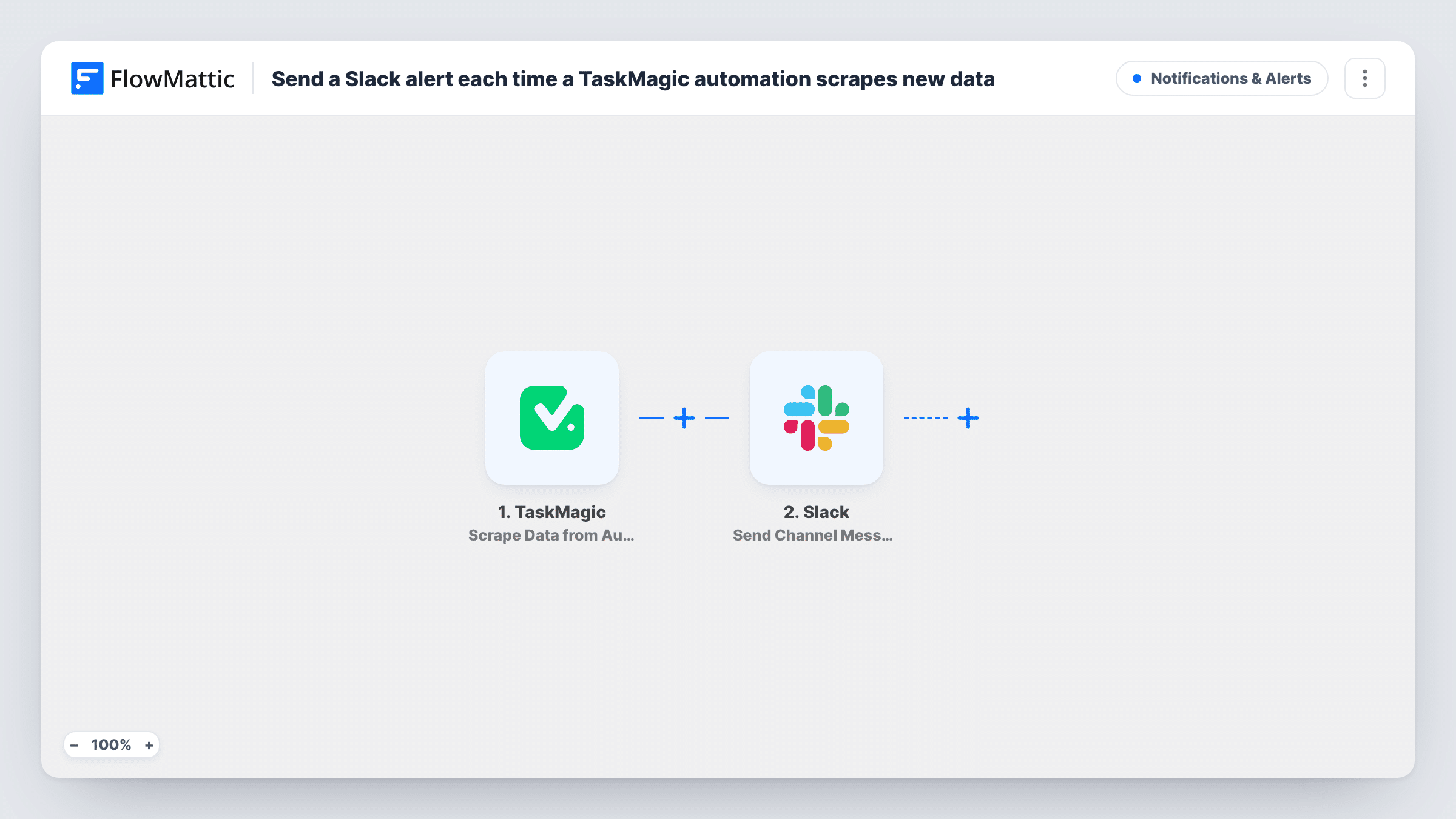
When a TaskMagic automation sends its scraped data to FlowMattic, this workflow posts a message to the Slack channel you choose, built from the scraped values, so your team sees the results in Slack.
 TaskMagic
 Slack
2 steps Setup ~5 min Used on 804 sites Free to import
What this workflow does
A TaskMagic automation can scrape data from web pages: prices, listings, job posts, stock levels. The results are only useful if someone looks at them. Posting them to Slack puts them in front of the people who act on them, in a channel they already read.
The TaskMagic trigger starts the workflow each time your automation hands over a batch of scraped data. You set up the TaskMagic side to send its results, and each delivery starts one run. FlowMattic passes the scraped values to Slack, where the Send Channel Message action posts to the channel you pick. You write the message and drop the scraped values into it.
The workflow posts every time TaskMagic sends data, whether or not anything changed since the last run. If you only want a message when a value meets a rule, add a Filter between the two steps. Each post is listed in Task History with the values that came in.
Competitor price watch
A TaskMagic automation reads a rival's pricing page each morning. The scraped prices are posted to your #pricing channel for the sales team to see.
New job listings for a recruiter
Scrape a job board for a role you hire for, and post each batch of results to a recruiting channel where the team can pick up leads.
Stock checks on a supplier site
Your automation reads stock levels from a supplier portal. A Slack message shows the current figures so purchasing can decide what to order.
How this workflow runs
What happens at each step once the workflow is on, and what you need before you import it.
 TaskMagic Scrape Data from Automation
Fires when a TaskMagic automation sends its scraped data to FlowMattic. Each delivery starts a run, and the scraped values become available to use in the Slack message.
- Slack Send Channel Message
Sends a message into the Slack channel you select. Connect your Slack workspace, pick the channel, and write the message text with the scraped values mapped into it.
What you need
- FlowMatticCore
- TaskMagic AccountAccount
- Slack AccountAccount
After importing, map your own data. To keep the template universal, not every step is pre-filled. Open each step in the builder and connect your accounts and fields (channels, lists, sheets, recipients) before you switch the workflow on.
Make it yours
Changes worth making after you import it.
- Add a Filter after the TaskMagic trigger so the message is posted only when a scraped value meets your rule, for example a price below a figure you set. Remember that a blank value counts as 0 in number comparisons.
- Add a Google Sheets step after Slack to keep every scrape as a row, so you have a history to compare against later.
- Run the TaskMagic automation once after import so FlowMattic captures real scraped fields. Then map them into the message instead of guessing the field names.
Questions about this workflow
Will Slack get a message even if the scraped data hasn't changed?
Yes. Every time TaskMagic sends data, the workflow posts. Add a Filter if you only want a message when a value meets a condition.
Does FlowMattic run the TaskMagic scrape itself?
No. TaskMagic runs the automation and sends the results. FlowMattic starts when that data arrives and handles the Slack post.
Can the scraped TaskMagic results go to a private Slack channel?
Yes, if the Slack connection you use for FlowMattic is allowed to post in that channel. Pick it in the step and send a short test message to confirm.
More Notifications & Alerts workflows
Other ready-to-import templates from the same category.




Import this workflow into your WordPress site
Download the JSON, import it from the Workflows screen and connect your accounts. Every run stays on your server, with no per-task fees.
30-day money-back guarantee Unlimited workflows and runs Self-hosted