

Send a Slack alert to the finance team when a Juspay order fails
When an order fails in Juspay, this workflow posts a message in your finance team’s Slack channel with the order details you map, so failed payments are seen by the people who follow them up.
 Juspay
 Slack
2 steps Setup ~5 min Used on 938 sites Free to import
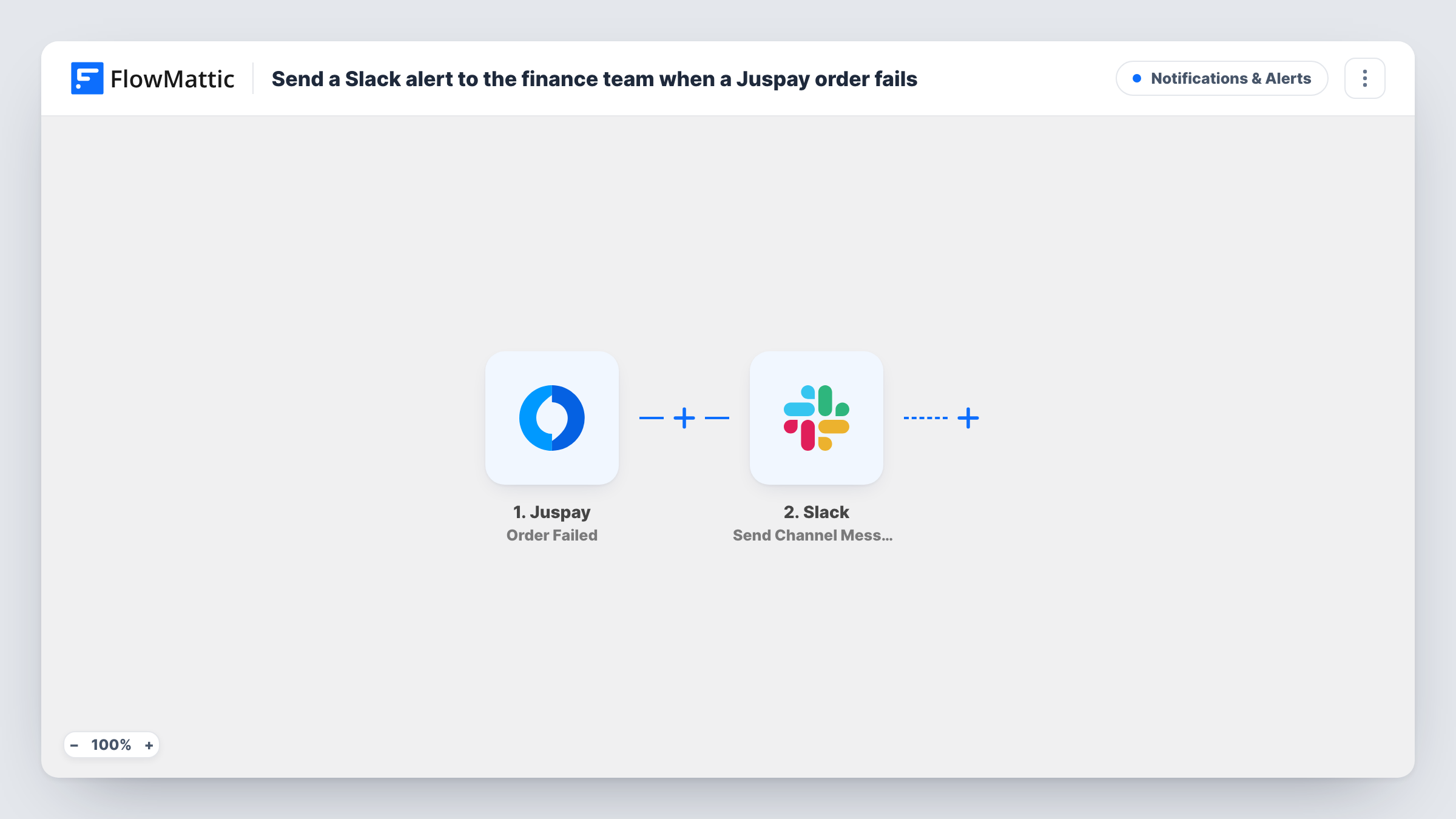
What this workflow does
A failed order in Juspay can mean a lost sale or a customer who needs help paying. If your finance team has to check the Juspay dashboard to find them, some get missed. This workflow posts each failed order to a Slack channel your finance team watches.
The Juspay trigger is Order Failed, which fires when an order fails. The order data Juspay sends, such as the order ID, amount and status, becomes available to map.
The Slack step uses Send Channel Message to post in the channel you choose. You write the alert text and add values from the failed order. If your finance channel is private, use Slack's Send Private Channel Message action instead. Task History shows each run and what Slack received.
Finance follow-up on failed payments
Each failed Juspay order appears in the finance channel with its amount and order ID, so someone can look into it the same day.
Spotting a payment gateway problem
A run of failed order alerts in a short time tells your team to check whether a payment method is having trouble.
Customer support hand-off
The finance team sees a failed order in Slack and passes the order ID to support, who contact the customer about paying again.
How this workflow runs
What happens at each step once the workflow is on, and what you need before you import it.
 Juspay Order Failed
Fires when an order fails in Juspay. Juspay's order fields come through for you to place in the alert. Use a test failed order after import so the order fields appear in FlowMattic.
- Slack Send Channel Message
Sends the failed order alert to the Slack channel you pick. Write the text and map in the order ID, amount or other details. For a private channel, swap in Send Private Channel Message.
What you need
- FlowMatticCore
- Juspay AccountAccount
- Slack AccountAccount
After importing, map your own data. To keep the template universal, not every step is pre-filled. Open each step in the builder and connect your accounts and fields (channels, lists, sheets, recipients) before you switch the workflow on.
Make it yours
Changes worth making after you import it.
- Start the message with the amount and order ID, so the finance team can judge each alert at a glance.
- Juspay also has Order Refund Failed and Order Capture Failed triggers. Build workflows from them that post to the same channel to catch other payment problems.
- Add a Google Sheets Add New Row step after Slack to keep a log of failed orders you can review at month end.
Questions about this workflow
Which Juspay events send a Slack alert?
Only failed orders. The trigger is Order Failed, so successful, refunded or voided orders don't start a run.
Can the Juspay alert go to one person instead of a channel?
Yes, with a change. Replace the step with Slack's Send Direct Message action and pick the person who should get the alerts.
What order details can the finance alert show?
Whatever Juspay sends with the Order Failed event. Run a test and check the captured fields, then map the ones your team needs.
More Notifications & Alerts workflows
Other ready-to-import templates from the same category.



Import this workflow into your WordPress site
Download the JSON, import it from the Workflows screen and connect your accounts. Every run stays on your server, with no per-task fees.
30-day money-back guarantee Unlimited workflows and runs Self-hosted