

Send a Slack alert to the finance team when a Peggy Pay installment payment fails
When a direct debit for a Peggy Pay installment order fails, FlowMattic posts the details in a Slack channel, so your finance team knows which payment to chase without checking Peggy Pay first.
 Peggy Pay
 Slack
Slack2 steps Setup ~5 min Used on 1.3k sites Free to import
What this workflow does
Selling in installments means many small direct debits, and any one of them can fail. If nobody notices, the customer keeps access while the balance stays unpaid. This workflow tells your finance people about each failed installment as soon as Peggy Pay reports it.
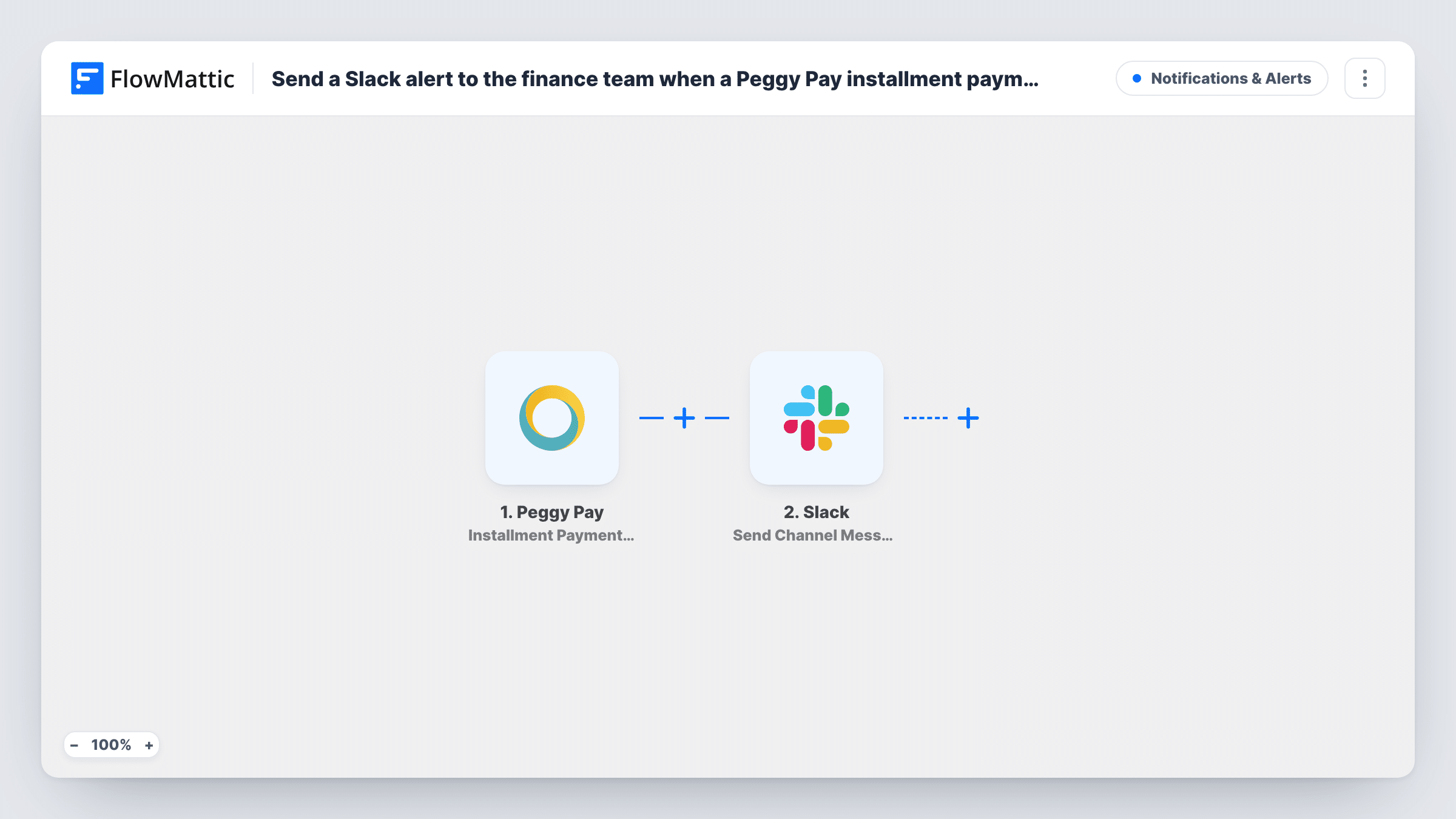
The Peggy Pay trigger fires if a direct debit for a payment in installments has failed. FlowMattic takes the data from that event and builds a message for the Slack channel you choose. You write the text and drop in values such as the customer, order and amount, so the alert says what happened without anyone opening Peggy Pay.
The workflow only posts the alert. It does not retry the debit, contact the customer or change the order. Those stay with your team or your Peggy Pay settings. Task History keeps a record of every alert sent.
Course creator selling in monthly terms
A failed installment for an online course appears in the #finance channel, and the bookkeeper emails the student before the next module opens.
Coaching programmes paid in parts
A coach's assistant sees the failed debit in Slack and checks with the client before the next session is booked.
Shared finance channel for a small team
Several people watch one Slack channel, so whoever is free picks up each failed payment and replies in the thread to show it is handled.
How this workflow runs
What happens at each step once the workflow is on, and what you need before you import it.
 Peggy Pay Installment Payment Failed
Starts a run when Peggy Pay reports that a direct debit for an installment payment has failed. Details from the event are passed to the Slack step for mapping.
- Slack Send Channel Message
Posts an alert to the Slack channel you pick. Connect Slack, choose the finance channel, and write the message with values from the Peggy Pay event, such as the customer name and amount.
What you need
- FlowMatticCore
- Peggy Pay AccountAccount
- Slack AccountAccount
After importing, map your own data. To keep the template universal, not every step is pre-filled. Open each step in the builder and connect your accounts and fields (channels, lists, sheets, recipients) before you switch the workflow on.
Make it yours
Changes worth making after you import it.
- Add a Google Sheets Add New Row step after Slack to keep a running list of failed installments for month-end checks.
- Add a Filter before the Slack step that continues only above an amount you choose, if small failed debits do not need the team's attention.
- Need alerts for failed subscription debits too? Copy the workflow and change the trigger to Peggy Pay's Subscription Payment Failed event.
Questions about this workflow
Does this workflow retry the failed Peggy Pay installment?
No. Its one action is the Slack post. Collecting the payment again is handled in Peggy Pay or by your team.
Are failed Peggy Pay subscription payments included?
No. This trigger covers installment direct debits. Peggy Pay has a separate Subscription Payment Failed trigger you can use in a second workflow.
Can the Peggy Pay alert go to a private finance channel in Slack?
Send Channel Message posts to a channel you select. For a private channel, swap in Slack's Send Private Channel Message action.
What details from Peggy Pay can I show in the Slack alert?
Any value the failed installment event carries. Once the first failed debit comes in, its captured values appear in the Slack step for you to pick.
More Notifications & Alerts workflows
Other ready-to-import templates from the same category.





Import this workflow into your WordPress site
Download the JSON, import it from the Workflows screen and connect your accounts. Every run stays on your server, with no per-task fees.
30-day money-back guarantee Unlimited workflows and runs Self-hosted