

When a Contentful entry changes, add an Airtable record and alert the editors in Slack
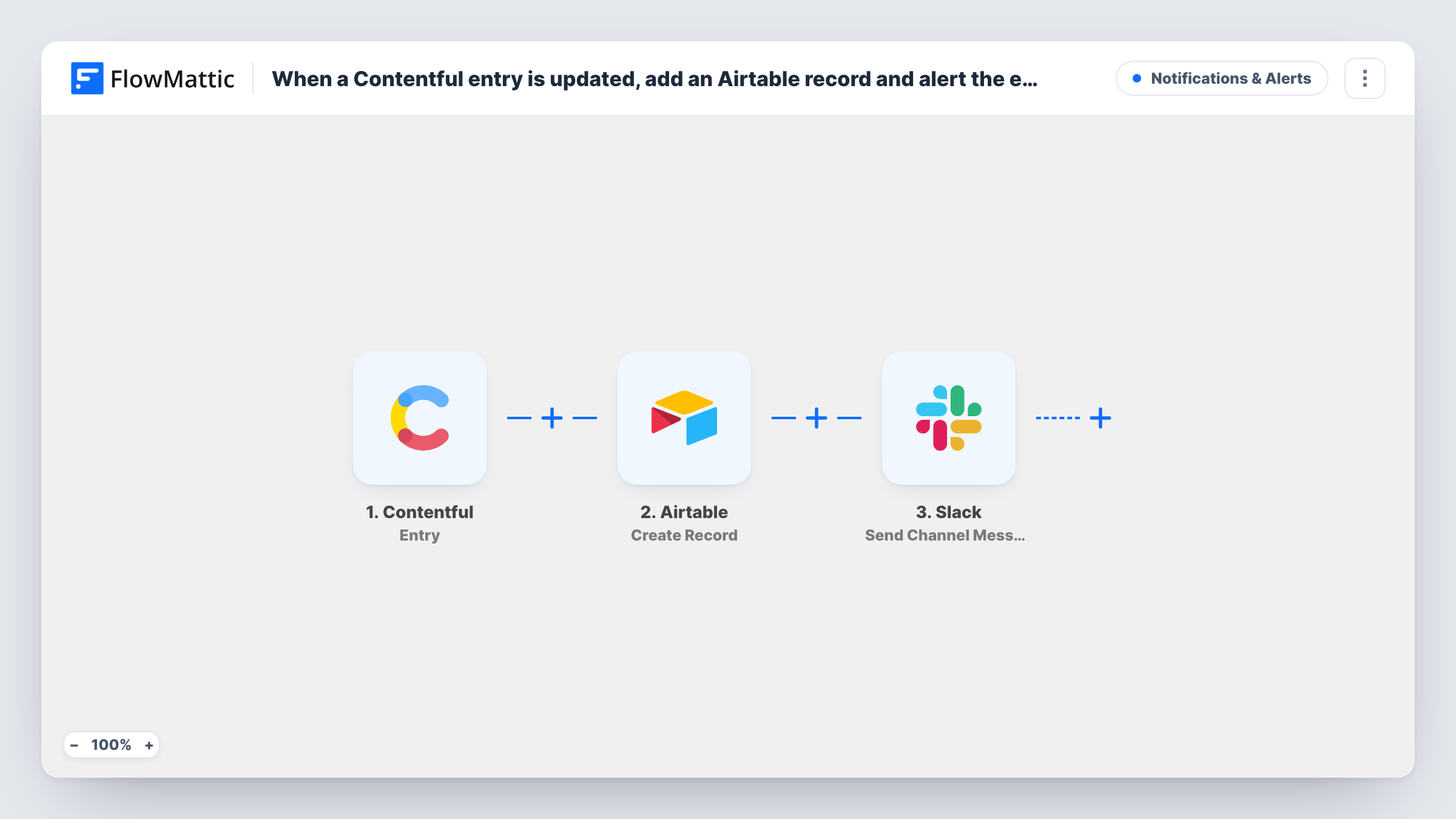
Whenever a Contentful entry is created, saved, autosaved, archived, published, unpublished or deleted, FlowMattic adds a record to your Airtable table and posts an alert to your editors’ Slack channel.
 Contentful
 Airtable
 Slack
3 steps Setup ~5 min Used on 560 sites Free to import
What this workflow does
Editorial teams often track content in Airtable alongside Contentful: who changed what, which pieces need review, what went live. Copying that activity across by hand rarely happens. This workflow logs every entry event in Airtable and tells the editors in Slack, so the log and the conversation stay in step with the content.
The Contentful Entry trigger covers seven events on an entry: created, saved, autosaved, archived, published, unpublished and deleted. That includes autosaves while someone is typing, so one editing session can start many runs. The entry's details are passed on for mapping.
The Airtable Create Record step adds a new record for each event, which makes the table an activity log rather than one row per entry. Then the Slack step posts to the editors' channel. Both steps ship unmapped: after import you pick the base and table and match entry details to fields, then choose the channel and write the alert.
Because autosaves count, test with a real editing session and look at Task History before you turn it on for the whole team. The tips explain how to cut the volume down.
Editorial activity log
A publisher keeps an Airtable table of every Contentful entry event, which the managing editor filters by date to review what changed each week.
Publish alerts for reviewers
A brand team adds a Filter for published entries between the Airtable and Slack steps, so reviewers in #content-live see each piece as it goes out while Airtable still logs everything.
Deletion audit trail
A documentation team keeps a record in Airtable whenever an entry is deleted or archived, so they can trace missing pages later.
How this workflow runs
What happens at each step once the workflow is on, and what you need before you import it.
 Contentful Entry
Starts a run for any of seven Contentful entry events: create, save, autosave, archive, publish, unpublish or delete. Autosaves count, so one editing session can start several runs.
- Airtable Create Record
Creates a new Airtable record for the entry event. The step ships unmapped: pick the base and table, then map the Contentful entry details into your fields.
- Slack Send Channel Message
Posts an alert to the editors' Slack channel. The step ships unmapped: after import, choose the channel and write the message with the entry details you want.
What you need
- FlowMatticCore
- Contentful AccountAccount
- Airtable AccountAccount
- Slack AccountAccount
After importing, map your own data. To keep the template universal, not every step is pre-filled. Open each step in the builder and connect your accounts and fields (channels, lists, sheets, recipients) before you switch the workflow on.
Make it yours
Changes worth making after you import it.
- If a test run shows which kind of event happened, put a Filter between the Airtable step and the Slack step that continues only for published entries. Every event is still logged, and only publishes alert the team.
- To stop autosaves from reaching Airtable at all, put that Filter between the Contentful trigger and the Airtable step instead. It then stops both the record and the Slack post.
- Map the entry's ID from the trigger data into its own Airtable field, so you can group the log by entry and see each piece's history.
Questions about this workflow
Why does one Contentful edit create several Airtable records?
The Entry trigger fires on saves and autosaves as well as publishes, so one editing session can produce several events. Each event runs the workflow once.
Does this update an existing Airtable record for the entry?
No. Create Record adds a new record every time. The table works as a log; group or filter it by entry to see one piece's history.
Can I alert Slack only when a Contentful entry is published?
Yes, if a test run shows the event type. Add a Filter between the Airtable step and the Slack step that checks it, so everything is logged and only publishes are posted.
More Notifications & Alerts workflows
Other ready-to-import templates from the same category.




Import this workflow into your WordPress site
Download the JSON, import it from the Workflows screen and connect your accounts. Every run stays on your server, with no per-task fees.
30-day money-back guarantee Unlimited workflows and runs Self-hosted