

Send a Slack notification when a new Contentful asset is added
When a new asset such as an image, video or PDF is added to Contentful, FlowMattic posts a message to the Slack channel you pick, so editors and designers see fresh media straight away.
 Contentful
 Slack
2 steps Setup ~5 min Used on 2.8k sites Free to import
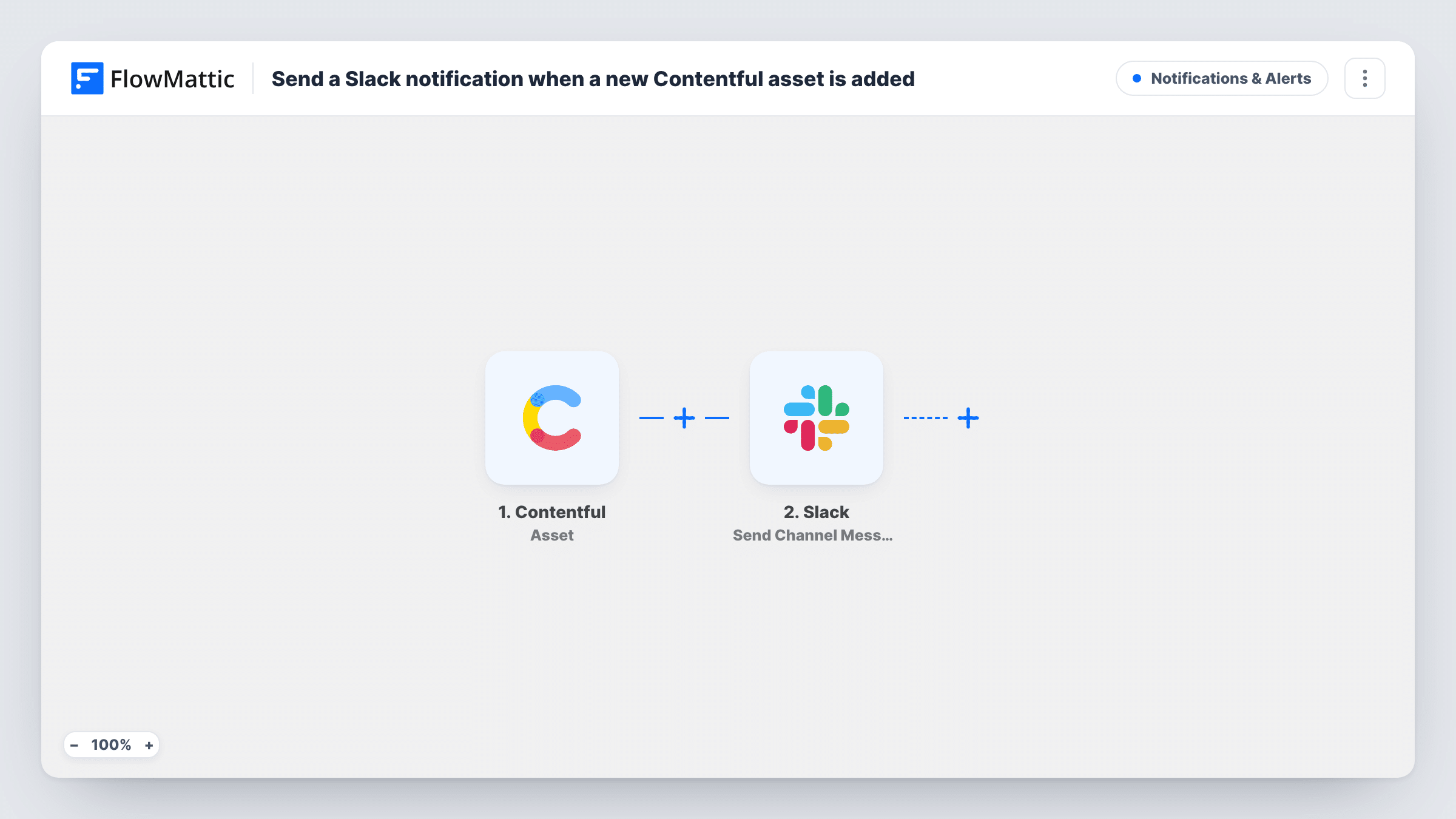
What this workflow does
Content teams that keep their media in Contentful often hear about a new hero image or product shot only when someone asks where it is. This workflow posts to Slack as soon as an asset is added, so the people who place, review or reuse media know it exists.
The Contentful Asset trigger receives the webhook events Contentful sends for assets. Contentful can send many asset events, such as save, publish, archive and delete, so you choose which ones in Contentful's webhook settings. For this flow, select only Asset > Create. Each new asset then starts one run, and edits or publishes of existing assets don't post again.
The Slack Send Channel Message step ships unmapped. After import, connect your Slack workspace, pick the channel and write the message, mapping in the asset details the trigger receives, such as its title or ID. Run a test by adding an asset in Contentful, then check Task History to see which fields arrived before you finish the message.
New media for the web team
A marketing team uploads campaign images to Contentful, and the developers who build landing pages see each one in their Slack channel the moment it lands.
Review queue for brand assets
A brand manager watches a Slack channel where every new logo, banner or product photo added to Contentful is announced, so off-brand files are caught early.
Agency handoff
An agency that delivers assets into a client's Contentful space lets the client's editors know in Slack that new files are ready to use.
How this workflow runs
What happens at each step once the workflow is on, and what you need before you import it.
 Contentful Asset
Receives Contentful's asset webhook events. Set the webhook in Contentful to send only Asset > Create, so a run starts once for each new asset and not for saves, publishes or deletes.
- Slack Send Channel Message
Sends the new-asset notice to a Slack channel of your choice. The step ships unmapped: connect Slack, pick the channel and write the text, mapping in asset details such as the title from the trigger data.
What you need
- FlowMatticCore
- Contentful AccountAccount
- Slack AccountAccount
After importing, map your own data. To keep the template universal, not every step is pre-filled. Open each step in the builder and connect your accounts and fields (channels, lists, sheets, recipients) before you switch the workflow on.
Make it yours
Changes worth making after you import it.
- In Contentful's webhook settings, tick only the Asset Create event. If you also tick Publish, a new asset can post twice: once when it is created and again when it goes live.
- Use a dedicated channel such as #new-media, so asset announcements don't get buried in general team chat.
- Map the asset's title and ID into the Slack message after a test run shows which fields Contentful sends, so the team can find the file quickly.
Questions about this workflow
Will editing or republishing an asset post to Slack again?
Not if the webhook sends only Asset > Create. Contentful sends the events you select, so leaving save, publish and delete unticked keeps the channel to new assets only.
Which details appear in the Slack post?
Whatever you write. The template leaves the message empty, so after import you write the text and map in the asset details the trigger receives.
Do entries trigger this workflow too?
No. The trigger is for asset events. Contentful entries, such as blog posts or product records, have their own Entry trigger in FlowMattic.
More Notifications & Alerts workflows
Other ready-to-import templates from the same category.




Import this workflow into your WordPress site
Download the JSON, import it from the Workflows screen and connect your accounts. Every run stays on your server, with no per-task fees.
30-day money-back guarantee Unlimited workflows and runs Self-hosted