

Alert your team on Slack when a subscription payment fails
When a WooCommerce Subscriptions payment fails, this workflow posts a message in the Slack channel you choose, so your team learns about the failed renewal without checking WooCommerce.
 WooCommerce Subscriptions
 Slack
2 steps Setup ~5 min Used on 795 sites Free to import
What this workflow does
A failed renewal payment is easy to miss. WooCommerce Subscriptions records it, but unless someone is looking at the store, the team that handles billing may not hear about it until the customer writes in. This workflow puts each failure in front of them in Slack.
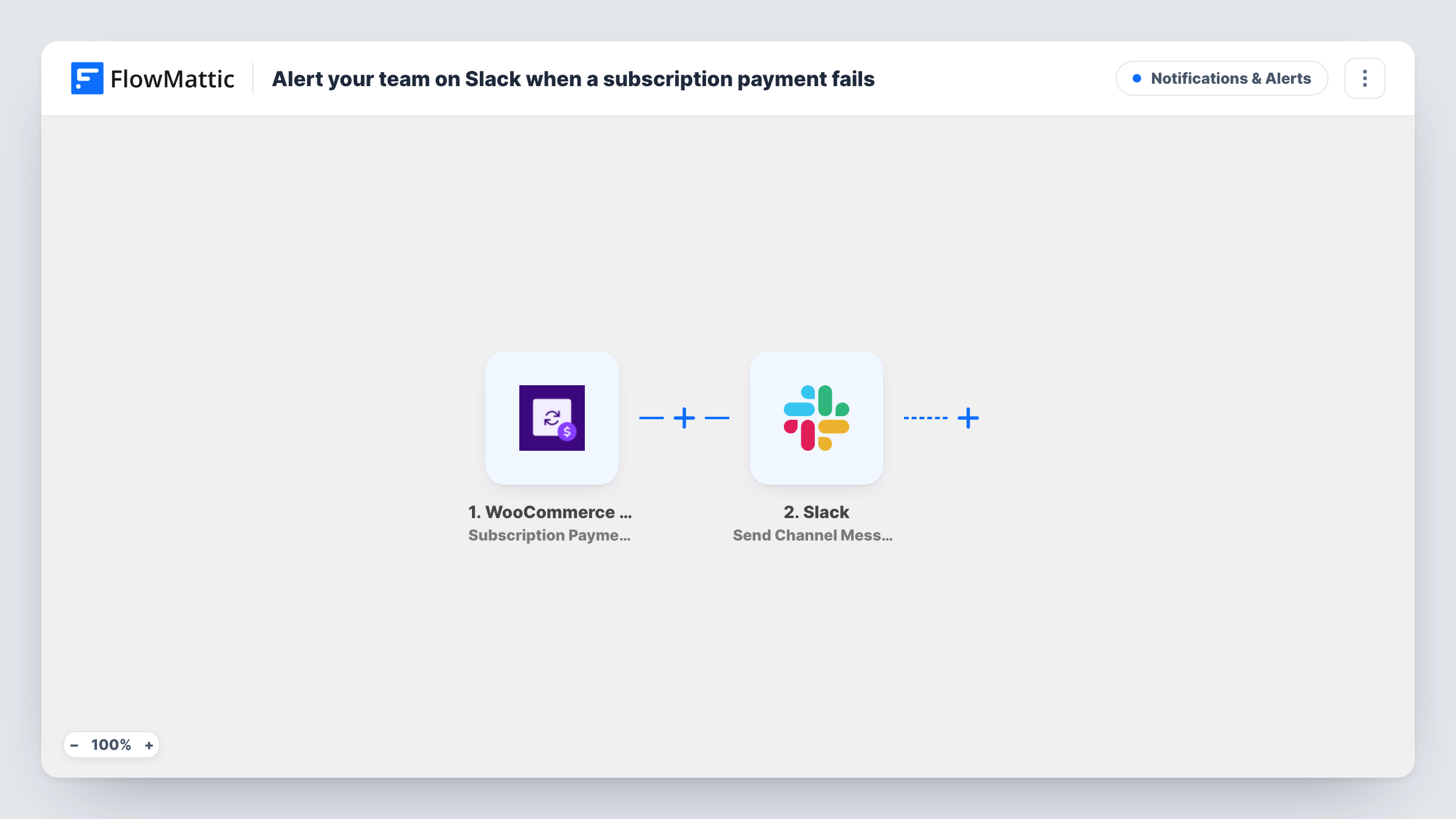
The WooCommerce Subscriptions trigger fires when any subscription payment fails. FlowMattic receives the subscription and order details and passes them to Slack. The Send Channel Message step posts in the channel you pick, with your text and mapped values such as the customer name, product and amount.
Every failed payment posts one message. The workflow does not retry the charge, contact the customer or change the subscription. It only tells your team, and what happens next is up to them. The trigger runs on the WordPress site where FlowMattic and WooCommerce Subscriptions are installed. Task History lists each alert and the data behind it.
Billing follow-up for a subscription box
Your support team watches a #billing Slack channel. Each failed renewal shows up there, and someone emails the customer about updating their card.
Membership sites
A site selling monthly memberships posts failed payments to Slack, so the owner can decide whether to reach out before access changes.
SaaS-style plans sold through WooCommerce
Account managers see failed payments for their customers in Slack and can check the account in WooCommerce right away.
How this workflow runs
What happens at each step once the workflow is on, and what you need before you import it.
 WooCommerce Subscriptions Subscription Payment Failed
Fires when any WooCommerce Subscriptions payment fails. The subscription, customer and order details are passed on for the Slack message.
- Slack Send Channel Message
Sends a failed-payment alert to the Slack channel you choose. Connect Slack and map the customer, subscription and amount into the message text.
What you need
- FlowMatticCore
- WooCommerce Subscriptions PluginPlugin
- Slack AccountAccount
After importing, map your own data. To keep the template universal, not every step is pre-filled. Open each step in the builder and connect your accounts and fields (channels, lists, sheets, recipients) before you switch the workflow on.
Make it yours
Changes worth making after you import it.
- Include a link to the subscription in your WooCommerce admin in the message, built from the subscription ID if the trigger provides it, so the team can open it in one click.
- Add a Filter after the trigger if only some products matter, for example your higher-priced plans, using the product name from the trigger data.
- Add an Email step after Slack if you also want the customer emailed, with text asking them to update their payment details.
Questions about this workflow
Does this workflow retry failed WooCommerce subscription payments?
No. It only posts a Slack message. Retries and subscription status are handled by WooCommerce Subscriptions and your payment gateway as usual.
Is the customer told that their subscription payment failed?
Not by this workflow. It alerts your team in Slack. Add an Email step if you want a message sent to the customer as well.
Will each failed retry post another Slack alert?
The trigger fires whenever a subscription payment fails, so each failed attempt that WooCommerce Subscriptions records can post its own message.
Do I need WooCommerce Subscriptions for this Slack alert?
Yes. The trigger comes from the WooCommerce Subscriptions plugin, which must be active on the same WordPress site as FlowMattic.
More Notifications & Alerts workflows
Other ready-to-import templates from the same category.




Import this workflow into your WordPress site
Download the JSON, import it from the Workflows screen and connect your accounts. Every run stays on your server, with no per-task fees.
30-day money-back guarantee Unlimited workflows and runs Self-hosted