

Send a Slack alert to the sales team for every new G2 Crowd lead
Every new lead G2 Crowd captures for your product is posted as a message in the Slack channel your sales team watches, with the lead details you choose to include.
 G2 Crowd
 Slack
2 steps Setup ~5 min Used on 2.9k sites Free to import
What this workflow does
A G2 Crowd lead is someone who looked at your product on a review site and asked to hear more. Sales teams want to know about these right away, and most already live in Slack. This workflow posts each new G2 lead to a Slack channel so nobody has to check G2 for them.
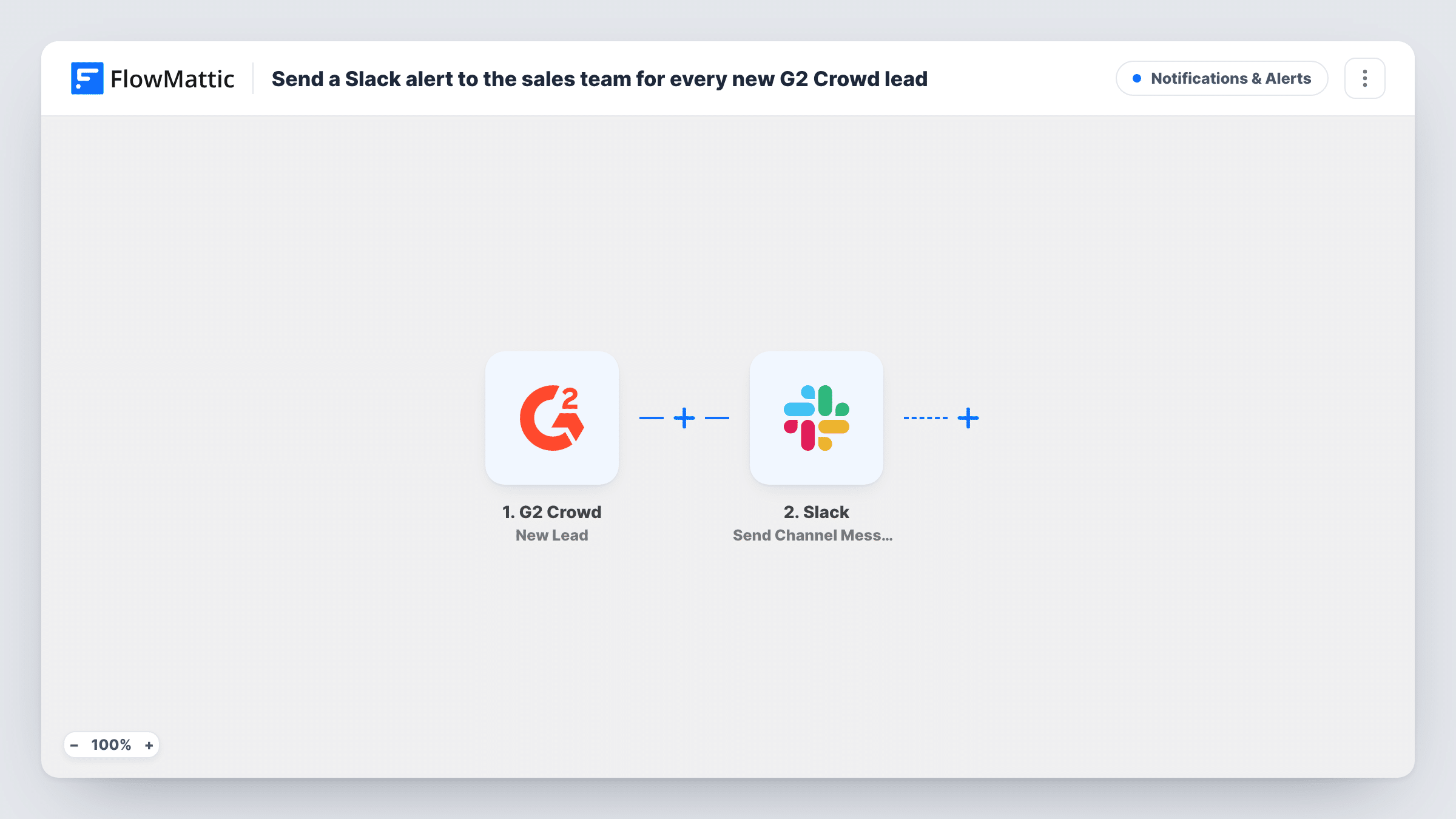
The G2 Crowd trigger runs when a new lead is captured on the G2 platform for your account. FlowMattic passes that lead's details to the Slack step, which sends a message to the channel you pick. You write the message and insert the lead details you want the team to see.
Each lead creates one message, with no Filter in the template. The workflow does not assign the lead or record replies; it only tells the channel. Task History lists each run if you need to check whether a lead was posted.
Sales channel for inbound leads
A #sales-leads channel gets a message for each G2 Crowd lead, and whoever picks it up replies in the thread to claim it.
Founder-led sales
A small startup's founders see each G2 lead in Slack on their phones and can follow up without logging in to G2.
Marketing visibility on review-site leads
The marketing team watches the same channel to see how often their G2 profile produces leads.
How this workflow runs
What happens at each step once the workflow is on, and what you need before you import it.
 G2 Crowd New Lead
Runs when G2 Crowd captures a new lead for your account. The lead's details become available for the Slack message.
- Slack Send Channel Message
Sends the lead alert into the Slack channel you select. Compose the text with the G2 lead details mapped in, and connect your Slack workspace on import.
What you need
- FlowMatticCore
- G2 Crowd AccountAccount
- Slack AccountAccount
After importing, map your own data. To keep the template universal, not every step is pre-filled. Open each step in the builder and connect your accounts and fields (channels, lists, sheets, recipients) before you switch the workflow on.
Make it yours
Changes worth making after you import it.
- Add a Google Sheets step after the Slack step so each G2 lead is also logged in a sheet for later reporting.
- Put the lead's name and company at the start of the Slack message so the notification preview shows who it is.
- Use a Router to post G2 leads to different channels by a lead field such as region, once a test run shows which fields G2 sends.
Questions about this workflow
Does every G2 Crowd lead post to Slack?
Yes. Each new lead the trigger receives sends one Slack message. Add a Filter after the trigger if you only want some leads posted.
Can the G2 lead alert go to a private Slack channel?
It can post to a channel the connected Slack account can reach. Make sure that account is a member of the private channel before you test.
Does this workflow add G2 leads to my CRM?
No. It only sends a Slack message. Add a CRM step after the Slack step if you also want each lead created as a contact.
What details about the G2 lead can appear in Slack?
Whatever the G2 Crowd trigger passes to FlowMattic. Look at a captured run in Task History to see the fields, then insert the ones you want.
More Notifications & Alerts workflows
Other ready-to-import templates from the same category.




Import this workflow into your WordPress site
Download the JSON, import it from the Workflows screen and connect your accounts. Every run stays on your server, with no per-task fees.
30-day money-back guarantee Unlimited workflows and runs Self-hosted