

Send a Slack alert for every completed Monetizze sale
When a sale is completed in Monetizze, FlowMattic posts a message to the Slack channel you pick, so your team sees each finished sale as it happens.
 Monetizze
 Slack
2 steps Setup ~5 min Used on 544 sites Free to import
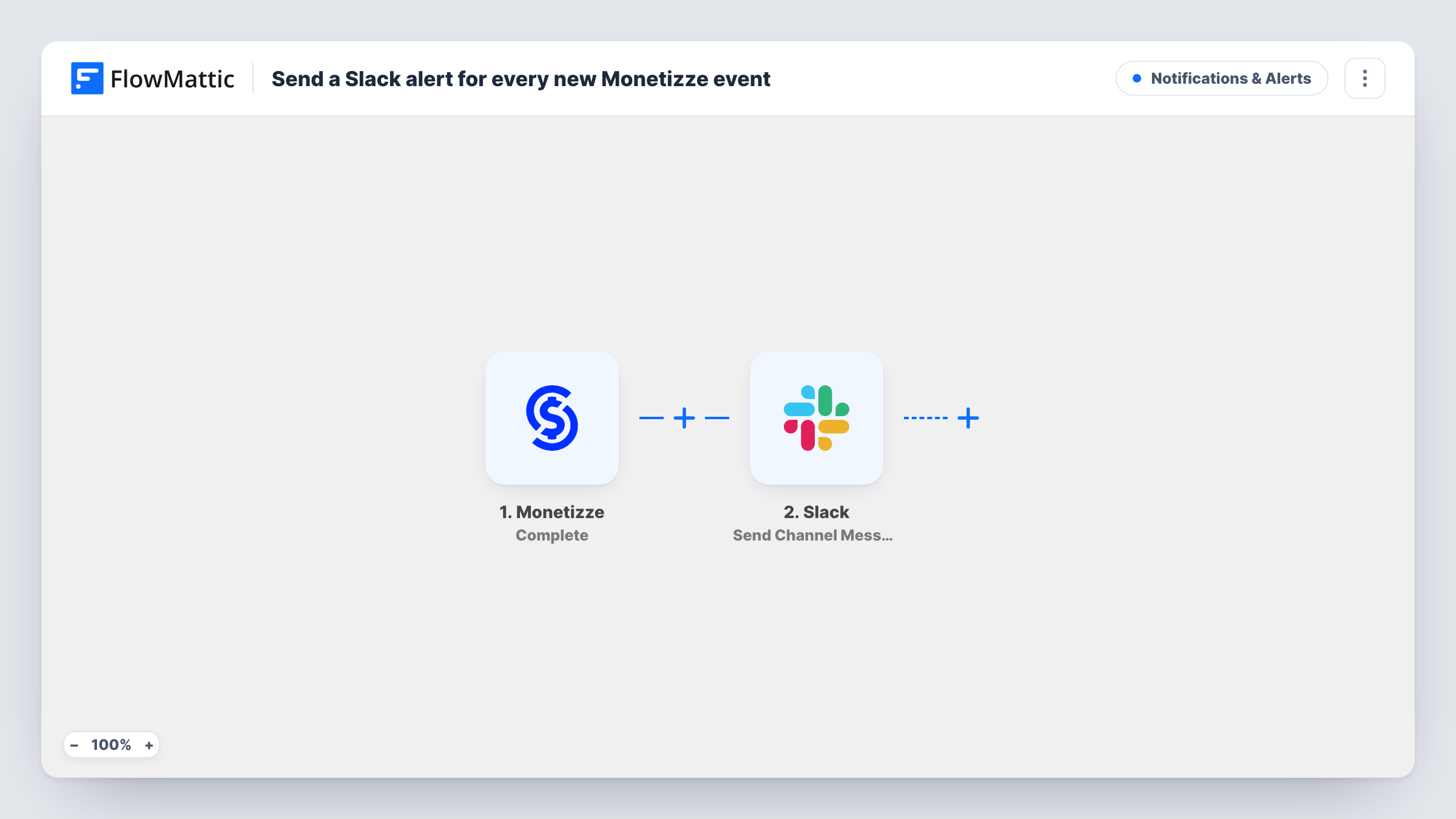
What this workflow does
Sellers and affiliate managers on Monetizze often want sales news where the team already talks, not in another dashboard. This workflow posts a Slack message for each completed sale, so the people who care see it without logging in.
The Monetizze Complete trigger fires when a sale is complete. Other sale events, such as awaiting payment, cancelled or refunded, have triggers of their own in FlowMattic's Monetizze integration and don't start this workflow.
The Slack step then announces the Monetizze sale in your workspace. It ships unmapped: after import, connect your Slack workspace, choose the channel and write the message, mapping in sale details from the trigger such as the product, buyer and amount. Run a test sale to see which fields Monetizze sends.
The Slack action here posts to public channels only. For a private sales channel, use Slack's Send Private Channel Message action instead, or Send Direct Message to alert one person.
Sales feed for a product launch
A course creator watches a #launch channel during a cart-open week and sees each completed Monetizze sale arrive with the product name.
Affiliate team updates
An affiliate manager posts every completed sale in a shared Slack channel so partners and the support team know which offers are selling.
Fulfilment heads-up
A seller of physical products alerts the packing team in Slack when a Monetizze sale completes, so they can prepare the shipment.
How this workflow runs
What happens at each step once the workflow is on, and what you need before you import it.
 Monetizze Complete
Fires when a sale reaches complete status in Monetizze. The sale details Monetizze sends with the event are passed to the Slack step for mapping.
- Slack Send Channel Message
Shares the completed sale as a message in a public Slack channel of your choice. The template leaves it unmapped, so pick the channel and write the alert with the Monetizze sale details you want to show.
What you need
- FlowMatticCore
- Monetizze AccountAccount
- Slack AccountAccount
After importing, map your own data. To keep the template universal, not every step is pre-filled. Open each step in the builder and connect your accounts and fields (channels, lists, sheets, recipients) before you switch the workflow on.
Make it yours
Changes worth making after you import it.
- Create a dedicated #sales channel for these alerts so they don't bury conversation in a busy general channel.
- Add a second workflow on Monetizze's Returned (Refund) trigger that posts to the same channel, so the team sees refunds next to sales.
- Keep buyer email addresses out of the message if the channel is shared widely; the product and amount are often enough.
Questions about this workflow
Does this post Monetizze sales that are still awaiting payment?
No. Only the Complete event starts this workflow. FlowMattic's Monetizze integration has a separate Awaiting Payment trigger if you want alerts for those as well.
Can Monetizze sale alerts go to a private Slack channel?
Not with the action this template uses. Swap it for Slack's Send Private Channel Message action, which posts to a private channel you choose.
What text will the Monetizze sale alert contain?
Whatever you write when you set up the step. The template leaves the text empty, so you map in the Monetizze sale details, such as product and price, after a test sale.
More Notifications & Alerts workflows
Other ready-to-import templates from the same category.




Import this workflow into your WordPress site
Download the JSON, import it from the Workflows screen and connect your accounts. Every run stays on your server, with no per-task fees.
30-day money-back guarantee Unlimited workflows and runs Self-hosted