

Send a Slack alert to the sales team when a carrot lead is updated
Whenever a lead’s information changes in carrot, this workflow posts a message to a Slack channel you choose, so your sales team sees the updated details without logging in to carrot to look.
 carrot
 Slack
2 steps Setup ~5 min Used on 2.0k sites Free to import
What this workflow does
Real estate leads rarely stay the same. A seller adds a phone number or a buyer's details get corrected. If the team only checks carrot now and then, those changes sit unseen. This workflow puts each change in front of your sales team in the Slack channel they already watch.
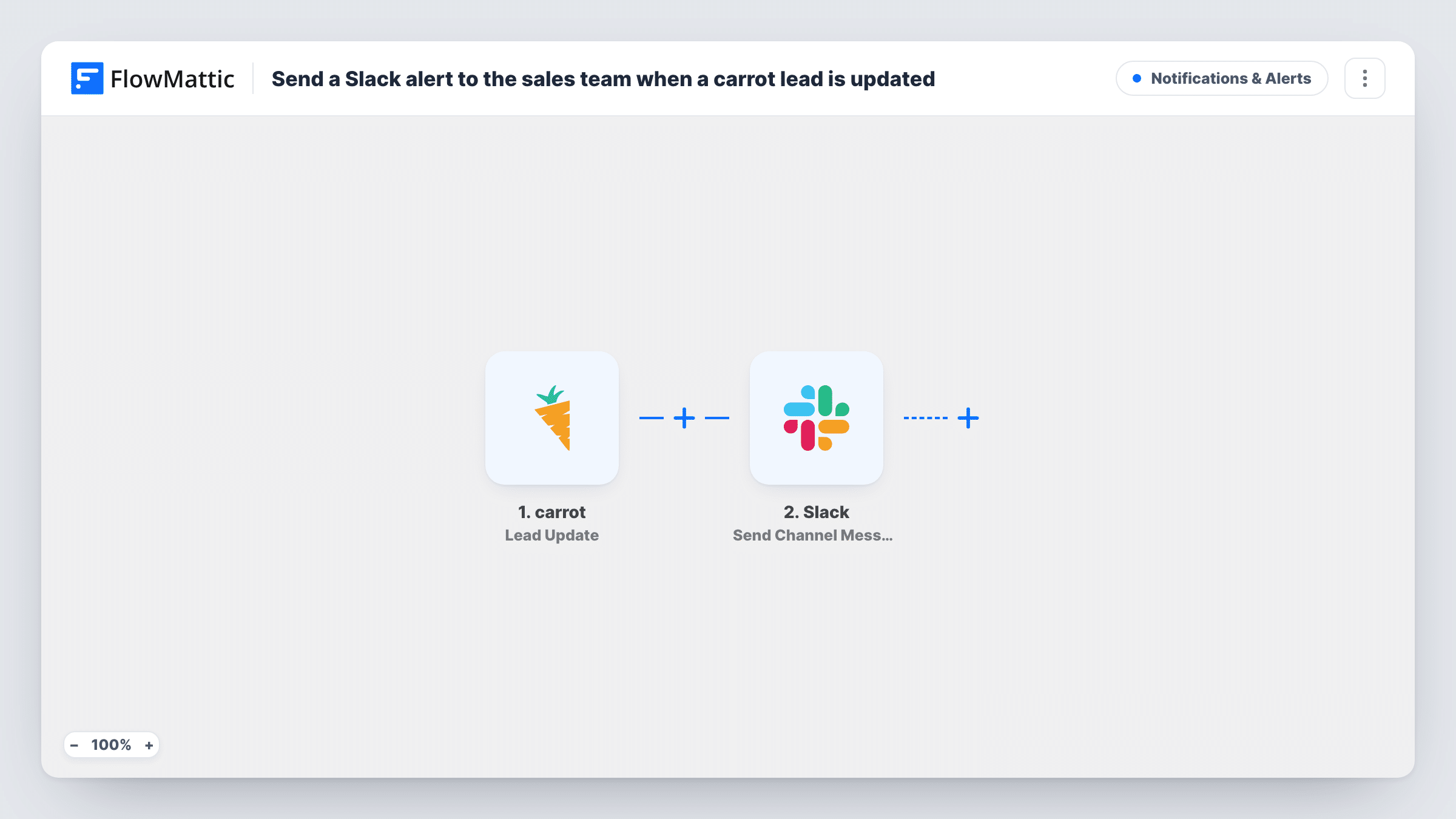
The carrot trigger fires when an existing lead's information is updated or changed. FlowMattic takes the lead data from that event and hands it to Slack, where the Send Channel Message step posts a message to the channel you pick. You write the message and drop in lead fields such as the name, contact details or whatever else the update carries.
Every update fires a run, so a lead edited three times produces three Slack messages. New leads do not trigger it; carrot reports those through a separate Lead Capture event. Task History logs each run with the lead data and Slack's response, which helps when a message does not appear.
Motivated seller adds contact details
A seller who first left only an email comes back and adds a phone number. Your acquisitions channel gets the update, and a rep can pick up the phone.
Shared channel for a small investing team
Partners who never open carrot follow lead changes in one Slack channel, and talk through the next step in the thread under each message.
Handover between team members
When one person edits a lead in carrot, the rest of the team sees the new details in Slack without asking who changed what.
How this workflow runs
What happens at each step once the workflow is on, and what you need before you import it.
 carrot Lead Update
Fires when the information on an existing carrot lead is updated or changed. The lead data from the update is passed to the Slack step for mapping.
- Slack Send Channel Message
Sends a message into the Slack #channel you select. Write the text and insert lead fields from carrot, then connect your Slack workspace. Private channels need Slack's separate Send Private Channel Message action.
What you need
- FlowMatticCore
- carrot AccountAccount
- Slack AccountAccount
After importing, map your own data. To keep the template universal, not every step is pre-filled. Open each step in the builder and connect your accounts and fields (channels, lists, sheets, recipients) before you switch the workflow on.
Make it yours
Changes worth making after you import it.
- To alert on brand-new leads as well, build a second workflow with carrot's Lead Capture trigger and the same Slack step, so the channel shows both new and changed leads.
- If the channel gets too busy, add a Filter after the trigger that continues only when a field you care about has a value, for example only updates that carry a phone number.
- Want one rep told directly instead of the whole team? Swap the step for Slack's Send Direct Message action and pick that person.
Questions about this workflow
Does a new carrot lead post to Slack?
No. The Lead Update trigger fires when an existing lead changes. carrot reports new leads with its Lead Capture trigger, which you can use in a second workflow.
Will the Slack message show what changed on the carrot lead?
It shows the lead fields you map into the message as they stand after the update. Run a test update first and look at the data FlowMattic captures to see which fields carrot sends.
Can carrot update alerts land in a private Slack channel?
Swap in the Send Private Channel Message action from Slack for that. The template's Send Channel Message step is meant for a regular #channel.
What if a lead is updated several times in a row?
Each update starts its own run, so the channel gets one message per change. Add a Filter if only certain kinds of change should post.
More Notifications & Alerts workflows
Other ready-to-import templates from the same category.




Import this workflow into your WordPress site
Download the JSON, import it from the Workflows screen and connect your accounts. Every run stays on your server, with no per-task fees.
30-day money-back guarantee Unlimited workflows and runs Self-hosted