

Send a Slack alert when a Good Grants application is submitted
When an applicant submits a Good Grants application, this workflow posts a message to the Slack channel you choose, so reviewers see each new submission without checking the Good Grants dashboard.
 Good Grants
 Slack
Slack2 steps Setup ~5 min Used on 3.1k sites Free to import
What this workflow does
Grant programs run on deadlines, and reviewers often hear about new applications only when someone checks Good Grants. This workflow brings each submission into the Slack channel where your program team already talks, so nobody has to keep refreshing the application list.
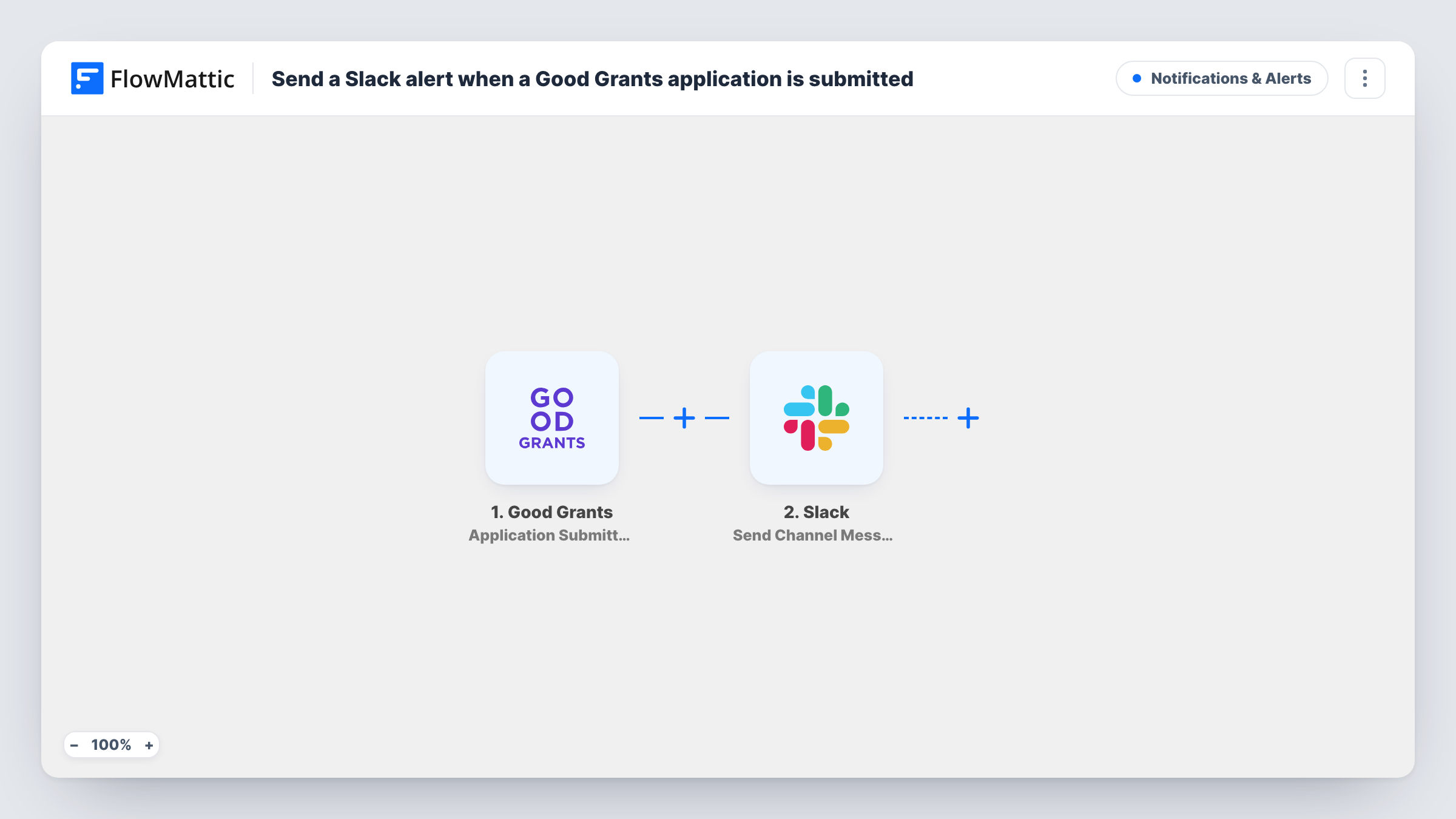
The Good Grants trigger runs when an application is submitted. FlowMattic takes the data Good Grants sends about that application and passes it to Slack, where the Send Channel Message action posts to a channel of your choice. You write the message yourself and drop in the application details you want reviewers to see.
Every submitted application produces one Slack message. The workflow only posts a notice; it does not change the application or its status in Good Grants. Task History keeps a record of each run, including the data Good Grants sent and Slack's reply.
A reviewers' channel for a grant round
Your panel shares a Slack channel for the current round. Each submitted application appears there as a message, so reviewers know when there is new work.
Watching the final days before a deadline
Program staff follow submissions in Slack during the last week of a round and can tell at a glance how many applications are coming in.
Small foundations without a full-time admin
Part-time staff who rarely log in to Good Grants still see each new application in Slack and can open it when they have time.
How this workflow runs
What happens at each step once the workflow is on, and what you need before you import it.
 Good Grants Application Submitted
Fires when an applicant submits an application in your Good Grants account. The application data it sends can be used in the Slack message.
- Slack Send Channel Message
Puts a Good Grants submission notice in the Slack channel your reviewers use. Connect your Slack workspace, write the text, and insert application details from the trigger so reviewers can tell submissions apart.
What you need
- FlowMatticCore
- Good Grants AccountAccount
- Slack AccountAccount
After importing, map your own data. To keep the template universal, not every step is pre-filled. Open each step in the builder and connect your accounts and fields (channels, lists, sheets, recipients) before you switch the workflow on.
Make it yours
Changes worth making after you import it.
- If you run several programs in Good Grants, add a Router with one route per program value and a Slack step on each, so every program posts to its own channel. Use exact program names so the routes never overlap.
- Include a link back to the application in the message if Good Grants sends one in its data. Check a test run to see which fields arrive.
- Add a Filter after the trigger if only some applications need a Slack alert, for example those from one category or region.
Questions about this workflow
Does every Good Grants application post to Slack?
Yes, as imported. Each submitted application runs the workflow once and sends one message. Add a Filter after the trigger to narrow that down.
Can the Good Grants alert go to a private Slack channel?
Slack only lets an app post where it has access. Make sure the connected Slack account can reach the channel, then run a test to confirm the message lands.
Does the workflow change anything in Good Grants?
No. It reads the submission and posts to Slack. Application status, scoring and reviews stay in Good Grants.
Will applications submitted before import show up in Slack?
No. The trigger reacts to new submissions, so only applications submitted after the workflow is on are posted.
More Notifications & Alerts workflows
Other ready-to-import templates from the same category.




Import this workflow into your WordPress site
Download the JSON, import it from the Workflows screen and connect your accounts. Every run stays on your server, with no per-task fees.
30-day money-back guarantee Unlimited workflows and runs Self-hosted