

Send a Slack alert when a new Divi Engine form is submitted
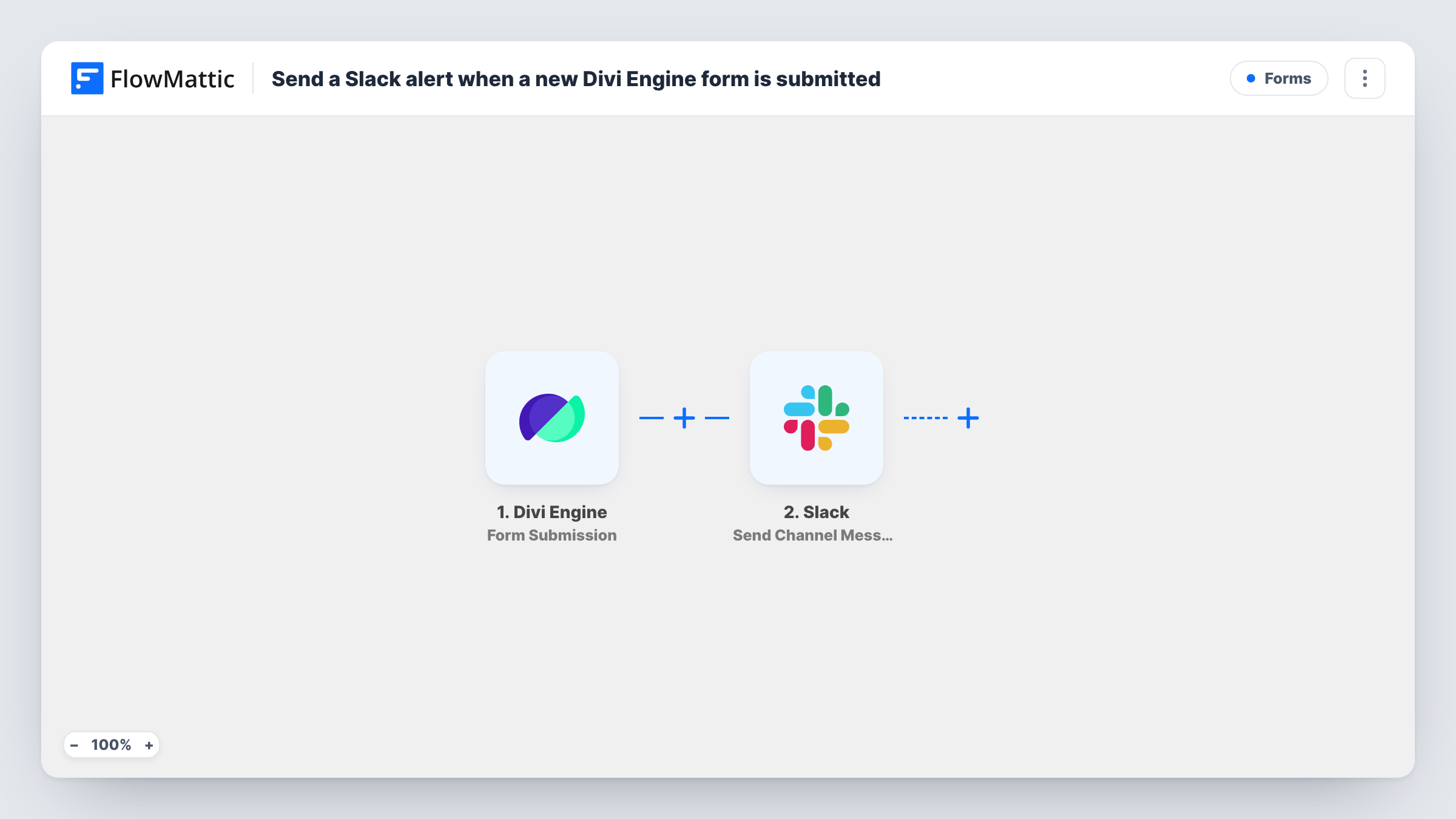
Each time a visitor submits a Divi Engine form on your site, this workflow posts a message to a Slack channel you pick, with the submitted answers you choose to include, so your team learns about new entries where it already talks.
 Divi Engine
 Slack
Slack2 steps Setup ~5 min Used on 1.3k sites Free to import
What this workflow does
Divi Engine forms collect enquiries, bookings and requests on your Divi site, but the notification usually lands in one person's inbox. If several people share the work, someone has to forward it. This workflow posts every new submission to a Slack channel the whole team can see.
The Divi Engine trigger fires when a user successfully submits the Divi form, according to FlowMattic's trigger description. FlowMattic captures the submitted fields. The Slack step then runs Send Channel Message and posts to the channel you set, with the form fields placed into the text you write.
Every successful submission produces one Slack post. Nothing is filtered out as imported, so test entries and spam that pass the form's own checks are posted too. A Filter after the trigger can change that. You can trace each post back to its submission in Task History.
Agency enquiry form
New project enquiries from a Divi site appear in a #new-business channel, so whoever is free can reply to the prospect first.
Restaurant table requests
Booking requests sent through a Divi Engine form show up in the staff channel with the date and party size from the form.
Feedback form on a product site
Customer feedback posts into a #feedback channel where product and support staff can discuss it together in a thread.
How this workflow runs
What happens at each step once the workflow is on, and what you need before you import it.
 Divi Engine Form Submission
Fires when a visitor successfully submits a Divi Engine form on your WordPress site. The submitted fields are passed on so you can insert them into the Slack message.
- Slack Send Channel Message
Posts the new-entry alert to the Slack channel set in this step. Connect your Slack workspace, write the message, and drop in fields from the Divi Engine submission where they fit.
What you need
- FlowMatticCore
- Divi Engine AccountAccount
- Slack AccountAccount
After importing, map your own data. To keep the template universal, not every step is pre-filled. Open each step in the builder and connect your accounts and fields (channels, lists, sheets, recipients) before you switch the workflow on.
Make it yours
Changes worth making after you import it.
- Send a test entry through your Divi Engine form after import, then build the Slack message from the captured fields so each post shows the details your team needs.
- Using one form for several purposes? Add a Filter after the trigger that continues only when a chosen field holds the value you care about, such as a subject or department.
- Keep a record outside Slack by adding a Google Sheets step after the Slack post that writes the same submission into a new row.
Questions about this workflow
Does the Divi Engine form need to be on the same site as FlowMattic?
Yes. The trigger listens for submissions on the WordPress site where FlowMattic runs, so the form must be published there.
Can every Divi Engine form on my site use this workflow?
The trigger is set up after import. Check its settings for the form you want, and use a test submission to confirm the right form starts the workflow.
Will spam submissions be posted to Slack?
Any submission the form accepts is posted, because the template has no Filter. Use your form's own spam protection, or add a Filter that stops entries you can recognise.
Do Divi Engine submissions from before import reach Slack?
No. Only forms submitted while the workflow is turned on are posted. Older entries are not sent.
More Forms workflows
Other ready-to-import templates from the same category.







Import this workflow into your WordPress site
Download the JSON, import it from the Workflows screen and connect your accounts. Every run stays on your server, with no per-task fees.
30-day money-back guarantee Unlimited workflows and runs Self-hosted