

Send a Slack alert when a new Fluix form response is submitted
Each time a Fluix form response is submitted, FlowMattic posts a message to a Slack channel with the details you choose, so the office team sees field reports as they come in.
 Fluix
 Slack
2 steps Setup ~5 min Used on 714 sites Free to import
What this workflow does
Fluix is used to send forms out to people in the field: inspection checklists, delivery sign-offs, site reports. Once a form is completed, someone back at the office usually has to act on it, and they shouldn't have to keep checking Fluix to find out. This workflow posts a Slack message for every response.
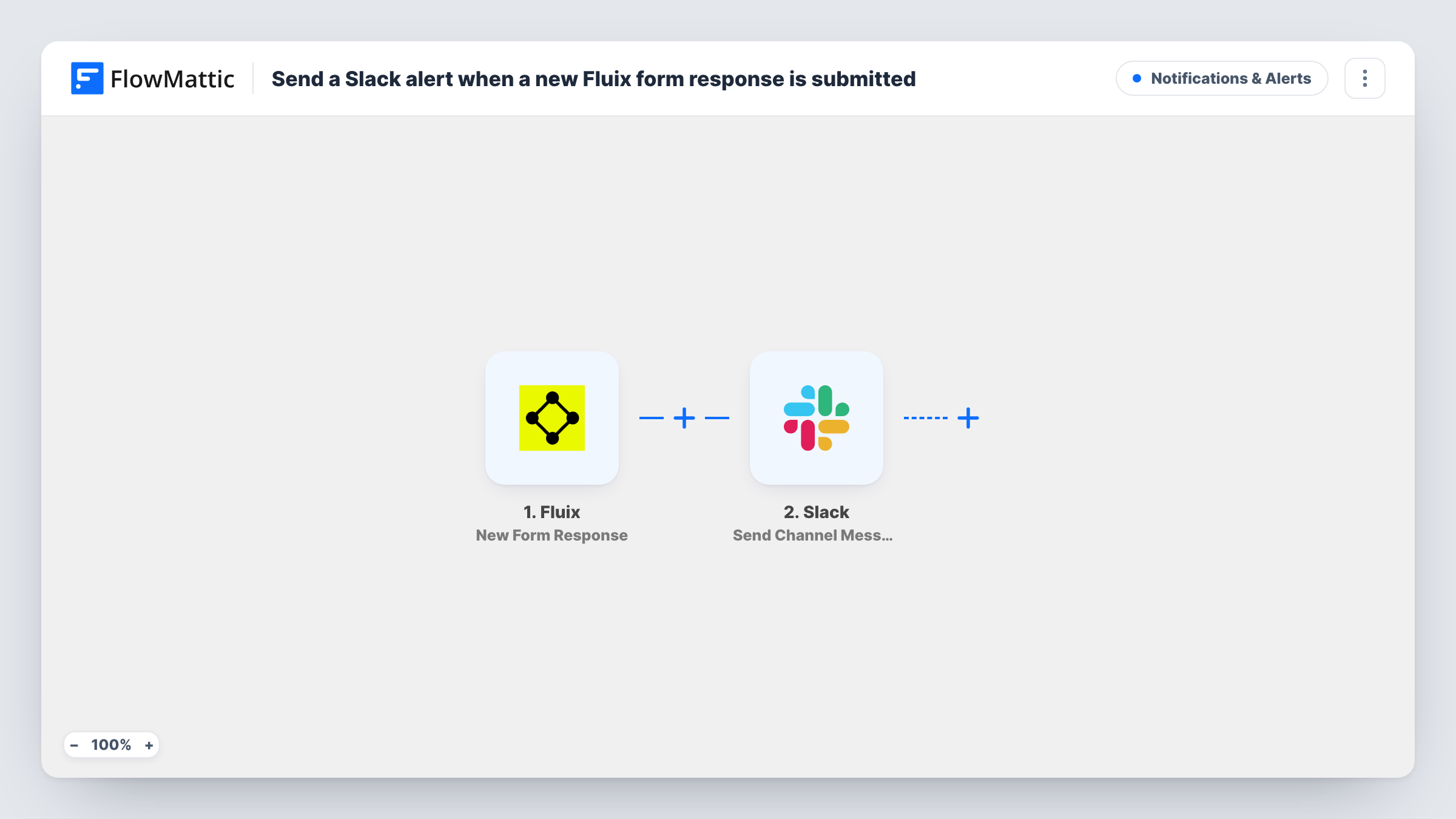
The Fluix trigger, New Form Response, fires when a response to a form is submitted. FlowMattic receives the response data Fluix sends. The Slack step uses Send Channel Message to post to the channel you specify, and you write the message with response details mapped in, such as who submitted it and the key answers.
There's no Filter, so every Fluix response becomes a Slack post. If your team submits many forms a day, consider a dedicated channel or a Filter for the forms that need attention. The message only contains what you map into it. Task History shows each run with what was posted.
Safety inspections completed on site
A site manager submits a Fluix inspection checklist. The operations channel in Slack gets a post naming the site and inspector, so the office knows it's done.
Proof of delivery from drivers
Drivers fill in a Fluix delivery form at each drop-off. Dispatch sees a Slack message with the customer and time for each completed delivery.
Maintenance requests from technicians
A technician reports a fault through a Fluix form. The maintenance channel gets the details right away so someone can order parts.
How this workflow runs
What happens at each step once the workflow is on, and what you need before you import it.
 Fluix New Form Response
Starts a run each time a field worker completes and submits a Fluix form. The response data Fluix sends becomes available to place in the Slack message.
- Slack Send Channel Message
Sends the alert to one Slack channel of your choice. Write the alert text and map in Fluix details, such as the form name, the submitter and the main answers.
What you need
- FlowMatticCore
- Fluix AccountAccount
- Slack AccountAccount
After importing, map your own data. To keep the template universal, not every step is pre-filled. Open each step in the builder and connect your accounts and fields (channels, lists, sheets, recipients) before you switch the workflow on.
Make it yours
Changes worth making after you import it.
- Add a Filter after the trigger on a Fluix answer, such as a failed check or a high priority, so only responses that need action reach Slack.
- Is the Fluix alert channel private? Then use Slack's Send Private Channel Message action instead, and use Send Direct Message to alert one person.
- If different Fluix forms belong to different teams, add a Router on the form name with one Slack step per team channel, using distinct form names.
- Add a Google Sheets step after Slack to keep a running log of every Fluix response alongside the alert.
Questions about this workflow
Does every Fluix form response post to Slack?
Yes, as imported. Each submitted response starts a run. A Filter placed right after the Fluix trigger narrows it to the forms or answers that matter.
What Fluix details can the Slack message show?
Whatever data Fluix sends with the response. Submit one test response, then open the run in Task History to see the fields before you write the message.
Can the Slack alert include the completed Fluix document?
The template posts a text message only. If Fluix sends a link to the document with the response, you can map that link into the message.
Are past Fluix responses sent to Slack when I turn this on?
No. Fluix responses sent before you activate the workflow stay in Fluix only.
More Notifications & Alerts workflows
Other ready-to-import templates from the same category.



Import this workflow into your WordPress site
Download the JSON, import it from the Workflows screen and connect your accounts. Every run stays on your server, with no per-task fees.
30-day money-back guarantee Unlimited workflows and runs Self-hosted