

Send a Slack alert when a new Formspree submission is received
Get a Slack channel message for every new Formspree submission. FlowMattic posts the answers you map to the channel you choose, so your team sees each new entry where they already talk.
 Formspree
 Slack
2 steps Setup ~5 min Used on 1.8k sites Free to import
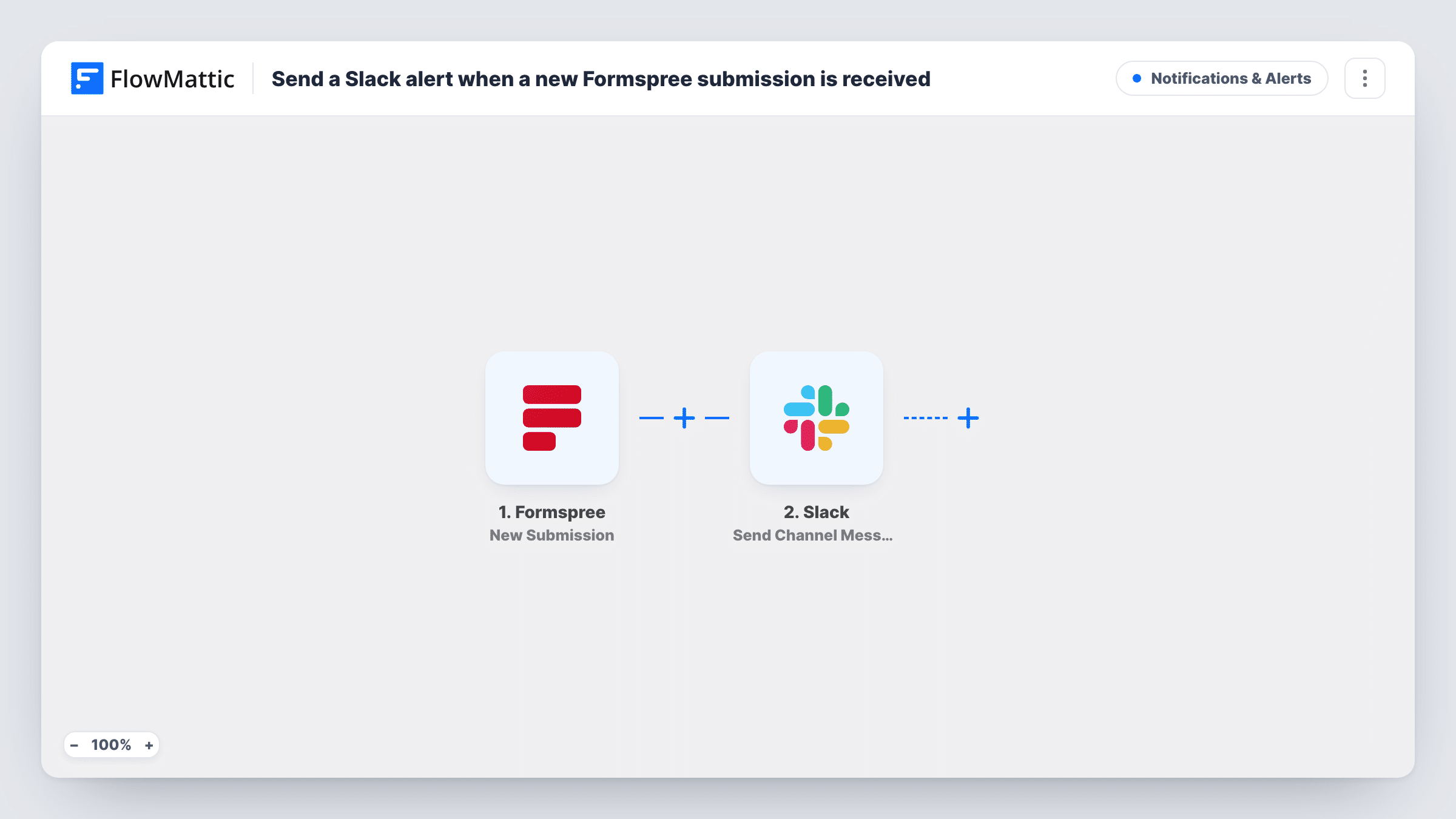
What this workflow does
Formspree handles the form backend for static sites and sends submissions by email. Email works for one person, but a team often misses entries sitting in someone else's inbox. Posting each submission to Slack puts it in front of everyone who needs to act.
The Formspree trigger fires for each new form submission. FlowMattic passes the submitted fields to the Slack Send Channel Message action. You pick the channel and write the message, placing form answers such as name, email or message wherever you want them.
The template has no Filter, so every submission posts. Formspree keeps its own handling of the entry; this workflow only adds the Slack message. Task History records each run with the data Formspree sent, which helps when you adjust the message layout.
Contact form on a static portfolio
A designer's Formspree contact form posts each enquiry to a Slack channel the designer checks on their phone.
Agency landing pages
Several client landing pages use Formspree. Each new lead appears in the client's Slack channel so the account manager can reply quickly.
Beta sign-up form
A product team collects beta requests with Formspree. Each request shows up in the team channel, where people react to decide who to invite.
How this workflow runs
What happens at each step once the workflow is on, and what you need before you import it.
 Formspree New Submission
Fires for each new Formspree form submission. The submitted fields are passed on so you can place them in the Slack message. Send a test entry to see the field names.
- Slack Send Channel Message
Turns each Formspree entry into one Slack post in a channel of your choice. Connect your workspace, choose the channel and write the message, mapping in the Formspree answers you want to show.
What you need
- FlowMatticCore
- Formspree AccountAccount
- Slack AccountAccount
After importing, map your own data. To keep the template universal, not every step is pre-filled. Open each step in the builder and connect your accounts and fields (channels, lists, sheets, recipients) before you switch the workflow on.
Make it yours
Changes worth making after you import it.
- If one Formspree account serves several forms, add a Filter after the trigger on a value that identifies the form, once a test run shows which value that is.
- Lay out the message with a line per field, starting with the person's name and email, so the post is easy to scan in a busy channel.
- To keep a record as well as an alert, add a Google Sheets Add New Row step after the Slack step and map the same answers.
Questions about this workflow
Does every Formspree submission post to Slack?
Yes, as imported. There is no condition between the steps, so each new submission sends one channel message.
Will Formspree still email me submissions?
The workflow doesn't change your Formspree settings. It only reads new submissions and posts them to Slack.
Can the Formspree message go to one person instead of a channel?
Yes. Swap the step for Slack's Send Direct Message action, or use Send Private Channel Message for a private channel.
Are old Formspree submissions posted?
No. Only submissions received after you turn the workflow on reach Slack.
More Notifications & Alerts workflows
Other ready-to-import templates from the same category.




Import this workflow into your WordPress site
Download the JSON, import it from the Workflows screen and connect your accounts. Every run stays on your server, with no per-task fees.
30-day money-back guarantee Unlimited workflows and runs Self-hosted