

Send a Slack alert when a prospect replies to a Dux-Soup message
When Dux-Soup reads a newly received LinkedIn message, this workflow posts it to a Slack channel, so your sales team hears about prospect replies without watching the LinkedIn inbox.
 Dux-Soup
 Slack
2 steps Setup ~5 min Used on 2.8k sites Free to import
What this workflow does
Dux-Soup runs your LinkedIn outreach, but the replies still arrive in a LinkedIn inbox that someone has to keep checking. When the team lives in Slack, a reply can sit unread for hours. This workflow puts each received message in front of the team in a Slack channel.
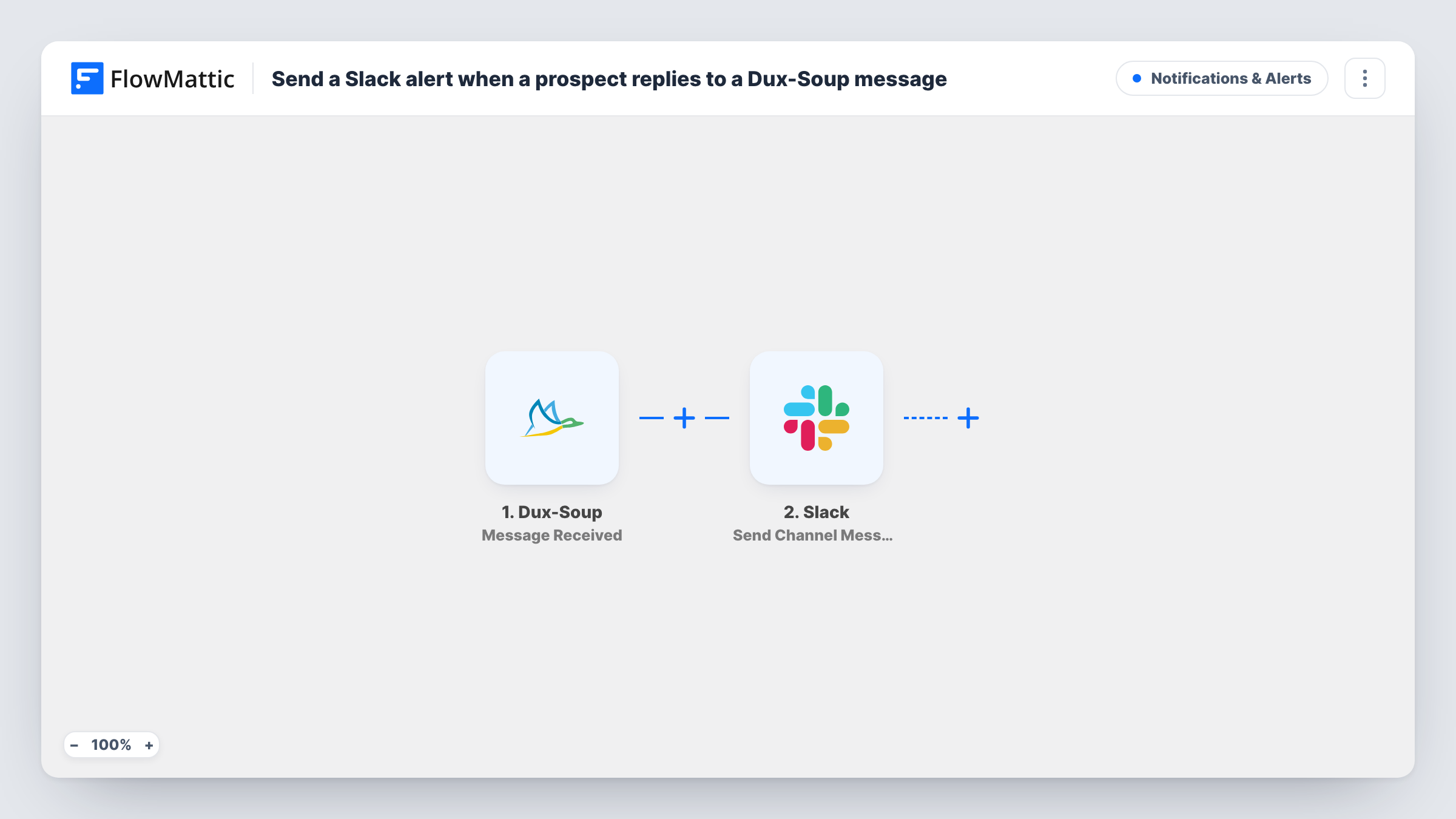
The Dux-Soup trigger is Message Received, which fires when the Dux-Soup message bridge reads a newly received message. FlowMattic passes the message data to Slack, and Send Channel Message posts it to the public channel you choose. Map the sender's name, the message text and a link to their profile if Dux-Soup sends one.
The trigger covers received messages in general, not only answers to your Dux-Soup campaigns, so other inbound LinkedIn messages the bridge reads will post too. Run a test to see what each message includes, then add a Filter if you want to narrow it.
Sales team reply channel
An SDR team runs Dux-Soup campaigns from several LinkedIn accounts, and every reply lands in one Slack channel where a rep picks it up.
Founder-led outreach
A founder runs Dux-Soup sequences but spends the day in Slack. Replies appear there, so none wait until the evening.
Recruiting outreach
A recruiter contacts candidates through Dux-Soup, and the hiring team sees each candidate's response in a shared Slack channel.
How this workflow runs
What happens at each step once the workflow is on, and what you need before you import it.
 Dux-Soup Message Received
Runs when the Dux-Soup message bridge reads a newly received LinkedIn message. The message and sender details become available to map into Slack.
- Slack Send Channel Message
Posts the reply to the Slack channel you pick. Connect your Slack workspace, choose a public channel, and build the message from the sender's name and the text Dux-Soup sends.
What you need
- FlowMatticCore
- Dux-Soup AccountAccount
- Slack AccountAccount
After importing, map your own data. To keep the template universal, not every step is pre-filled. Open each step in the builder and connect your accounts and fields (channels, lists, sheets, recipients) before you switch the workflow on.
Make it yours
Changes worth making after you import it.
- To keep LinkedIn replies to a small group, swap in Slack's Send Private Channel Message action and pick a private channel instead.
- Send each rep their own replies with Slack's Send Direct Message action, if every rep runs their own Dux-Soup account and workflow.
- Add a Filter after the trigger on a field Dux-Soup sends, such as the campaign, if only some conversations should post. Check a test run to see what's there.
Questions about this workflow
Does Dux-Soup need to be running for replies to reach Slack?
The trigger fires when the Dux-Soup message bridge reads a new message, so it depends on Dux-Soup reading your LinkedIn inbox. Check your Dux-Soup setup if messages don't appear.
Will every received LinkedIn message post to Slack?
Every message the bridge reads as newly received starts a run. That can include messages that aren't answers to your campaigns, unless a Filter on a Dux-Soup field holds them back.
Can I reply to the prospect from Slack?
No. The workflow only posts a notice to Slack. You answer the prospect in LinkedIn as usual.
More Notifications & Alerts workflows
Other ready-to-import templates from the same category.



Import this workflow into your WordPress site
Download the JSON, import it from the Workflows screen and connect your accounts. Every run stays on your server, with no per-task fees.
30-day money-back guarantee Unlimited workflows and runs Self-hosted